
-
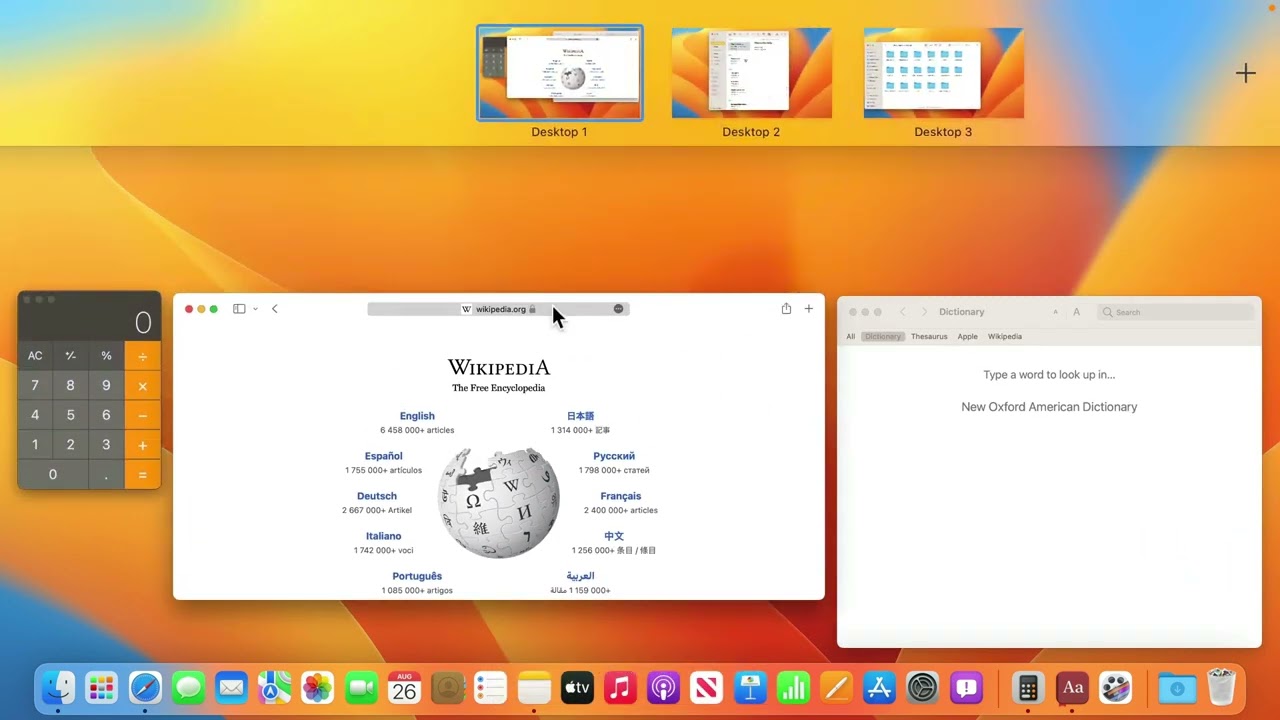
MacMost Ventura Course Lesson 8 – Mission Control and Full Screen Apps
-
MacMost Ventura Course Lesson 38 – Backing Up With Time Machine
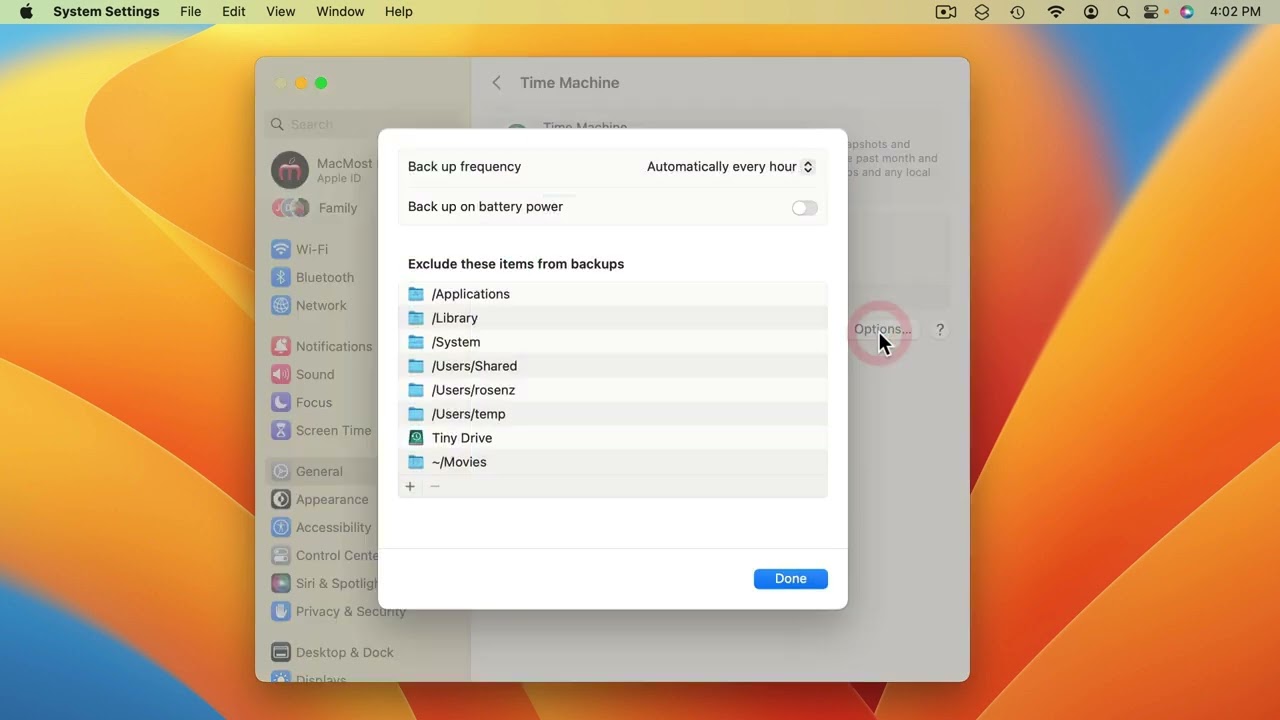
Youtube Part of “The Guide to macOS Ventura,” a course by MacMost.com It is critically important that you back up your data. Time Machine is built into macOS and is simple to use. FOLLOW MACMOST FOR NEW TUTORIALS EVERY DAY ▶︎ YouTube — http://macmost.com/j-youtube (And hit the 🔔) ▶︎ YouTube Email Notifications — http://macmost.com/ytn ⭐️…
-
MacMost Ventura Course Lesson 1 – Introduction

Youtube Part of “The Guide to macOS Ventura,” a course by MacMost.com A quick overview of the course. FOLLOW MACMOST FOR NEW TUTORIALS EVERY DAY ▶︎ YouTube — http://macmost.com/j-youtube (And hit the 🔔) ▶︎ YouTube Email Notifications — http://macmost.com/ytn ⭐️ ▶︎ MacMost Weekly Email Newsletter — https://macmost.com/newsletter ✉️ #courses #venturacourse
-
MacMost Ventura Course Lesson 27 – Notes

Youtube Part of “The Guide to macOS Ventura,” a course by MacMost.com The Notes app can be used to record and recall miscellaneous information. You can store text, lists, tables and images in Notes. New: Enhanced Smart Folders, Share with only a link, Group by date, tag filter options. FOLLOW MACMOST FOR NEW TUTORIALS EVERY…
-
MacMost Ventura Course Lesson 47 – Shortcuts
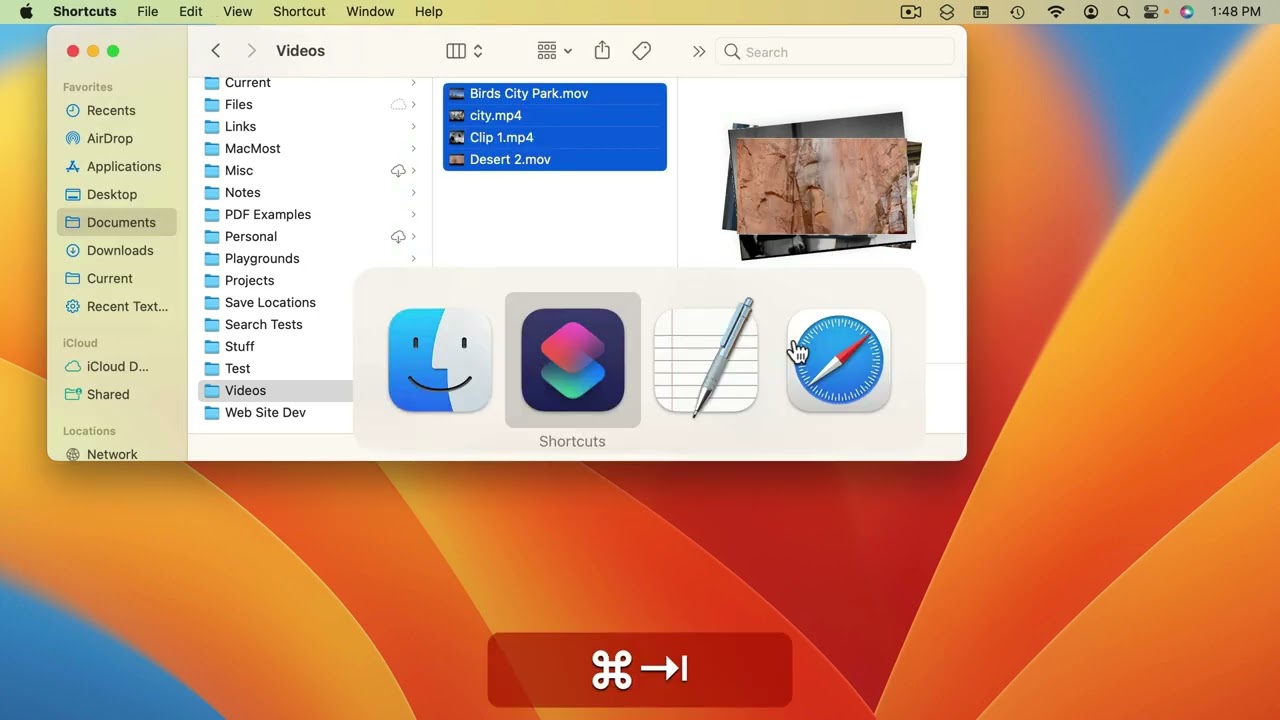
Youtube Part of “The Guide to macOS Ventura,” a course by MacMost.com A quick introduction to the Shortcuts app where you can build simple automations. FOLLOW MACMOST FOR NEW TUTORIALS EVERY DAY ▶︎ YouTube — http://macmost.com/j-youtube (And hit the 🔔) ▶︎ YouTube Email Notifications — http://macmost.com/ytn ⭐️ ▶︎ MacMost Weekly Email Newsletter — https://macmost.com/newsletter ✉️…
-
MacMost Ventura Course Lesson 3 – Switching From Windows
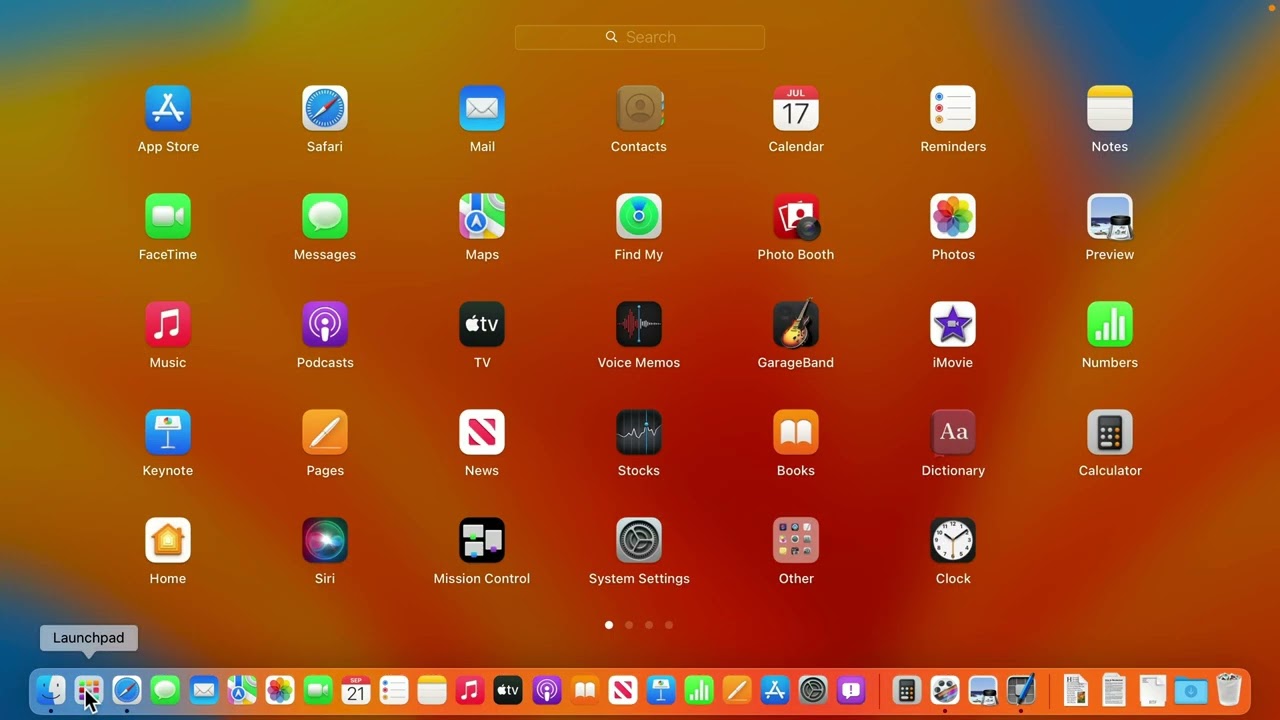
Youtube Part of “The Guide to macOS Ventura,” a course by MacMost.com If you are new to Mac and have been using Microsoft Windows, it will be useful to know some of the things that make this transition difficult. Learn some of the fundamental differences between how you do things on Mac versus Windows. FOLLOW…
-
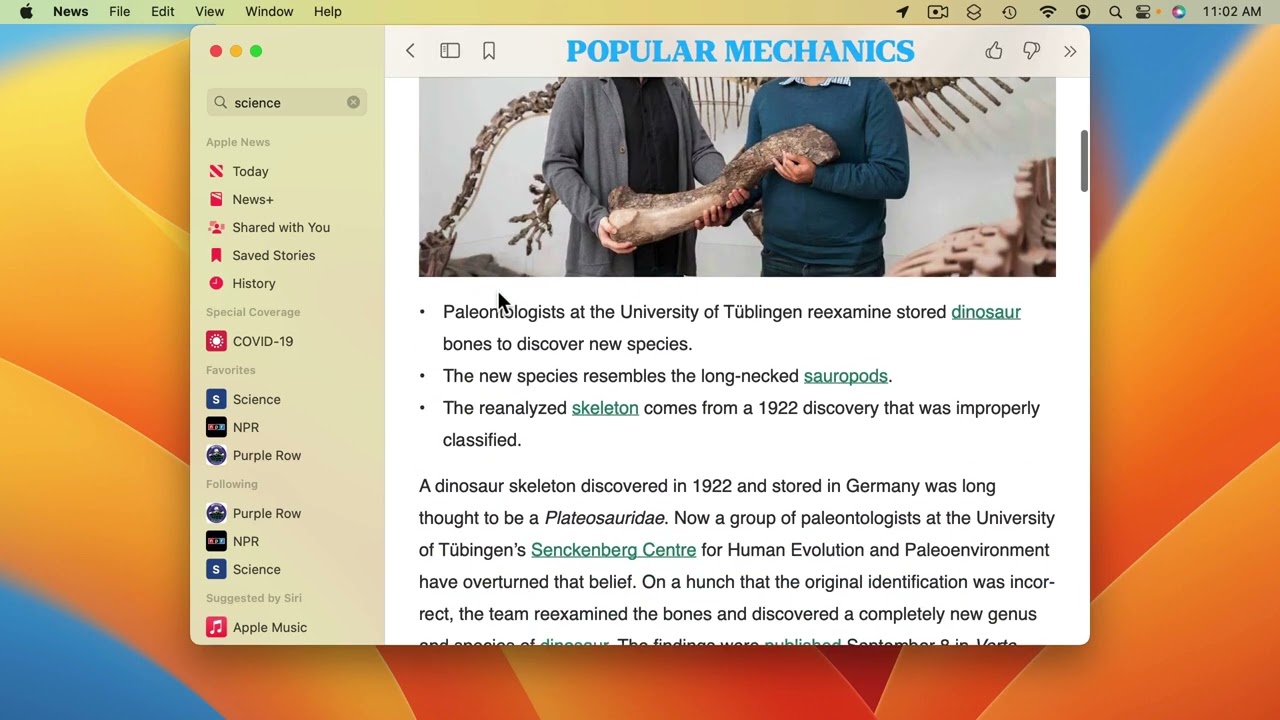
MacMost Ventura Course Lesson 31 – More Apps
-
MacMost Ventura Course Lesson 22 – New Mail Features
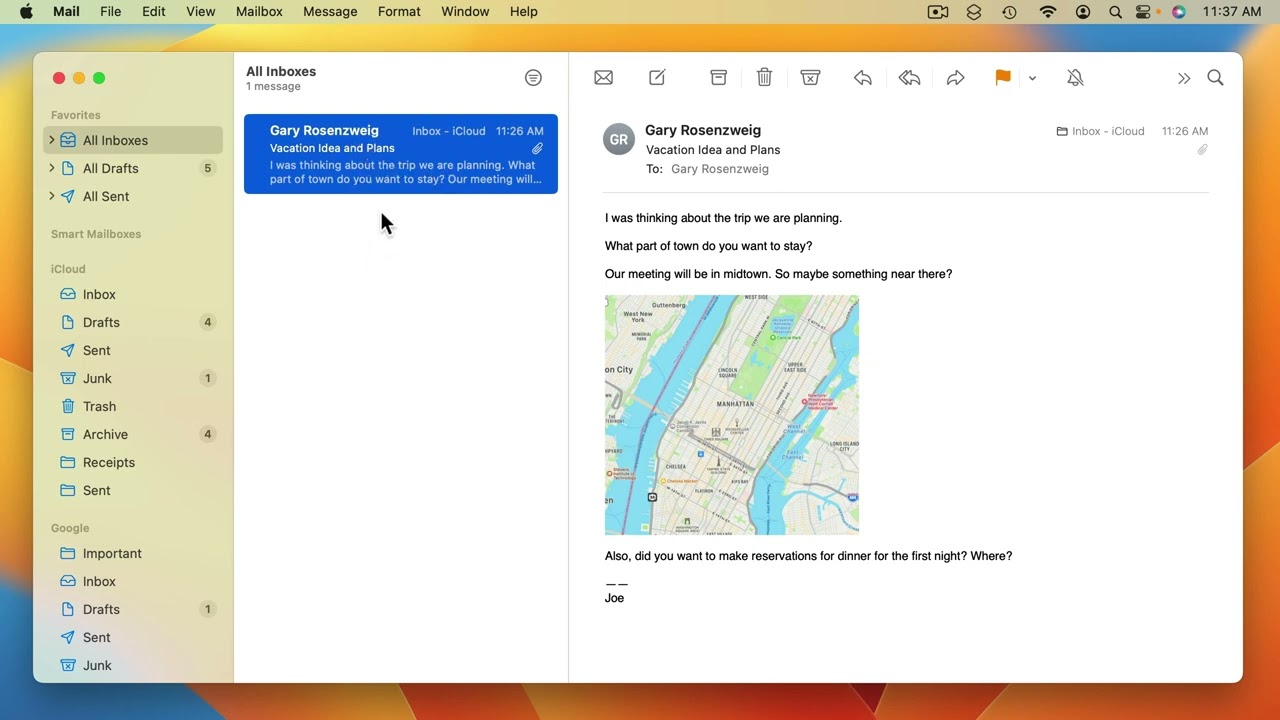
Youtube Part of “The Guide to macOS Ventura,” a course by MacMost.com New Ventura Mail features: Undo Send, Send Later, Remind Me, Follow Up, smarter searching, missing attachment notification. FOLLOW MACMOST FOR NEW TUTORIALS EVERY DAY ▶︎ YouTube — http://macmost.com/j-youtube (And hit the 🔔) ▶︎ YouTube Email Notifications — http://macmost.com/ytn ⭐️ ▶︎ MacMost Weekly Email…
-
MacMost Ventura Course Lesson 21 – Mail App Basics
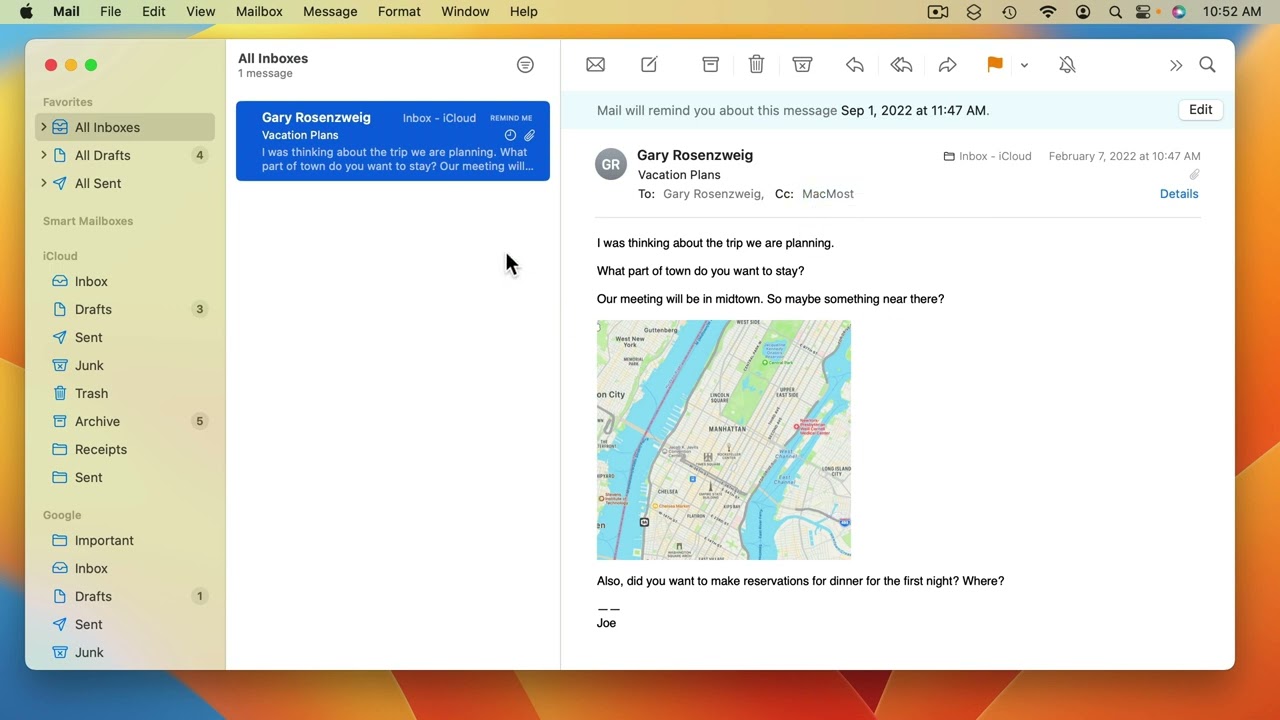
Youtube Part of “The Guide to macOS Ventura,” a course by MacMost.com Configure the Mail app to receive and send email using your email service. Read and reply to mail. With the Mail app you can easily archive mail and set up mailboxes to organize your old messages. The Mail app gives you some tools…
-
MacMost Ventura Course Lesson 5 – The Menu Bar
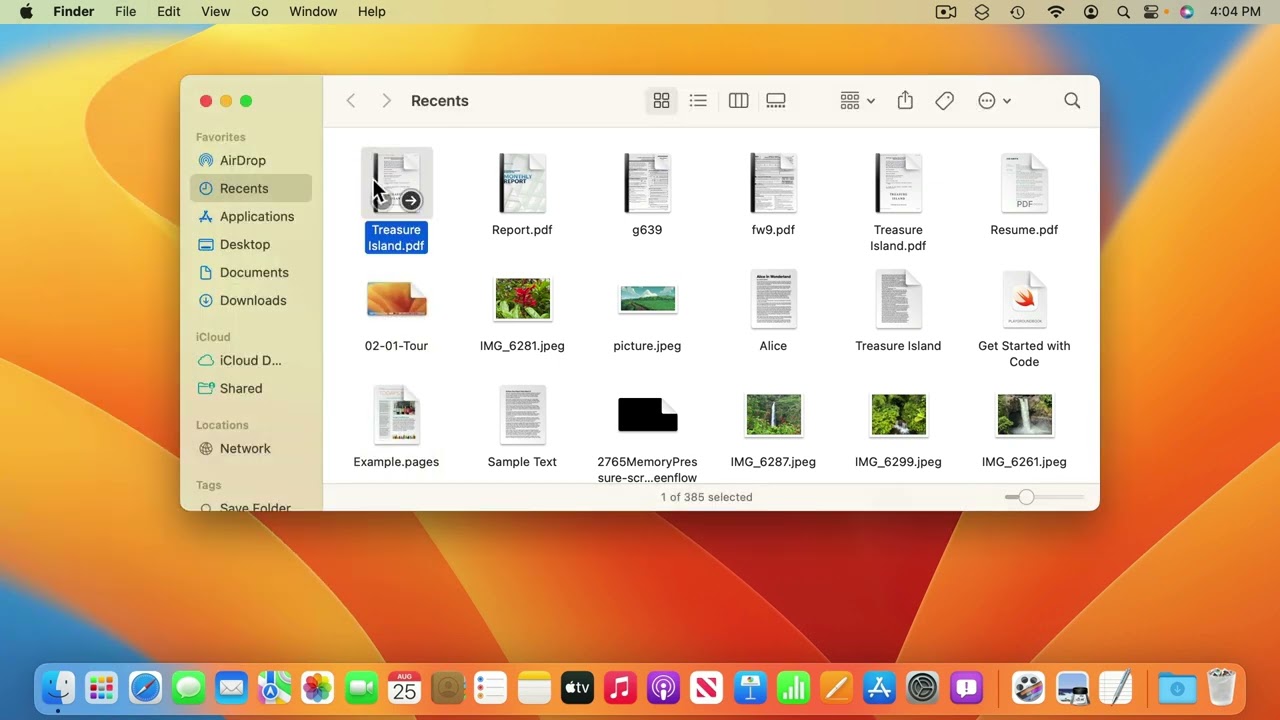
Youtube Part of “The Guide to macOS Ventura,” a course by MacMost.com The macOS menu bar is almost always present at the very top of the screen. Learn how to access menus, submenus, and menu items. You’ll also learn how to spot keyboard shortcuts, search for menu items, and bring up context menus. On the…