
-
MacMost Numbers Course Lesson 20 – Multiple Tables

Youtube Part of “Numbers: Using Spreadsheets On Your Mac,” a course by MacMost.com FOLLOW MACMOST FOR NEW TUTORIALS EVERY DAY ▶︎ YouTube — http://macmost.com/j-youtube (And hit the 🔔) ▶︎ YouTube Email Notifications — http://macmost.com/ytn ⭐️ ▶︎ MacMost Weekly Email Newsletter — https://macmost.com/newsletter ✉️ #course #numberscourse
-
MacMost Ventura Course Lesson 13 – File Storage and Desktop Organization
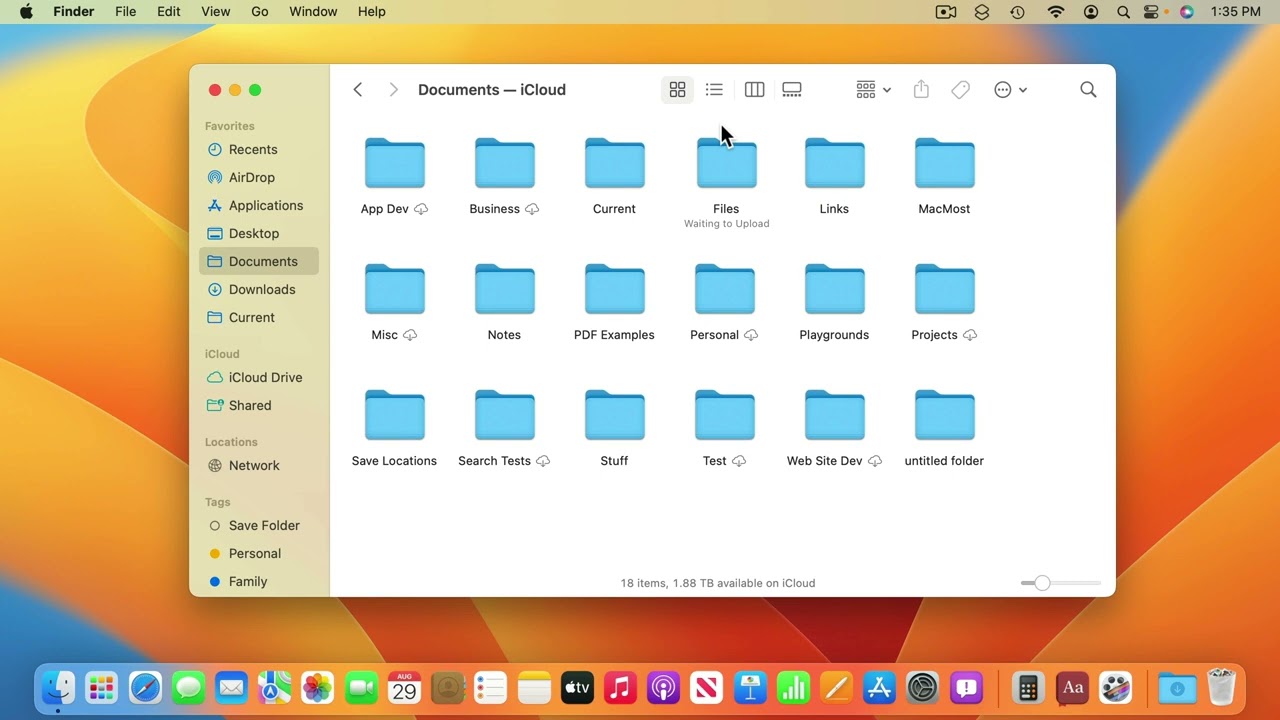
Youtube Part off “The Guide to macOS Ventura,” a course by MacMost.com Your Mac comes with a standard set of folders that should be used for specific purposes, such as storing your Photos library in the Pictures folder. You will also have a Documents folder that you can use to place all of your files…
-
MacMost Ventura Course Lesson 6 – Launching, Quitting and Switching Apps
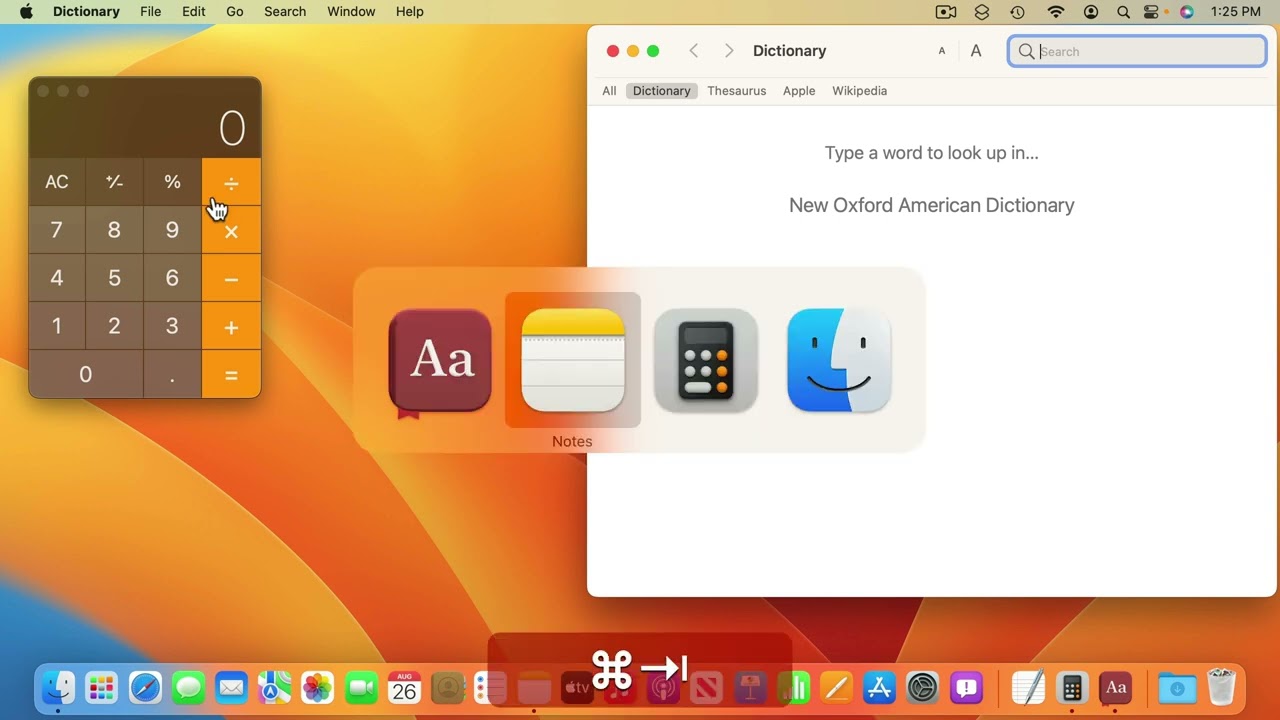
Youtube Part of “The Guide to macOS Ventura,” a course by MacMost.com Most of the work you do on your Mac will be within applications, also called apps or programs. To launch an app, you can use The Dock, Launchpad, or Spotlight. While working with several apps at once, you can use the App Switcher…
-
MacMost Ventura Course Lesson 18 – Creating, Saving and Opening Documents

Youtube Part of “The Guide to macOS Ventura,” a course by MacMost.com How to start a new document, save it, and return to it. When working with documents in many apps you have the ability to revert to previous versions or to view those versions and copy text from them. FOLLOW MACMOST FOR NEW TUTORIALS…
-
MacMost Ventura Course Lesson 32 – System Settings

Youtube Part of “The Guide to macOS Ventura,” a course by MacMost.com Ventura replaces System Preferences with System Settings. This new interface looks more like the Settings app on the iPad and iPhone. Categories here sometimes correspond to the sections of System Preferences in previous versions of macOS, but there is also a lot of…
-
MacMost Ventura Course Lesson 29 – Weather

Youtube Part of “The Guide to macOS Ventura,” a course by MacMost.com The new Weather apps lets you check detailed weather data and forecasts for your current location and other locations you add to a list. FOLLOW MACMOST FOR NEW TUTORIALS EVERY DAY ▶︎ YouTube — http://macmost.com/j-youtube (And hit the 🔔) ▶︎ YouTube Email Notifications…
-
MacMost Ventura Course Lesson 43 – Spotlight
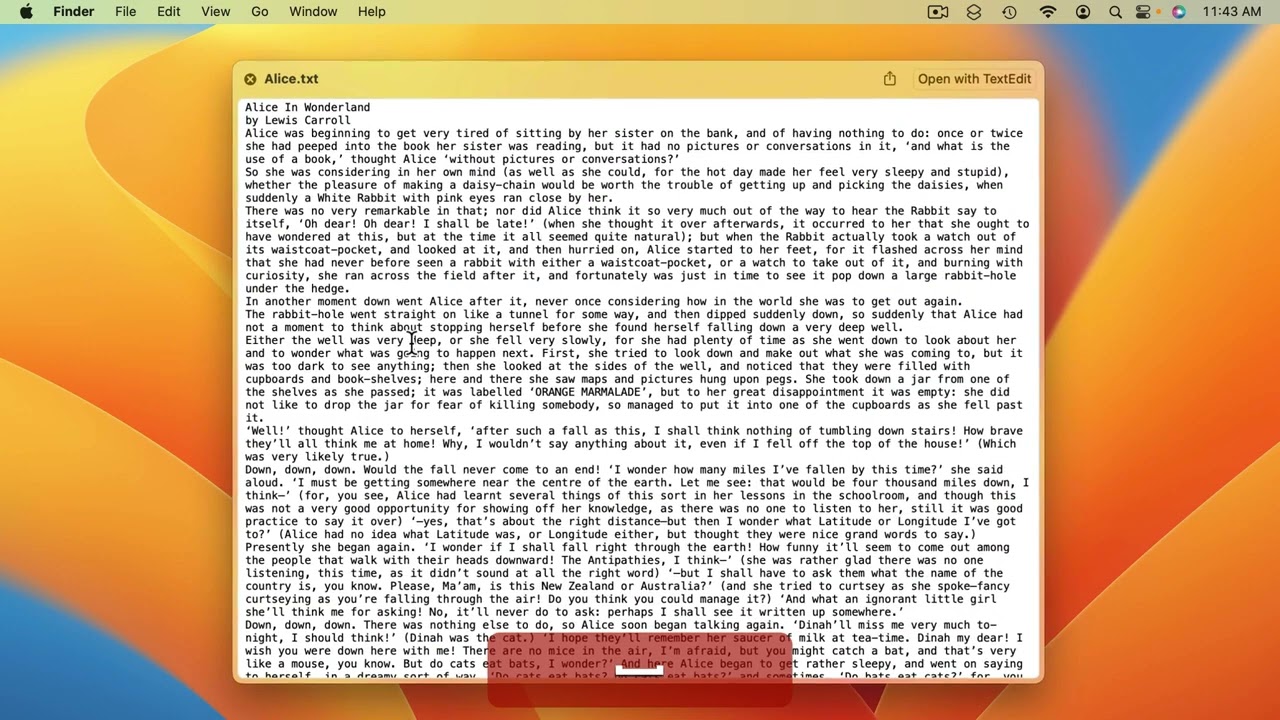
Youtube Part of “The Guide to macOS Ventura,” a course by MacMost.com Spotlight is more than just a way to search for files. You can launch apps, perform complex calculations, get information, and find things in your browser history, email and more. New: Changes to spotlight. FOLLOW MACMOST FOR NEW TUTORIALS EVERY DAY ▶︎ YouTube…
-
MacMost Ventura Course Lesson 44 – Typing Special Characters
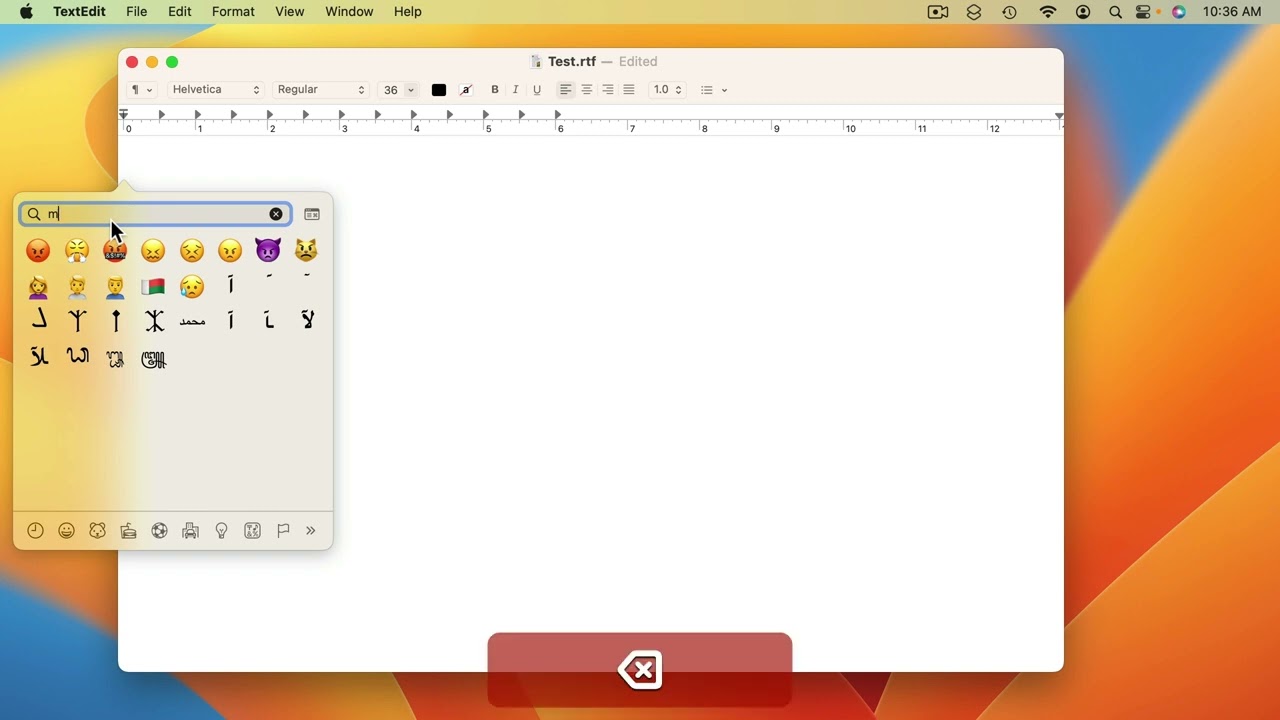
Youtube Part of “The Guide to macOS Ventura,” a course by MacMost.com If you need to type accent marks, symbols or colorful emoji, it is easy to do so using a long press or a special keyboard command. FOLLOW MACMOST FOR NEW TUTORIALS EVERY DAY ▶︎ YouTube — http://macmost.com/j-youtube (And hit the 🔔) ▶︎ YouTube…
-
MacMost Ventura Course Lesson 20 – Safari Password Management
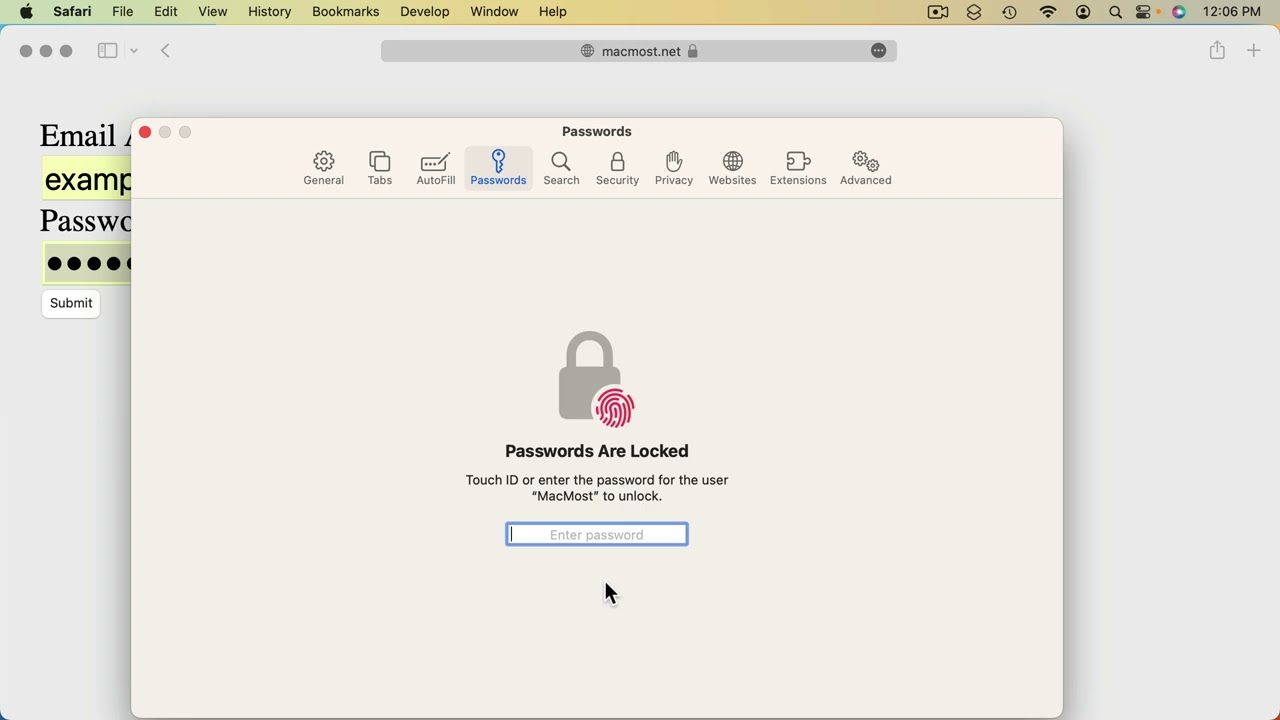
Youtube Part of “The Guide to macOS Ventura,” a course by MacMost.com Safari has a built-in password manager that you can use to create strong passwords. They are automatically saved for later use. New: Password customizations. FOLLOW MACMOST FOR NEW TUTORIALS EVERY DAY ▶︎ YouTube — http://macmost.com/j-youtube (And hit the 🔔) ▶︎ YouTube Email Notifications…
-
MacMost Ventura Course Lesson 33 – Menu Bar Buttons and Control Center
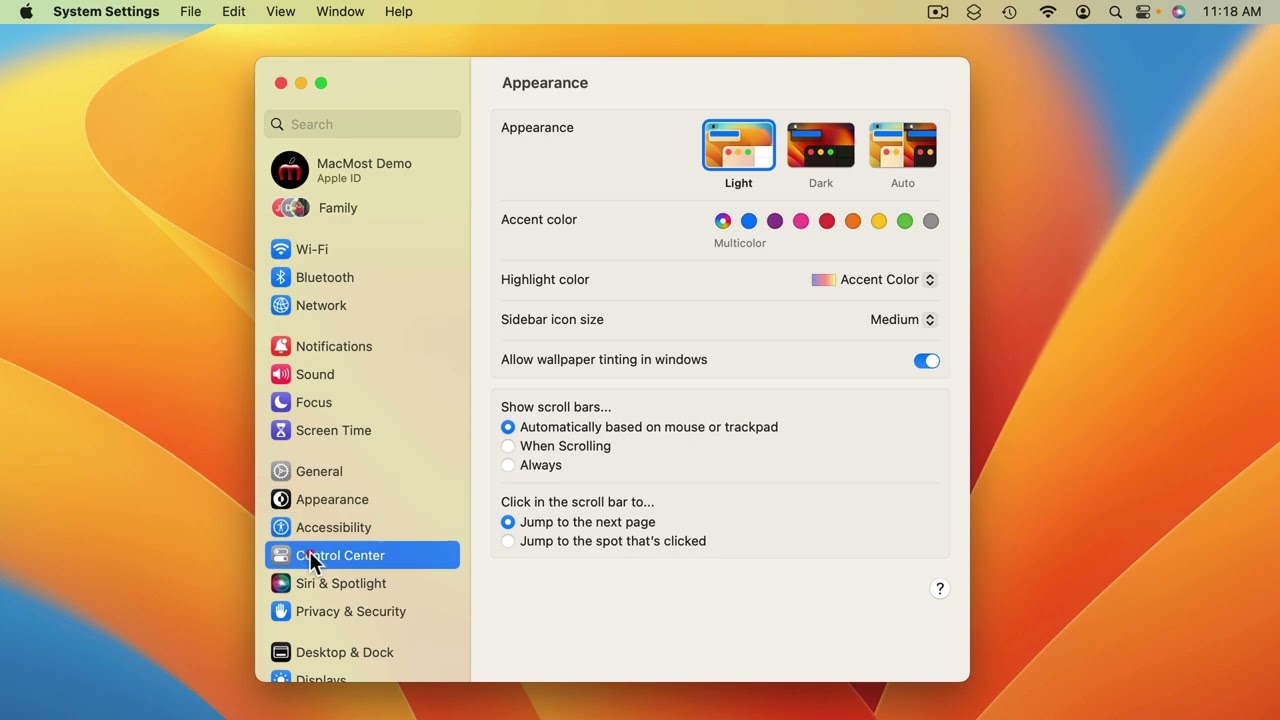
Youtube Part of “The Guide to macOS Ventura,” a course by MacMost.com The right side of the Menu Bar contains special buttons and Control Center. You can customize what appears there in System Settings. FOLLOW MACMOST FOR NEW TUTORIALS EVERY DAY ▶︎ YouTube — http://macmost.com/j-youtube (And hit the 🔔) ▶︎ YouTube Email Notifications — http://macmost.com/ytn…