
-
Understanding Mac Mail Signatures

Youtube https://macmost.com/e-2652 Setting up email signatures in Mac Mail can be confusing as signatures you create may not seem to be available after you create them. Learn how to create and manage your signatures, set default signatures, and choose alternatives. FOLLOW MACMOST FOR NEW TUTORIALS EVERY DAY ▶︎ YouTube — http://macmost.com/j-youtube (And hit the 🔔)…
-
How To Use The iPhone Files App

Youtube https://macmost.com/e-2651 The Files app on your iPhone or iPad is like the Finder on a Mac. You can use it to find, open, and organize your files. You can also preview documents and perform other functions. If you are looking to get work done on your iPhone or iPad, it is important that you…
-
How to move a Final Cut Pro library to an external drive on your Mac | Apple Support

If you use Final Cut Pro, you can save storage space on your internal hard drive by moving your library files to an external drive. To learn more about this topic, visit the following articles: Move a Final Cut Pro library: https://apple.co/353v4KT Final Cut Pro User Guide: https://apple.co/3t0flUM Additional Resources: Get support for Mac: https://apple.co/Mac…
-
18 Mac Window Arrangement Tips and Tricks
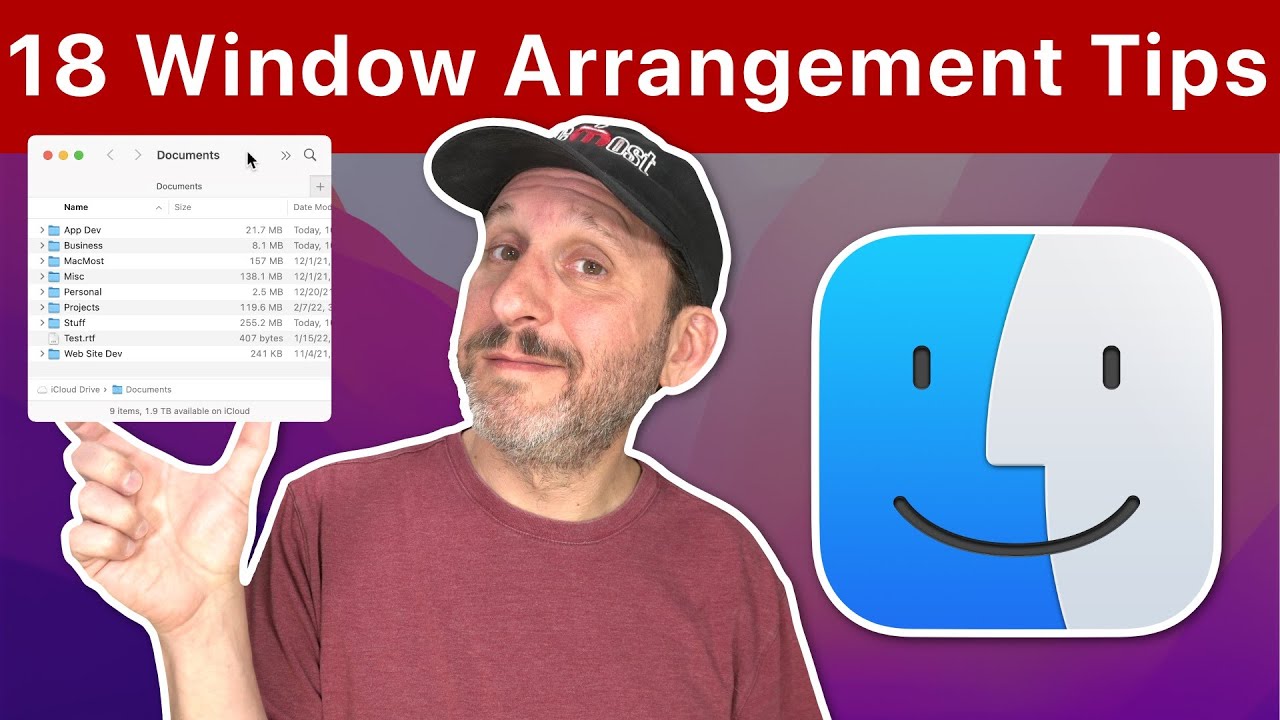
Youtube https://macmost.com/e-2650 There are many ways to move and resize windows on a Mac without requiring third-party apps. Learn how to set up your windows like you want them, and even a method for saving windows positions. FOLLOW MACMOST FOR NEW TUTORIALS EVERY DAY ▶︎ YouTube — http://macmost.com/j-youtube (And hit the 🔔) ▶︎ YouTube Email…
-
How To Quickly Switch Between Apps and Windows On a Mac

Youtube https://macmost.com/e-2649 Navigating around on your Mac while you get things done can be tricky. But you have a wide variety of tools to help you, like Mission Control, the App Switcher, the Dock and App Expose. You can control some of these with the pointer, and others with the keyboard. FOLLOW MACMOST FOR NEW…
-
How To Cut Out and Save a Portion Of a Video

Youtube https://macmost.com/e-2648 You can use QuickTime Player to select a portion of a long video and save only that portion to a smaller file. This comes in handy when you want to only use a small section of a video in iMovie or Final Cut Pro. FOLLOW MACMOST FOR NEW TUTORIALS EVERY DAY ▶︎ YouTube…
-
How To Save Colors Using the Color Picker

Youtube https://macmost.com/e-2647 The Color Picker tool appears in many Apple Mac apps and third-party apps. You can save a color you want to use again with the color chip slots at the bottom. You can use them in any app where you can bring up the color picker. FOLLOW MACMOST FOR NEW TUTORIALS EVERY DAY…
-
Building a Handy Shortcut For Easy Access To iPhone Functions

Youtube https://macmost.com/e-2646 You can build a simple Shortcut to access the things you use your iPhone for the most. Then you can use back tap, a Home screen icon or Siri to activate it and choose the function. Great for productivity or for helping someone who needs easier access to some things. FOLLOW MACMOST FOR…
-
Understanding the Different Types of Mac Desktop Backgrounds

Youtube https://macmost.com/e-2645 There are many different types of desktop backgrounds, also called wallpapers, you can use on your Mac. Dynamic backgrounds change throughout the day, Light and Dark backgrounds switch between two versions, you can also choose a solid color, Apple’s pictures, your own, or a whole set of pictures and rotate between them. FOLLOW…
-
16 Tips For Using Mac File Save Dialogs

Youtube https://macmost.com/e-2644 When you save a file, the dialog that appears allows you to choose the name and location of the new file. There’s a lot of hidden functionality in the File Save dialog that youc an use to improve your productivity. FOLLOW MACMOST FOR NEW TUTORIALS EVERY DAY ▶︎ YouTube — http://macmost.com/j-youtube (And hit…