
-
How to Stop Pages & Numbers Saving to iCloud on Mac by Default
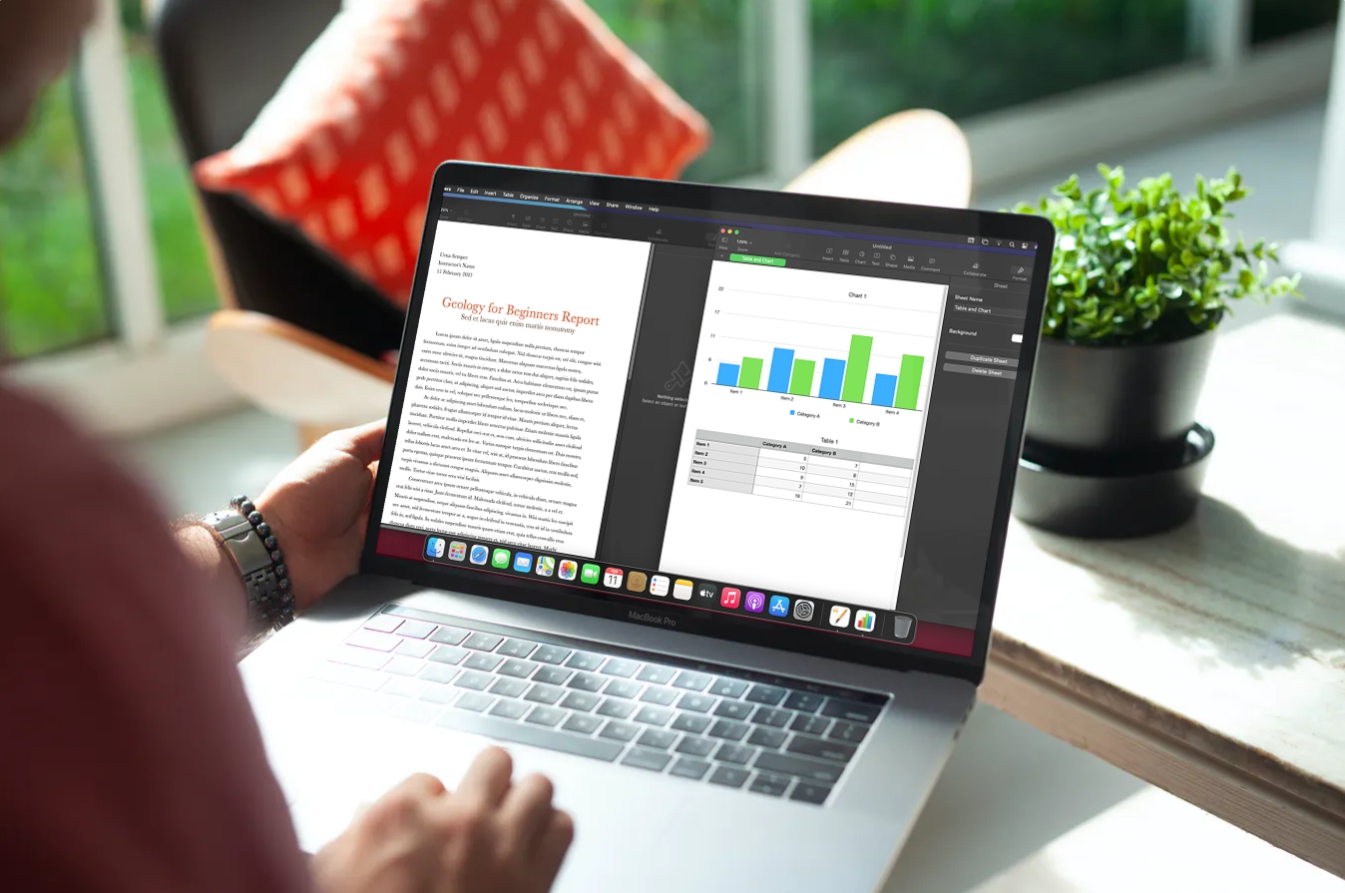
Go to OSX Daily to read How to Stop Pages & Numbers Saving to iCloud on Mac by Default If you’re someone who uses Apple’s Pages and Numbers apps to work on documents on your Mac, you’d probably know that the files are saved to iCloud by default. Not everyone wants to store these documents…
-
Open Terminal by Keyboard Shortcut on Mac
Go to OSX Daily to read Open Terminal by Keyboard Shortcut on Mac Ever wished you could instantly launch the Terminal app on Mac by keyboard shortcut? Instead of relying on Spotlight and typing Terminal and hitting return, which works great and has for many years, you can actually create your own custom keyboard shortcut…
-
How to Install Homebrew on MacOS Ventura

Go to OSX Daily to read How to Install Homebrew on MacOS Ventura HomeBrew, the command line package manager, has native support for macOS Ventura 13, so if you have recently updated to macOS Ventura or bought a new Mac with Ventura preinstalled, you’ll probably want to install Homebrew on the Mac running Ventura. Like…
-
How to Fix SSH Not Working on MacOS Ventura
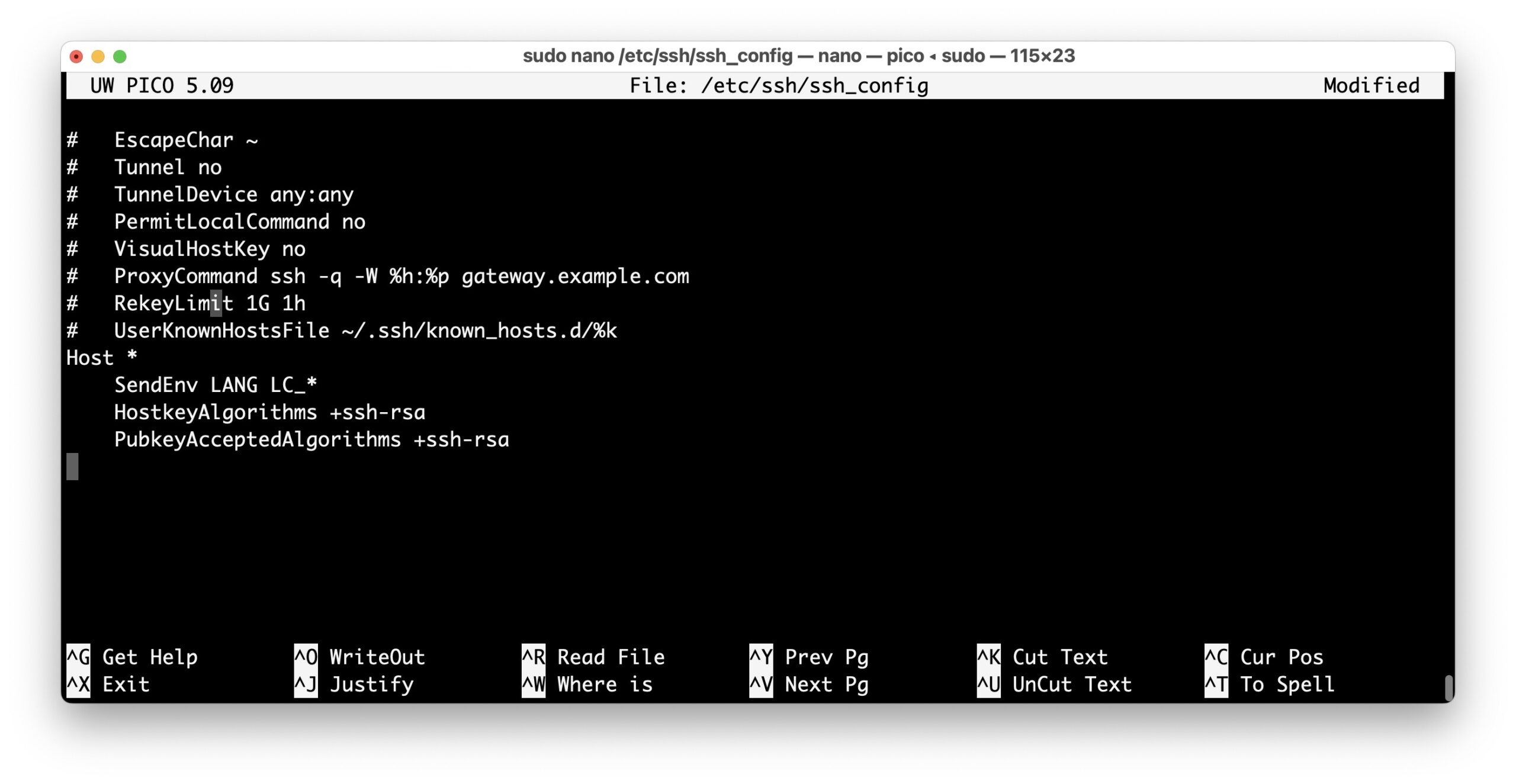
Go to OSX Daily to read How to Fix SSH Not Working on MacOS Ventura Some Mac users have discovered that SSH is not working on their Mac since updating to macOS Ventura 13 or newer. Typically they’ll see an error message when attempting to ssh into another server along the lines of “no matching…
-
Take Full Webpage Screenshots on Mac via Command Line with webkit2png
Go to OSX Daily to read Take Full Webpage Screenshots on Mac via Command Line with webkit2png Ever needed to take a full webpage scrolling screenshot on the Mac through the command line? While there are various approaches to taking full webpage screenshots on a Mac easily with Firefox or another browser, and many ways…
-
How to Clear DNS Cache in MacOS Ventura & MacOS Monterey

Go to OSX Daily to read How to Clear DNS Cache in MacOS Ventura & MacOS Monterey Mac users may need to occasionally clear out and flush DNS cache in MacOS, perhaps because they modified their hosts file, or for troubleshooting purposes. Resetting DNS cache on the Mac is generally only needed by advanced users,…
-
How to Open Google Chrome from Terminal on Mac

Go to OSX Daily to read How to Open Google Chrome from Terminal on Mac Command line users may encounter situations where they’d like to open the Google Chrome web browser directly from the Terminal on the Mac. Opening GUI applications from the command line is easy on MacOS, and the command syntax to do…
-
How to Allow Apps to be Downloaded & Opened from Anywhere on MacOS Ventura
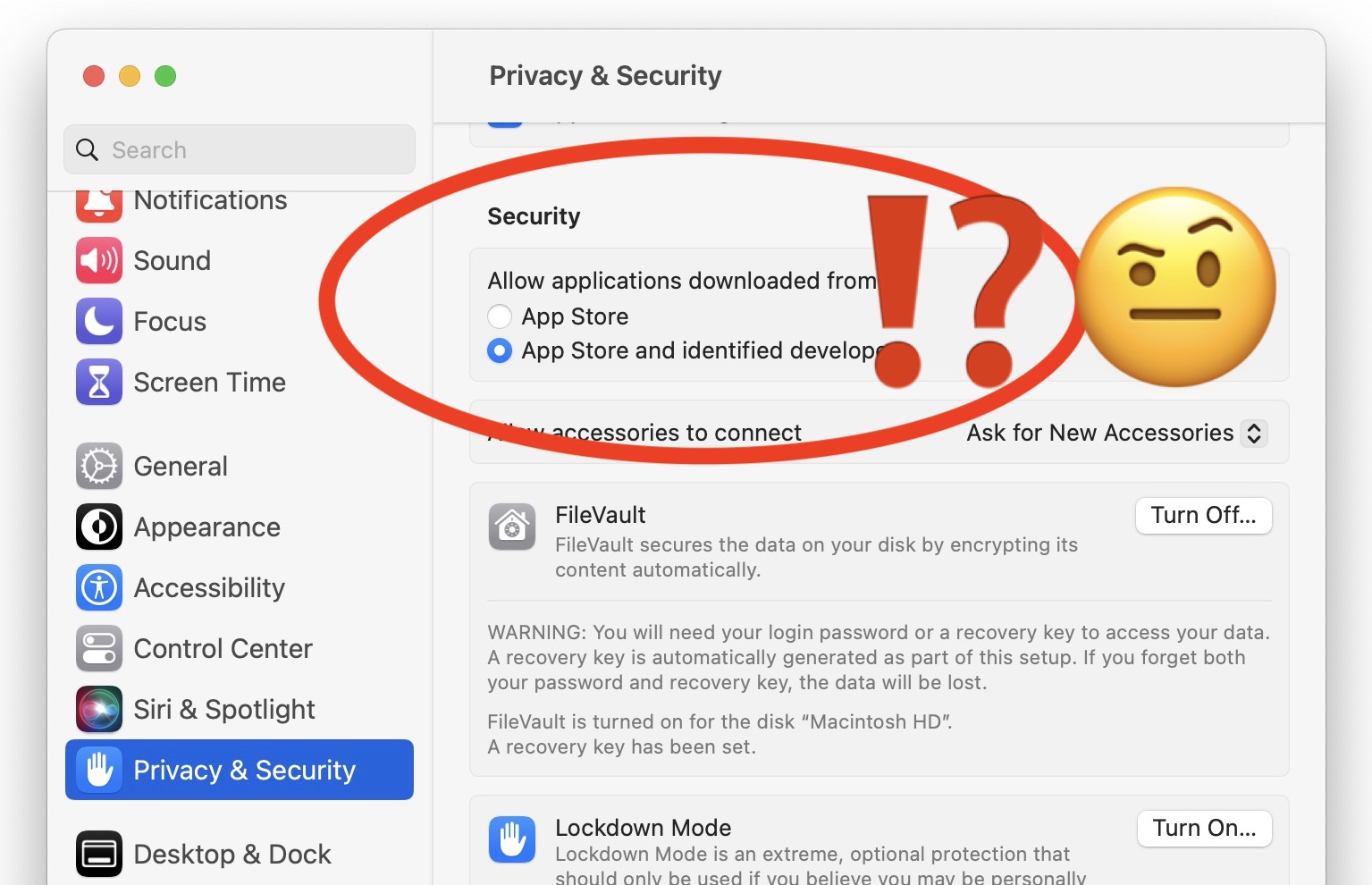
Go to OSX Daily to read How to Allow Apps to be Downloaded & Opened from Anywhere on MacOS Ventura Wondering how you can allow apps to be downloaded and opened from anywhere on MacOS Ventura? You may have noticed the ability to select “Allow applications downloaded from anywhere” has been removed by default in…
-
How to Rename & Move Files with Spaces in Name at Command Line
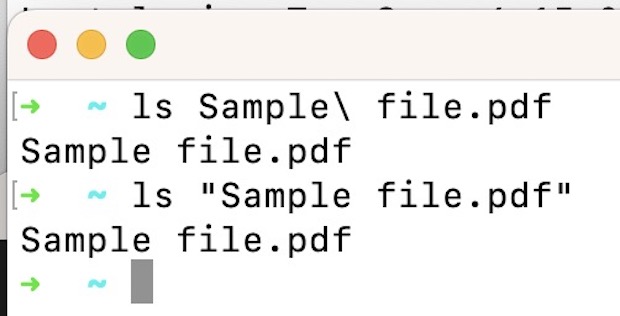
Go to OSX Daily to read How to Rename & Move Files with Spaces in Name at Command Line If you’re new to the Mac command line you may have come across a situation where you’re trying to interact with a file that has spaces in the name, for example “This File.txt” but as you…
-
Hosts File Not Working on Mac? Try This Fix
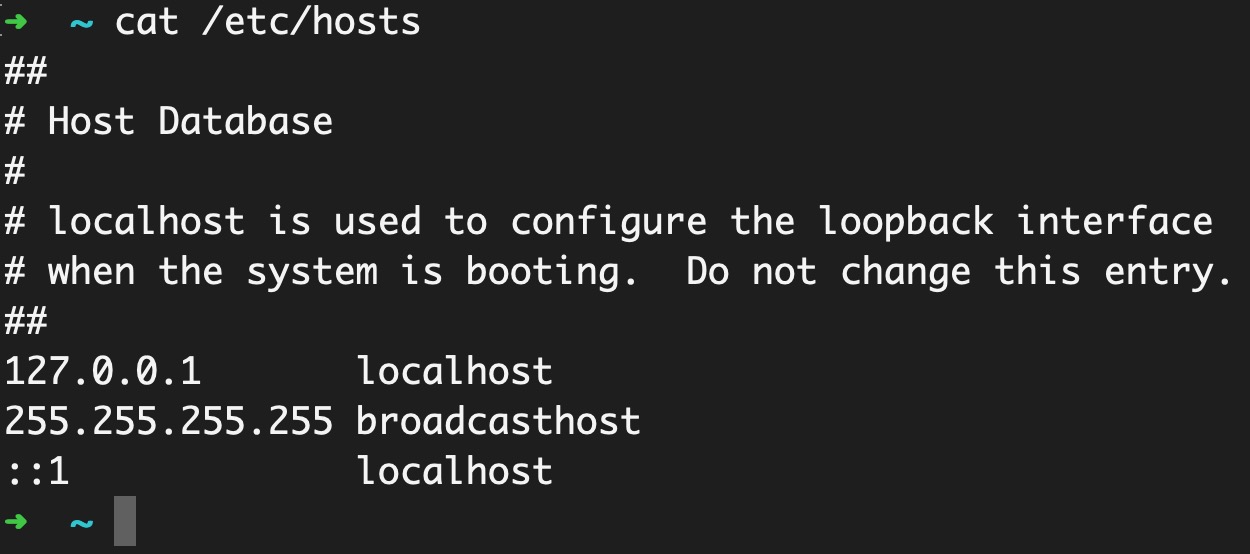
Go to OSX Daily to read Hosts File Not Working on Mac? Try This Fix Some Mac users have discovered that the hosts file in MacOS does not appear to work, or changes to the /etc/hosts file on the Mac are seemingly ignored. Given that the hosts file is used to map IP addresses to…