
-
How to Stop “Upgrade to MacOS Sonoma” Notifications on Macs
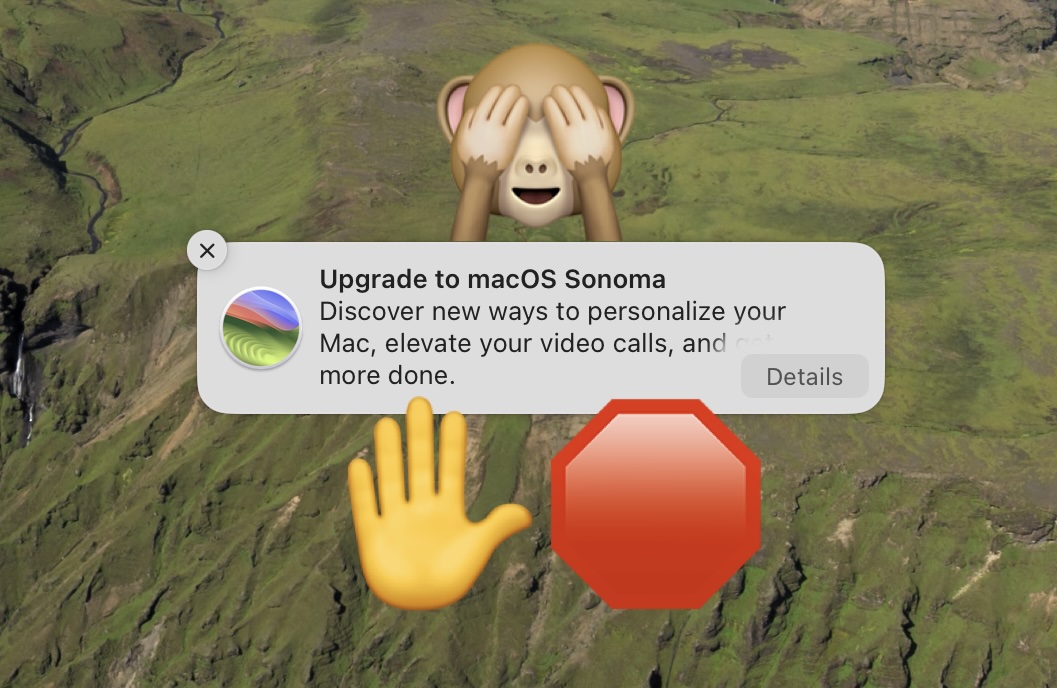
Go to OSX Daily to read How to Stop “Upgrade to MacOS Sonoma” Notifications on Macs Are you tired of seeing the “Upgrade to macOS Sonoma” notifications on your Mac running Ventura or Monterey? If so, you can hide those notifications and stop the “Upgrade to macOS Sonoma” nagging on your Mac. It’s not unusual…
-
How to Reverse Function Keys (F1, F2, etc) on MacOS Sonoma
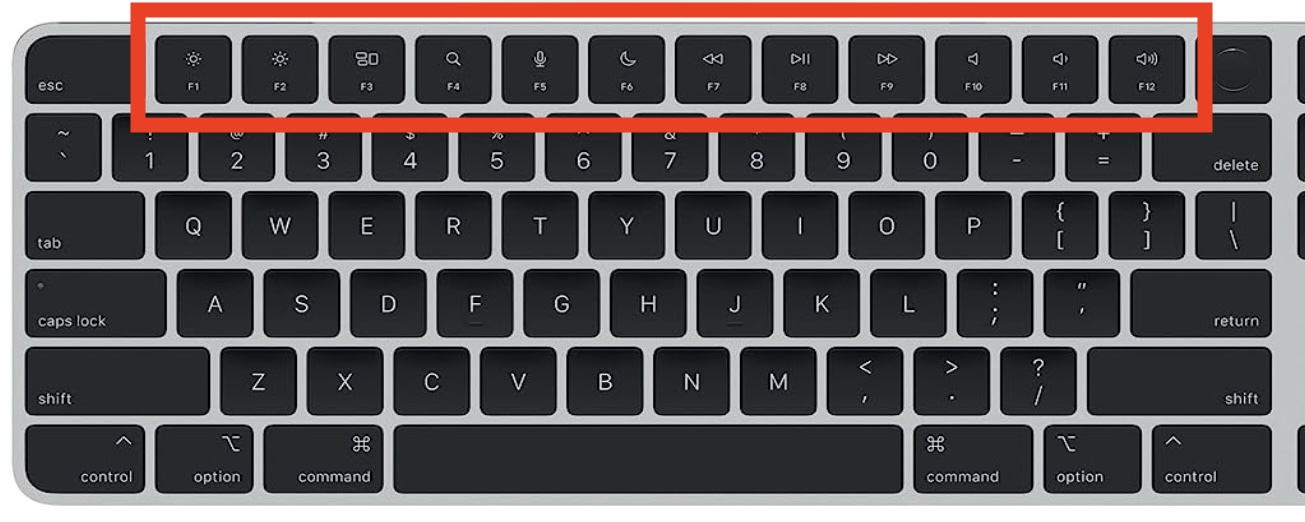
Go to OSX Daily to read How to Reverse Function Keys (F1, F2, etc) on MacOS Sonoma Some Mac users have noticed that after updating to macOS Sonoma, or various macOS Sonoma updates, their function keys are reversed. A common example of this is that when you tap on the F1 or F2 key to…
-
How to Add a Mouse to macOS Sonoma & Ventura
Go to OSX Daily to read How to Add a Mouse to macOS Sonoma & Ventura Many users like to use an external mouse with their Mac, but not everyone knows how to sync and add a mouse to their Mac. The process of pairing a mouse with a Mac is fairly straight forward, but…
-
How to Enable Dark Mode in MacOS Sonoma / Ventura
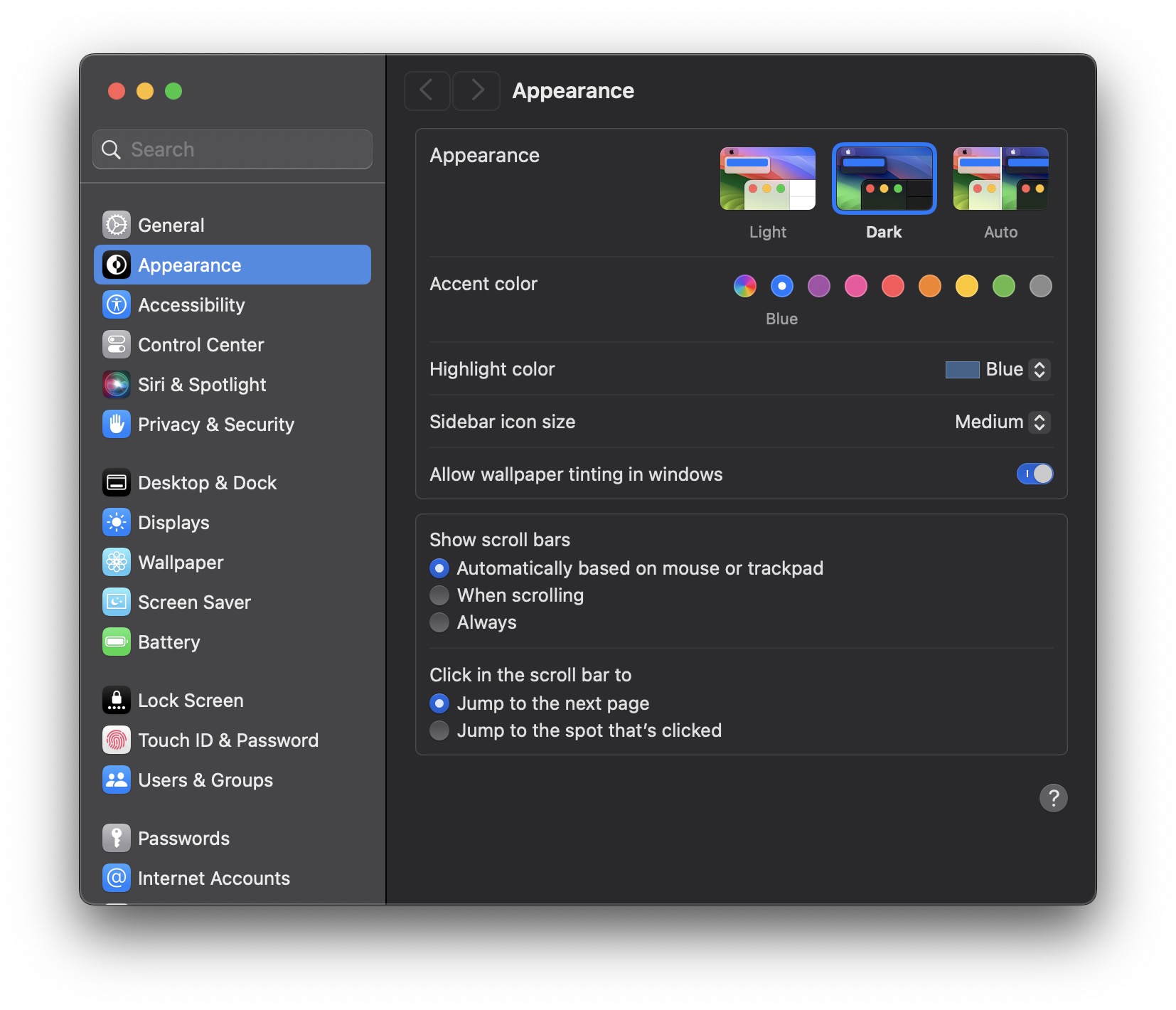
Go to OSX Daily to read How to Enable Dark Mode in MacOS Sonoma / Ventura Dark Mode is a popular visual option for many Mac users who wish to change the appearance of their computers interface. If you’re new to the Mac, or even just new to the more modern operating systems like Sonoma…
-
How to Set Default Web Browser in MacOS Sonoma
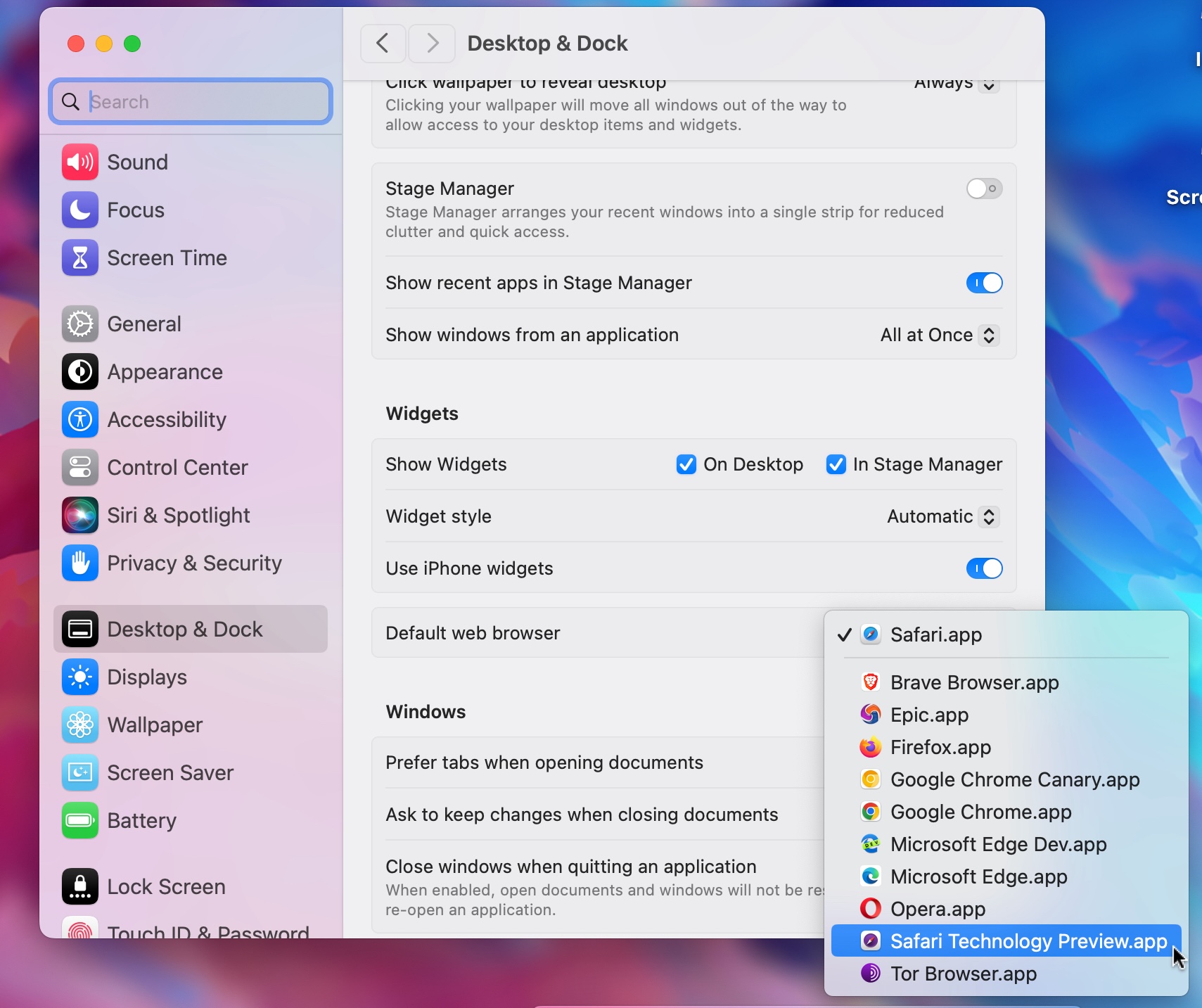
Go to OSX Daily to read How to Set Default Web Browser in MacOS Sonoma If you’re wondering how you can set the default web browser in macOS Sonoma to something else, maybe to Chrome, Firefox, Brave, or perhaps even back to Safari, you’ll find that it is relatively easy to do so. However, like…
-
How to Use iPhone as Microphone for a Mac
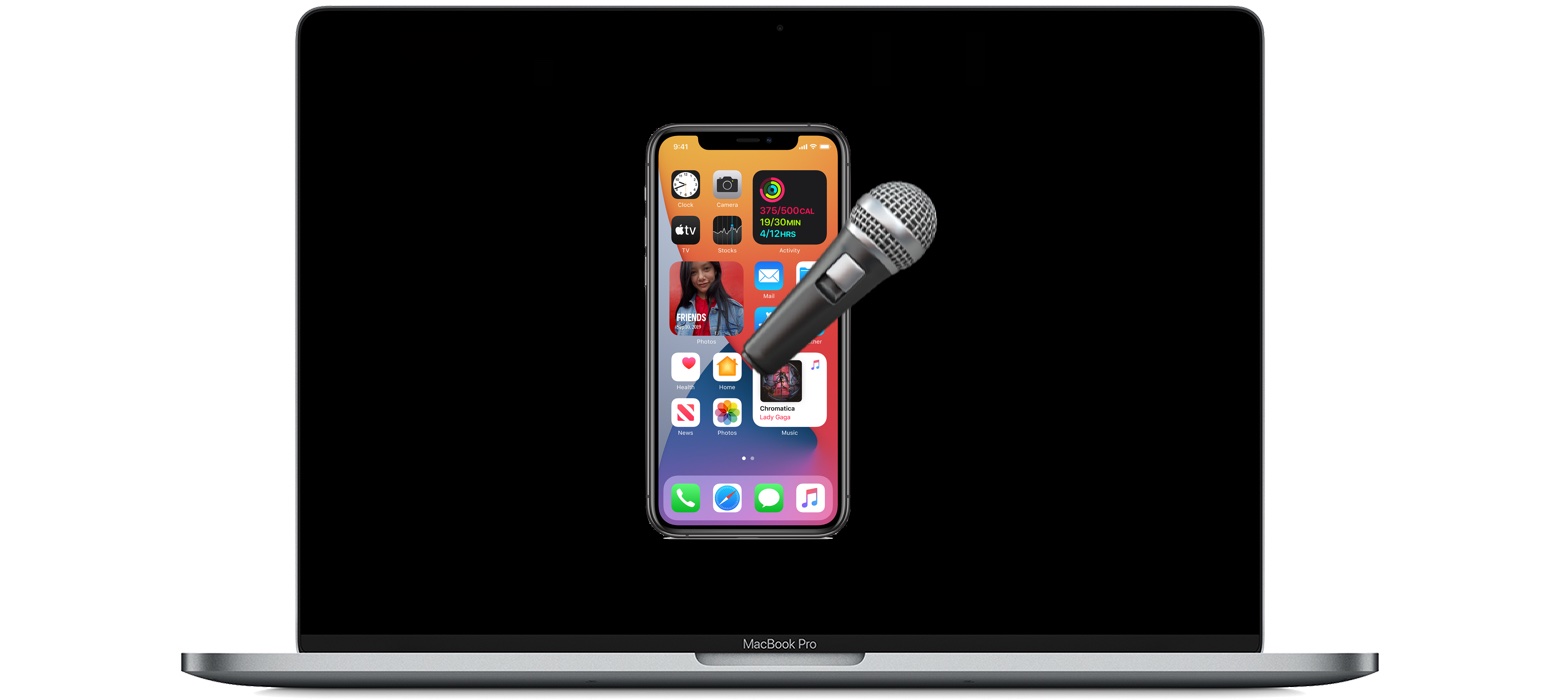
Go to OSX Daily to read How to Use iPhone as Microphone for a Mac You can use the built-in microphone on your iPhone as an external microphone on your Mac, thanks to the Continuity Camera feature of MacOS. Yes, the same feature that allows you to use iPhone as a FaceTime camera on a…
-
How to “Save As” in MacOS Sonoma & Ventura
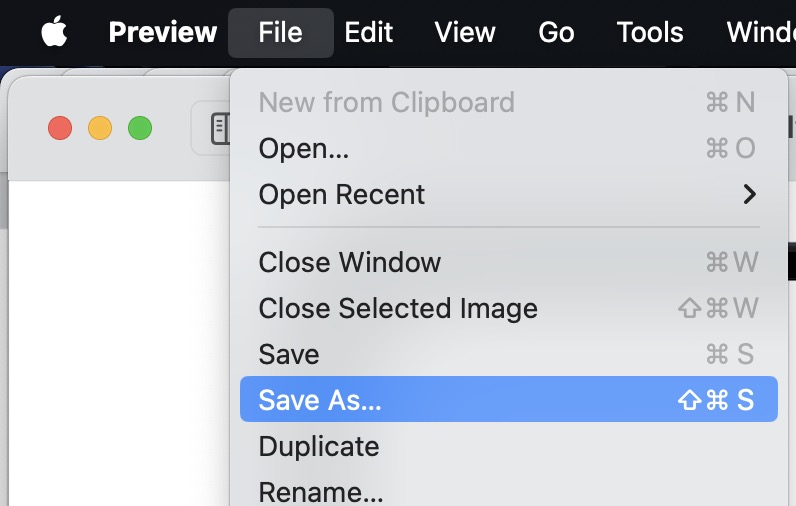
Go to OSX Daily to read How to “Save As” in MacOS Sonoma & Ventura Do you wish you had the “Save As” keyboard shortcut back in MacOS Sonoma and MacOS Ventura? Wish no more, it’s easy to re-enable, even in the latest versions of MacOS system software and with the peculiar System Settings experience.…
-
How to Install macOS Monterey/Ventura Updates Without Installing Sonoma
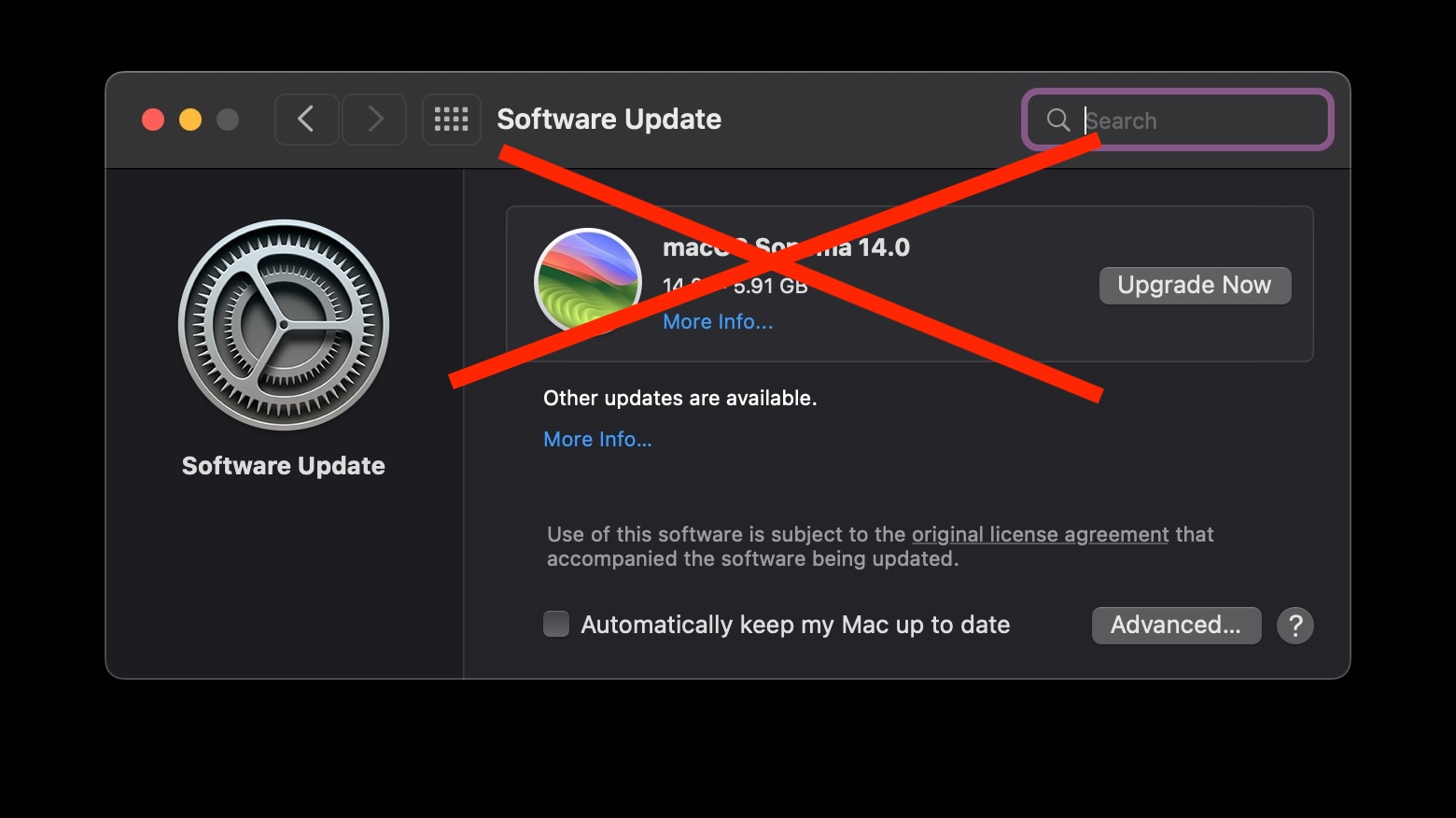
Go to OSX Daily to read How to Install macOS Monterey/Ventura Updates Without Installing Sonoma While many Mac users have already downloaded and installed MacOS Sonoma onto their Macs and are enjoying the great new features, not every Mac user wants to upgrade to Sonoma. In fact, many Mac users want to stay put with…
-
How to Bypass CAPTCHAs on Mac Automatically
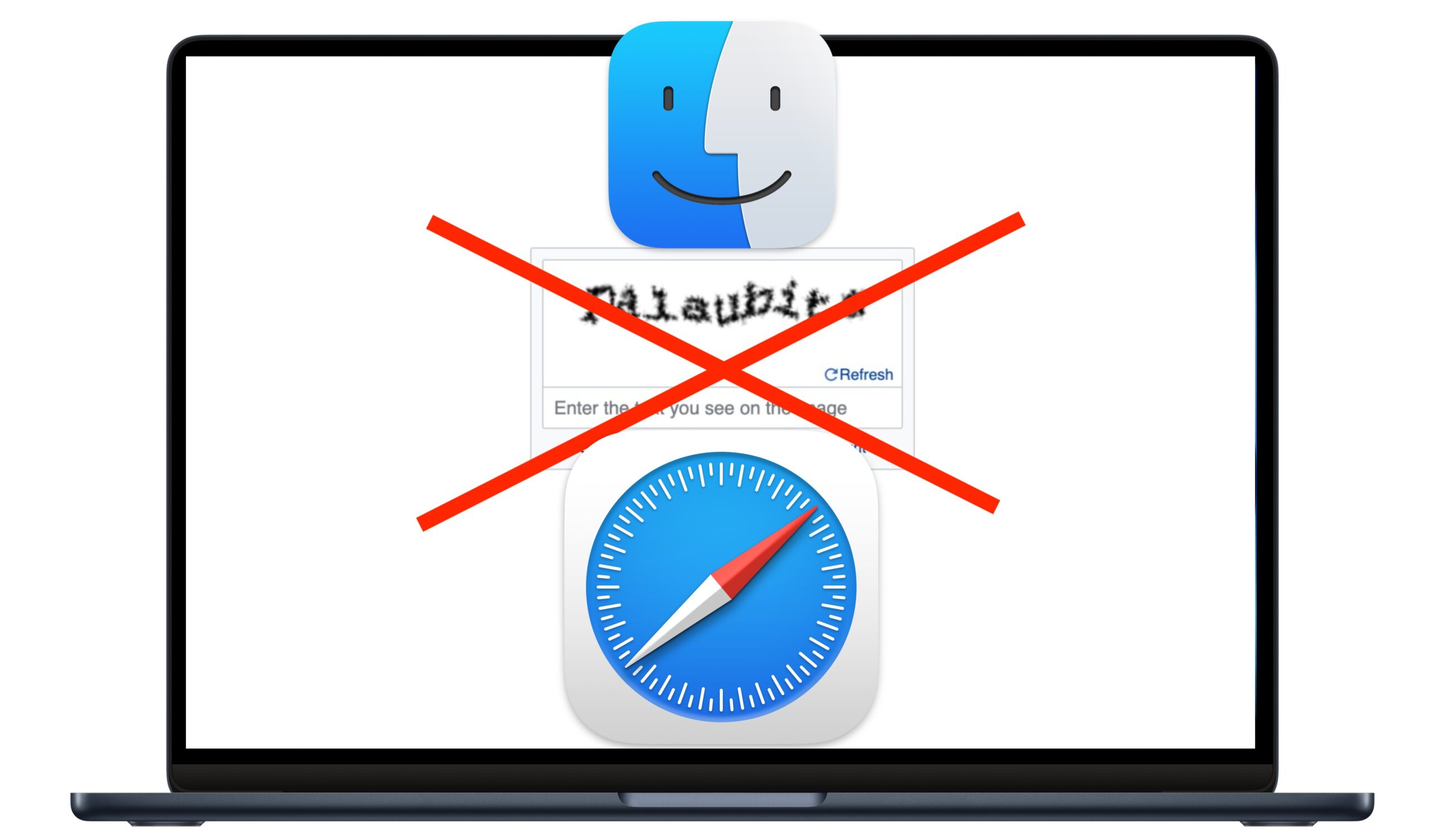
Go to OSX Daily to read How to Bypass CAPTCHAs on Mac Automatically If you’re a Mac user, you may be interested in bypassing CAPTCHAs that you encounter as you browse the web, automatically. Nobody likes CAPTCHAs, which are the goofy tests that we are subjected to on the web that make you “prove that…
-
How to Show Battery Percentage in Mac Menu Bar (MacOS Sonoma & Ventura)
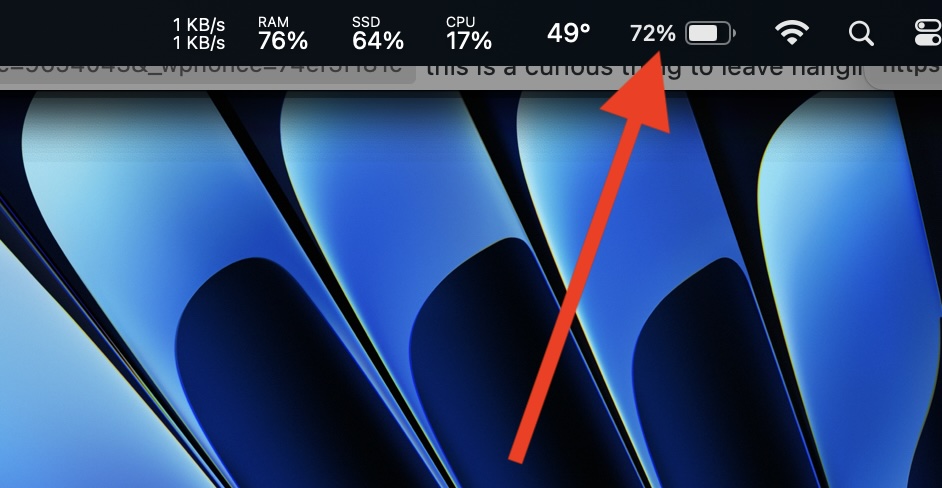
Go to OSX Daily to read How to Show Battery Percentage in Mac Menu Bar (MacOS Sonoma & Ventura) If you have a MacBook Pro or MacBook Air running the latest versions of MacOS system software, like Sonoma or Ventura, you may be interested in knowing how you can show the battery percentage in your…