
-
MacMost Ventura Course Lesson 26 – Reminders
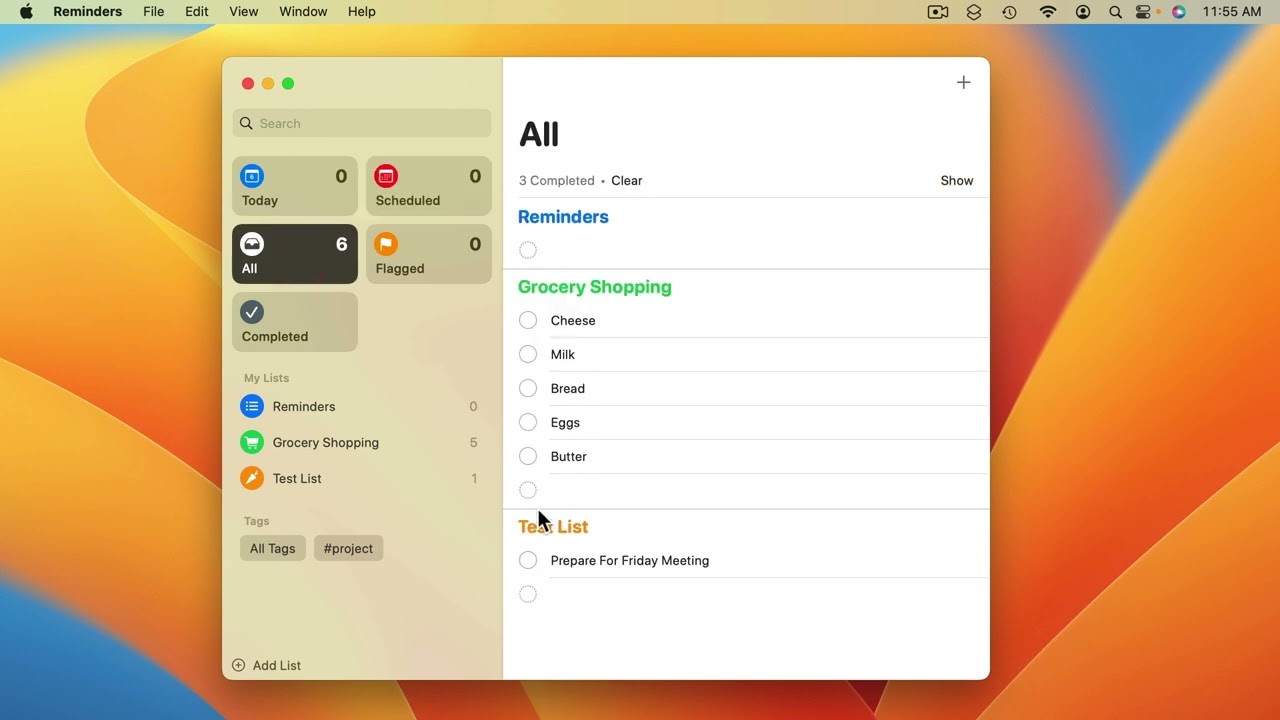
Youtube Part of “The Guide to macOS Ventura,” a course by MacMost.com The Reminders app lets you create lists. Items in lists can alert you with notifications, or can simply be checklists of anything you wish. New in Ventura: Complete Smart List, Pin lists, List templates. FOLLOW MACMOST FOR NEW TUTORIALS EVERY DAY ▶︎ YouTube…
-
MacMost Ventura Course Lesson 41 – iCloud Drive
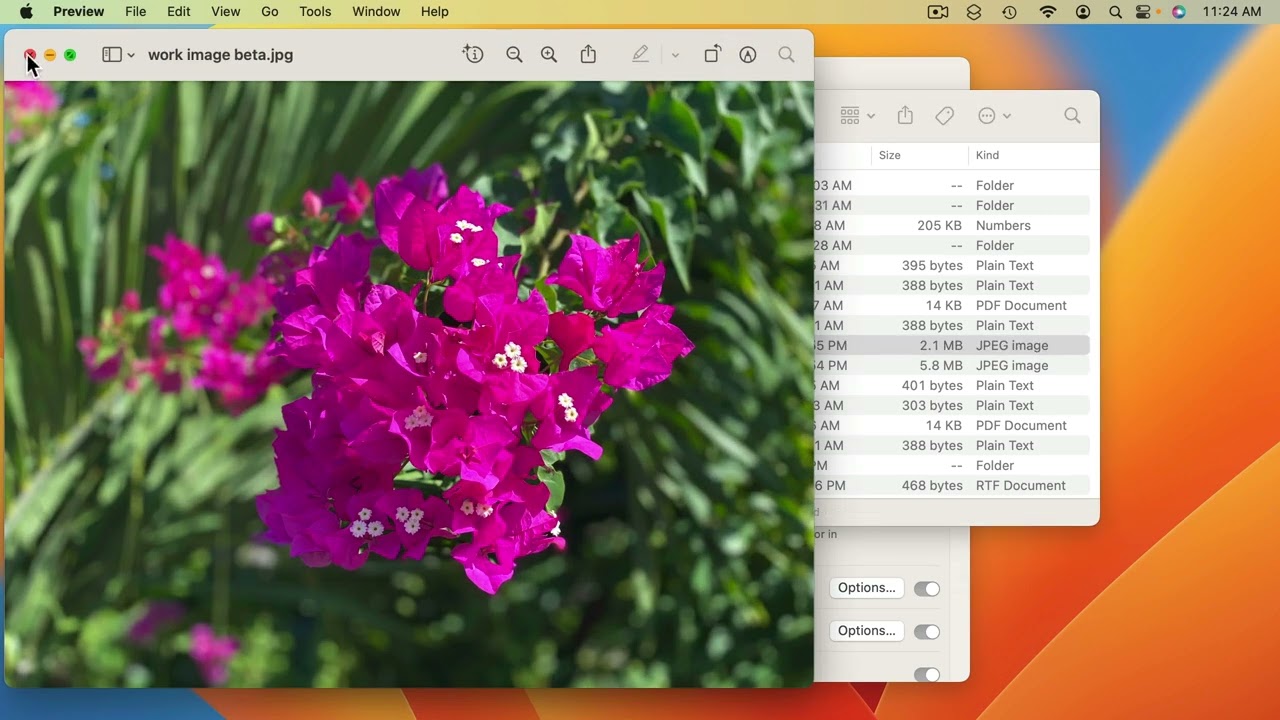
Youtube Part of “The Guide to macOS Ventura,” a course by MacMost.com How iCloud Drive works and why you should use it. FOLLOW MACMOST FOR NEW TUTORIALS EVERY DAY ▶︎ YouTube — http://macmost.com/j-youtube (And hit the 🔔) ▶︎ YouTube Email Notifications — http://macmost.com/ytn ⭐️ ▶︎ MacMost Weekly Email Newsletter — https://macmost.com/newsletter ✉️ #courses #venturacourse
-
MacMost Ventura Course Lesson 48 – Continuity Camera
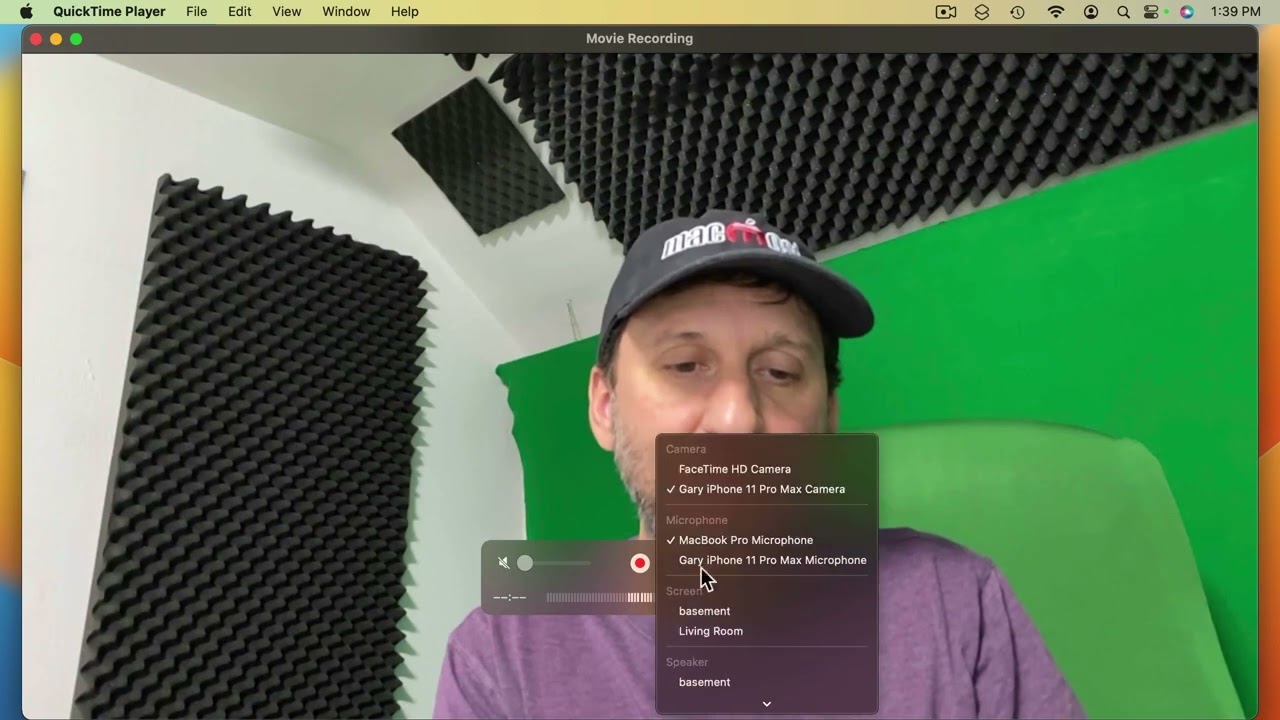
Youtube Part of “The Guide to macOS Ventura,” a course by MacMost.com In macOS Ventura you can use your iPhone’s camera as your Mac’s webcam. FOLLOW MACMOST FOR NEW TUTORIALS EVERY DAY ▶︎ YouTube — http://macmost.com/j-youtube (And hit the 🔔) ▶︎ YouTube Email Notifications — http://macmost.com/ytn ⭐️ ▶︎ MacMost Weekly Email Newsletter — https://macmost.com/newsletter ✉️…
-
MacMost Ventura Course Lesson 46 – Taking Screenshots
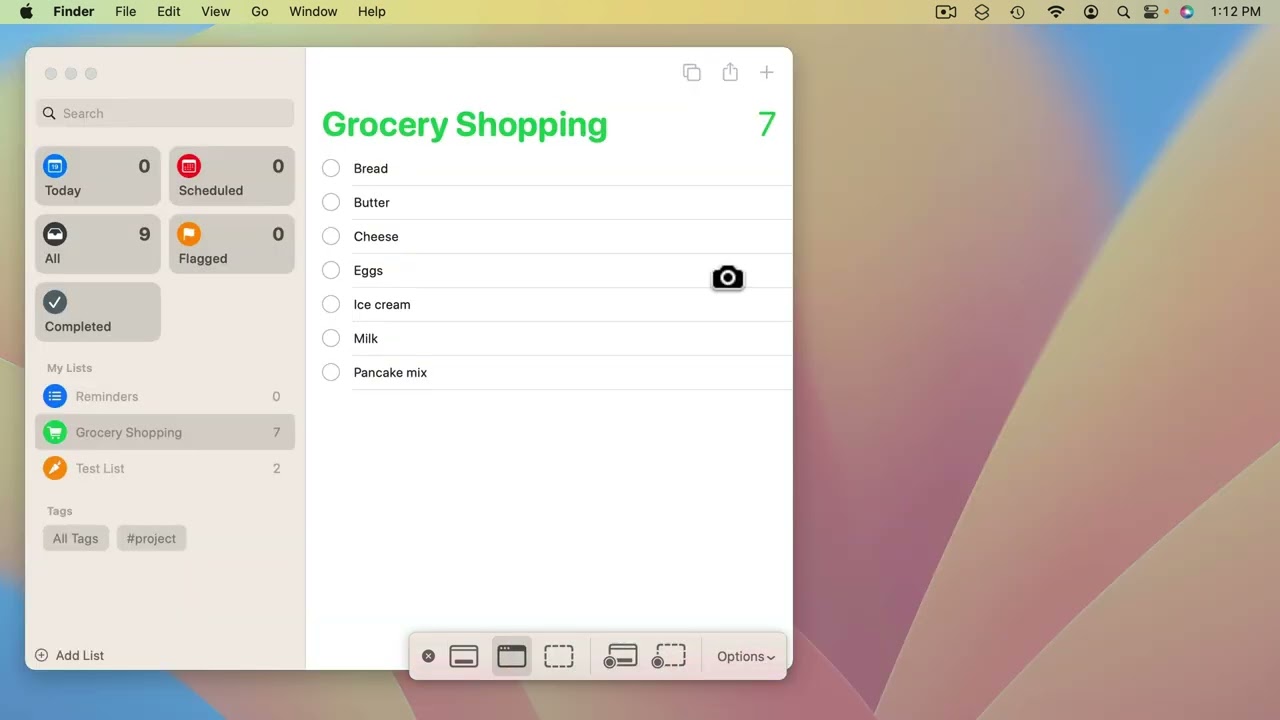
Youtube Part of “The Guide to macOS Ventura,” a course by MacMost.com You can take screenshots with a variety of options. You can also record actions on the screen as a video. FOLLOW MACMOST FOR NEW TUTORIALS EVERY DAY ▶︎ YouTube — http://macmost.com/j-youtube (And hit the 🔔) ▶︎ YouTube Email Notifications — http://macmost.com/ytn ⭐️ ▶︎…
-
MacMost Ventura Course Lesson 25 – Calendar
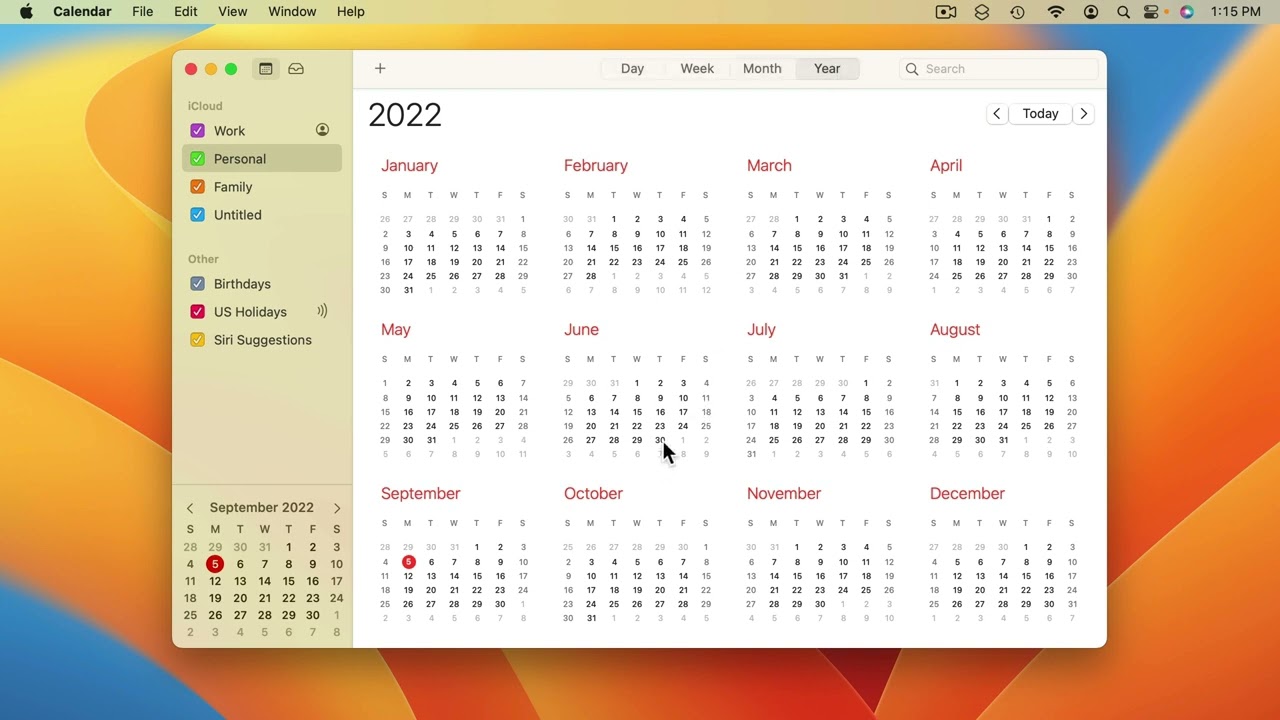
Youtube Part of “The Guide to macOS Ventura,” a course by MacMost.com The Calendar app is essentially a database of events. Events can trigger reminder alerts. You can also share events and calendars with others. FOLLOW MACMOST FOR NEW TUTORIALS EVERY DAY ▶︎ YouTube — http://macmost.com/j-youtube (And hit the 🔔) ▶︎ YouTube Email Notifications —…
-
MacMost Ventura Course Lesson 15 – Tags and Smart Folders
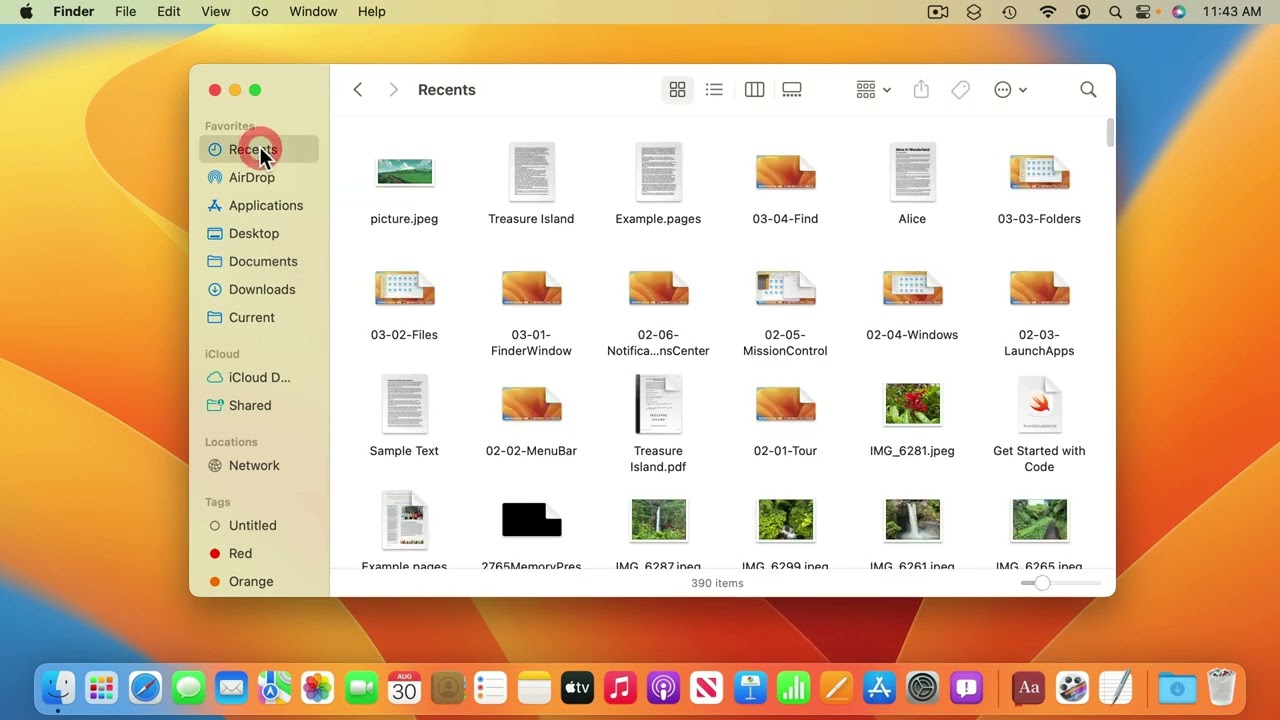
Youtube Part of “The Guide to macOS Ventura,” a course by MacMost.com The Finder also lets you tag files with keywords. If you would like to organize your files in another way, you can tag them and then search for those tags. You can also create Smart Folders that automatically show you the results of…
-
MacMost Ventura Course Lesson 4 – A Tour of Your Mac
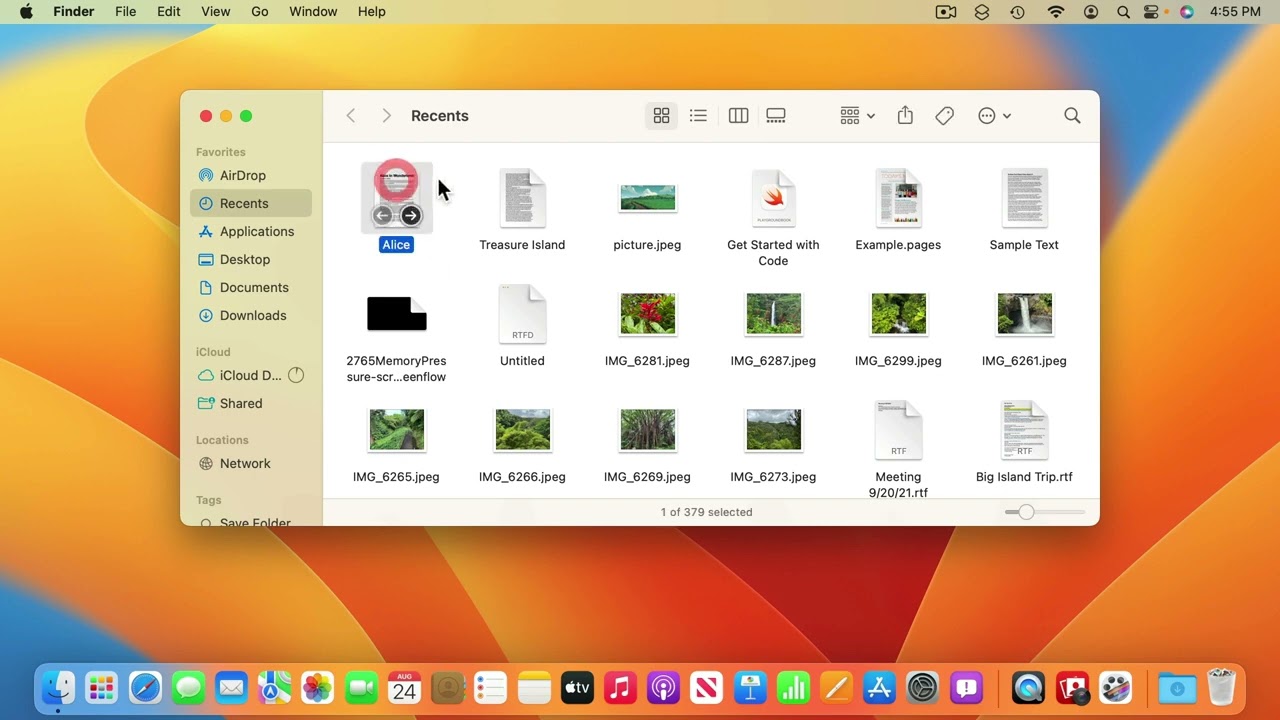
Youtube Part of “The Guide to macOS Ventura,” a course by MacMost.com The first step in mastering macOS is to learn what different user interface elements are called and what they do. In this lesson you’ll learn the proper names for different things like the cursor, menu bar, Dock, Desktop, icons, toolbars, sidebars, and more.…
-
MacMost Ventura Course Lesson 45 – Markup Tools
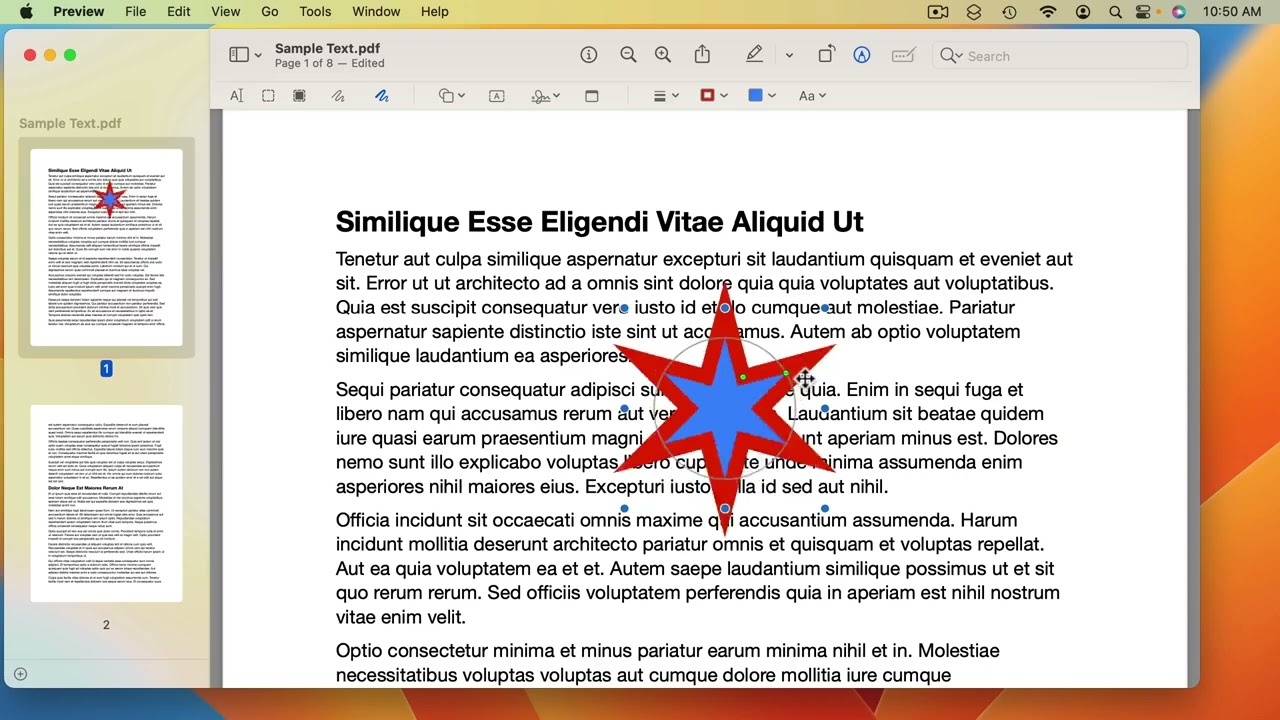
Youtube Part of “The Guide to macOS Ventura,” a course by MacMost.com Markup is not a stand-alone app, but functionality that you will see in many other apps that allows you to add drawings, text, shapes, arrows, highlights and other annotations. You can also modify images in a variety of apps. FOLLOW MACMOST FOR NEW…
-
MacMost #Shorts – iPhone Clean Energy Charging

Youtube A new setting in iOS 16.1 allows you to charge your phone is a more responsible way. FOLLOW MACMOST FOR NEW TUTORIALS EVERY DAY ▶︎ YouTube — http://macmost.com/j-youtube (And hit the 🔔) ▶︎ YouTube Email Notifications — http://macmost.com/ytn ⭐️ ▶︎ MacMost Weekly Email Newsletter — https://macmost.com/newsletter ✉️ SUPPORT MACMOST AT PATREON ▶︎ https://macmost.com/patreon ❤️…
-
How to use Stage Manager on your Mac | Apple Support

Learn how to turn on Stage Manager on your Mac, and how to switch between windows and app sets. To learn more about this topic, visit the following articles: Organize your Mac desktop with Stage Manager: https://apple.co/3zH9JmA Use Stage Manager to organize apps and windows on Mac: https://apple.co/3UnOePz Additional Resources: Get Support for Mac: http://apple.co/Mac…