-
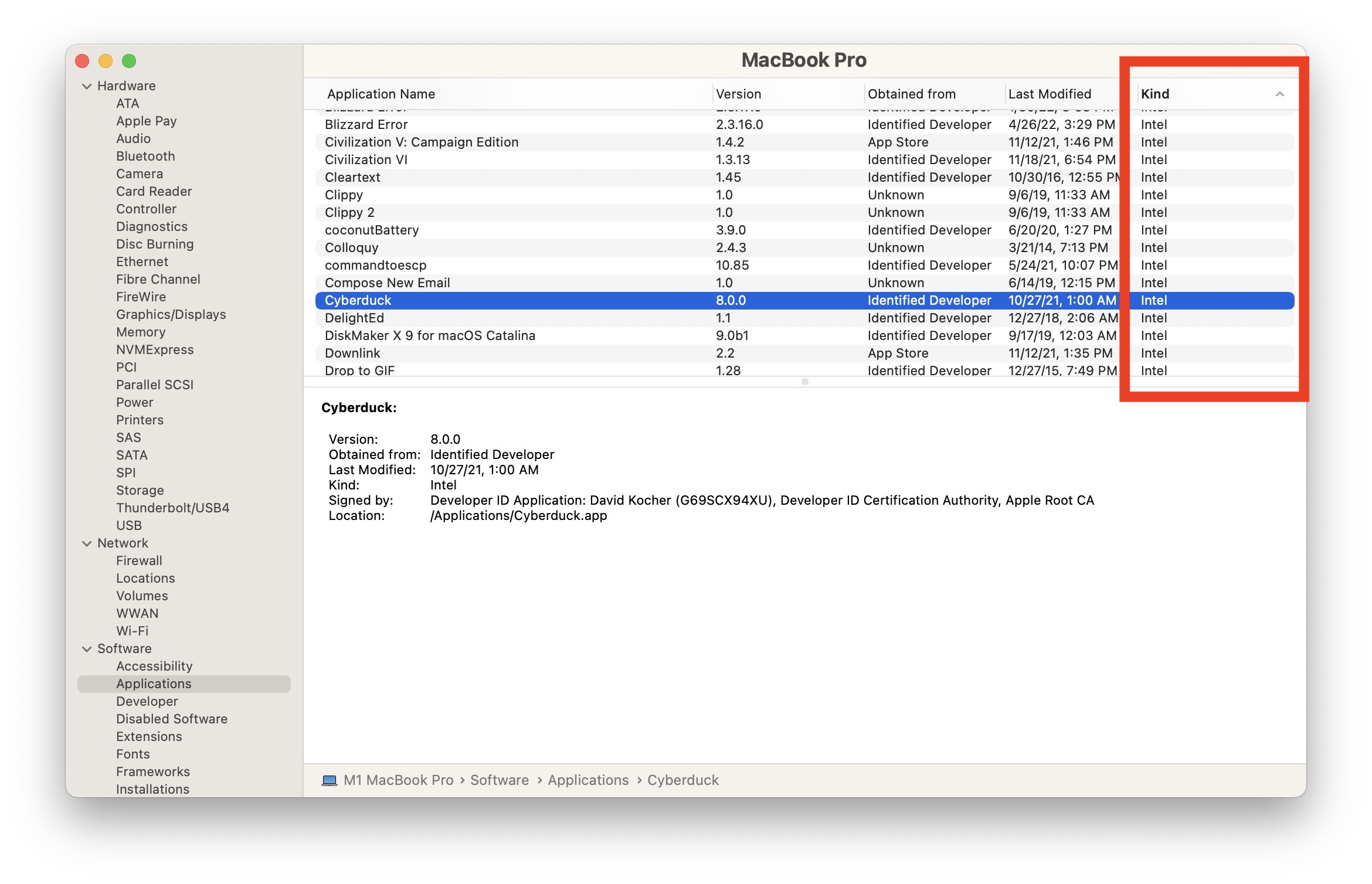
How to Find Intel Apps on Apple Silicon Mac
-
8 Tips & Features for iPadOS 16.1 You’ll Appreciate
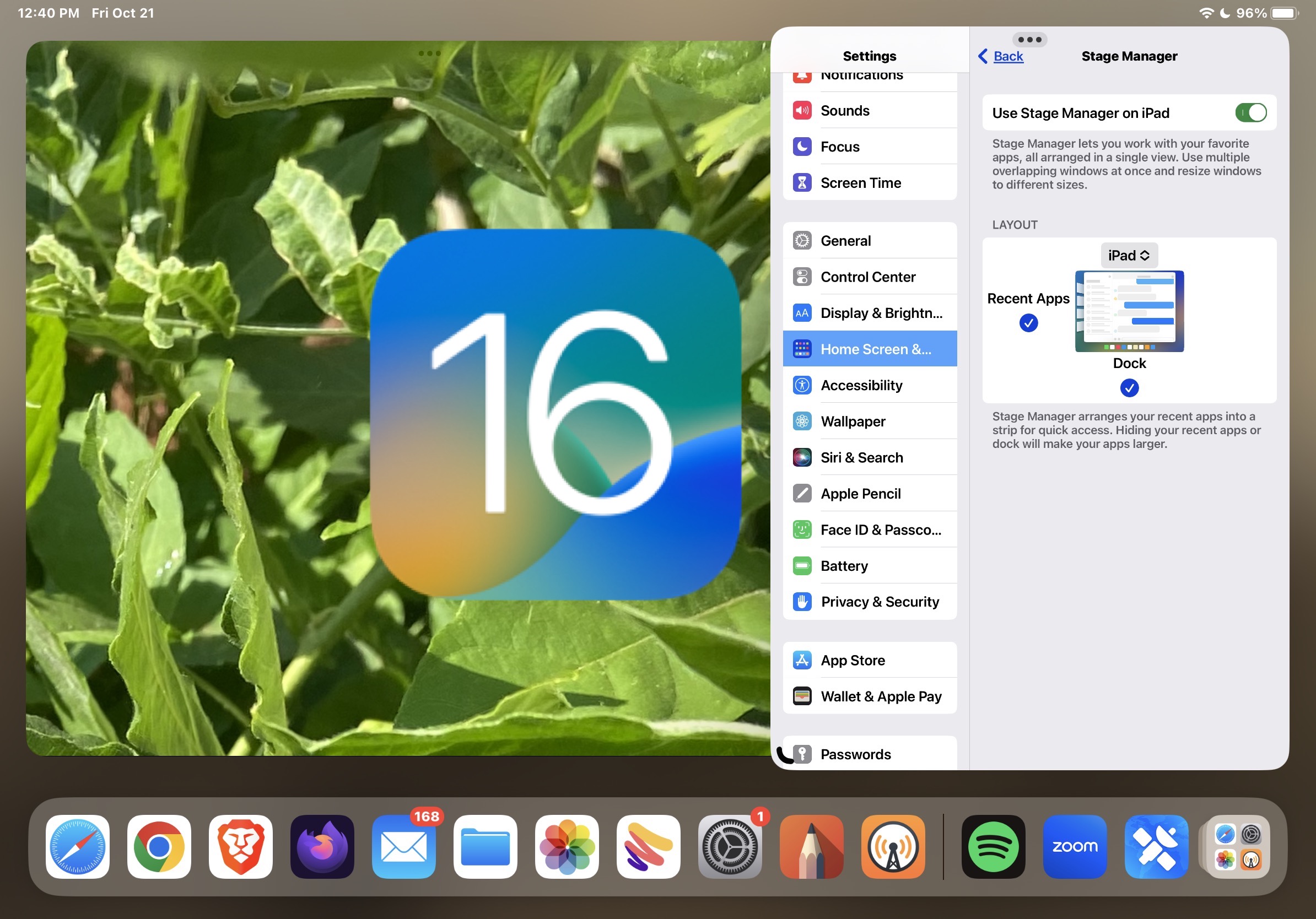
Go to OSX Daily to read 8 Tips & Features for iPadOS 16.1 You’ll Appreciate iPadOS 16 brings some major new features like an all new multitasking option to the iPad, but there are also various smaller more subtle features, changes, and additions that are particularly nice to have around for iPad users. Check out…
-
How to Install MacOS Updates Without Upgrading to MacOS Ventura
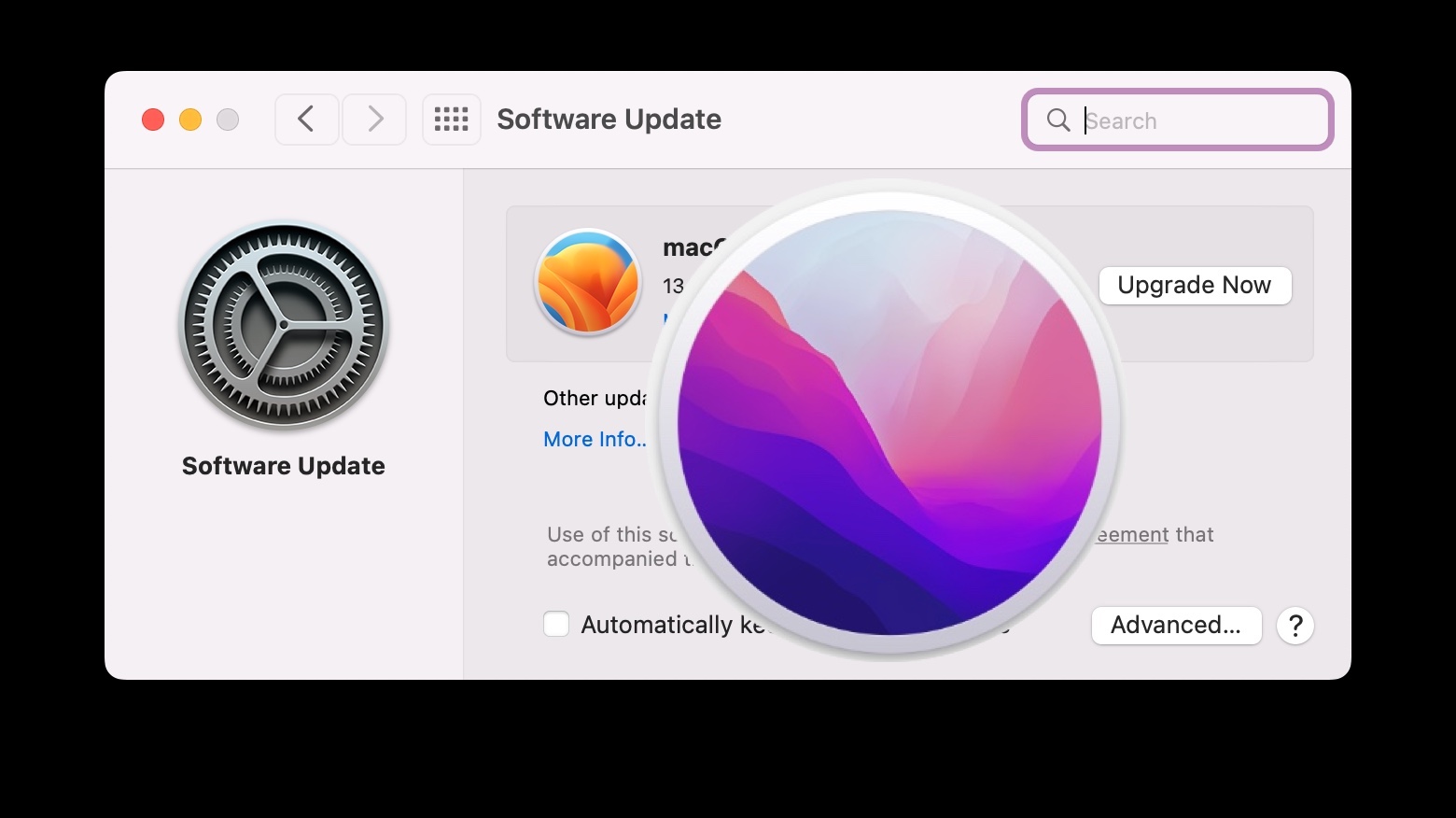
Go to OSX Daily to read How to Install MacOS Updates Without Upgrading to MacOS Ventura You likely know by now that macOS Ventura is available to download and install for any compatible Mac, but perhaps you’re not quite ready to install Ventura yet, or you’re perfectly satisfied running macOS Monterey or Big Sur, so…
-
9 New Tips & Tricks for MacOS Ventura to Check Out Now
-
How to Get Your Mac Ready for MacOS Ventura
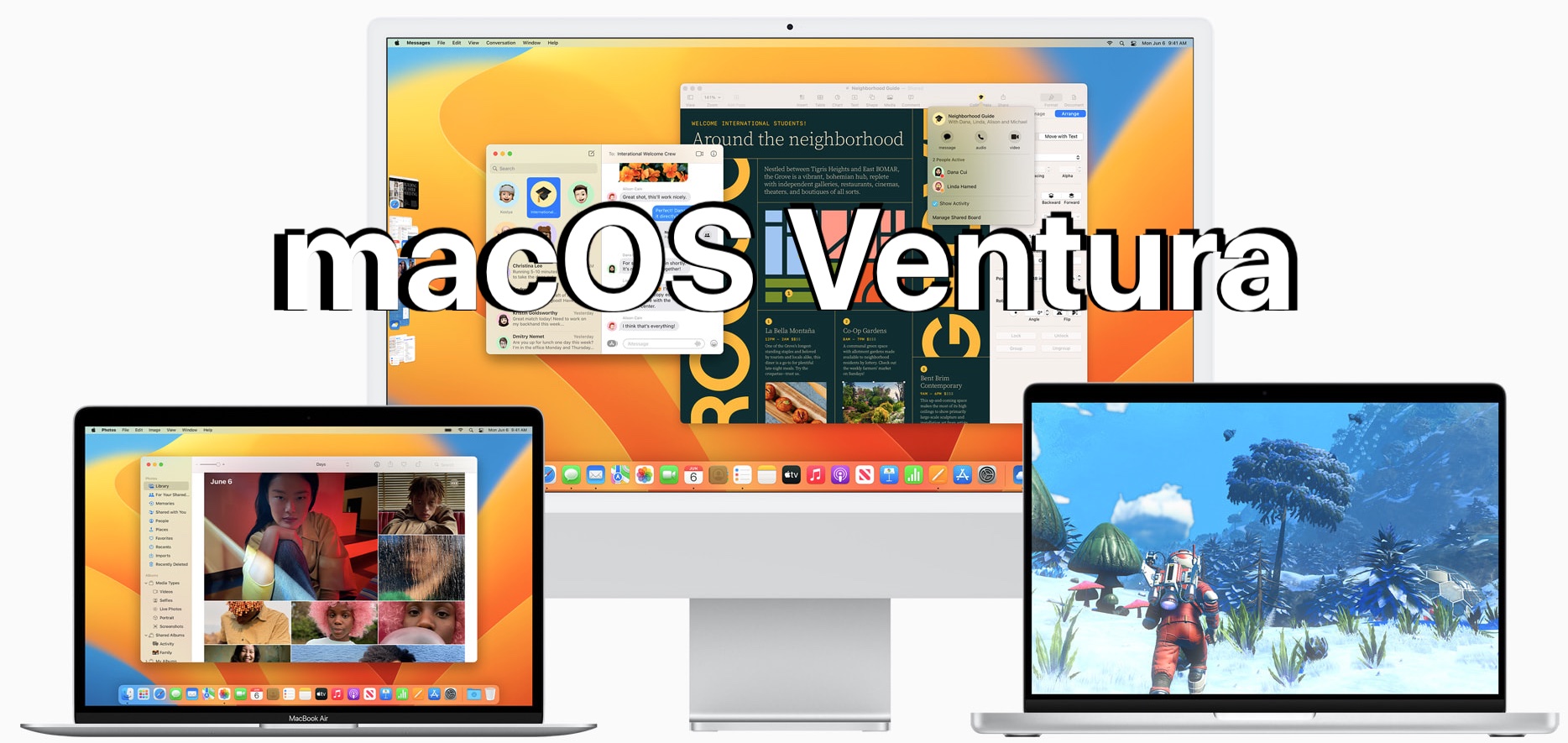
Go to OSX Daily to read How to Get Your Mac Ready for MacOS Ventura If you’re excited about installing macOS Ventura onto your Mac, you certainly are not alone. The official release date for macOS Ventura is Monday, October 24, so whether you’re going to jump right into the software update the moment it’s…
-
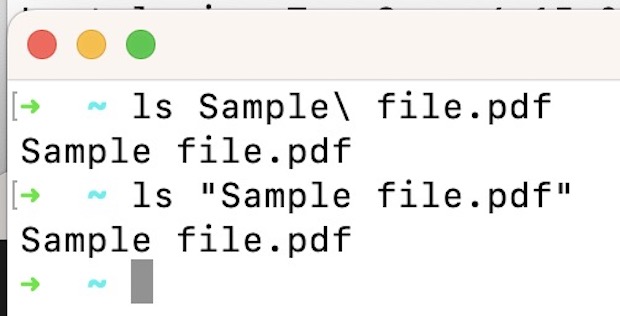
How to Rename & Move Files with Spaces in Name at Command Line
-
How to Turn Off Focus Mode on iPhone

-
How to View Apple Card Number & Expiration

Go to OSX Daily to read How to View Apple Card Number & Expiration If you have an Apple Card, you’ve undoubtedly noticed the card itself is very minimalist, and it doesn’t show your credit card number, expiration, security code, or really much of anything at all on the metal card itself. Instead, if you…