-
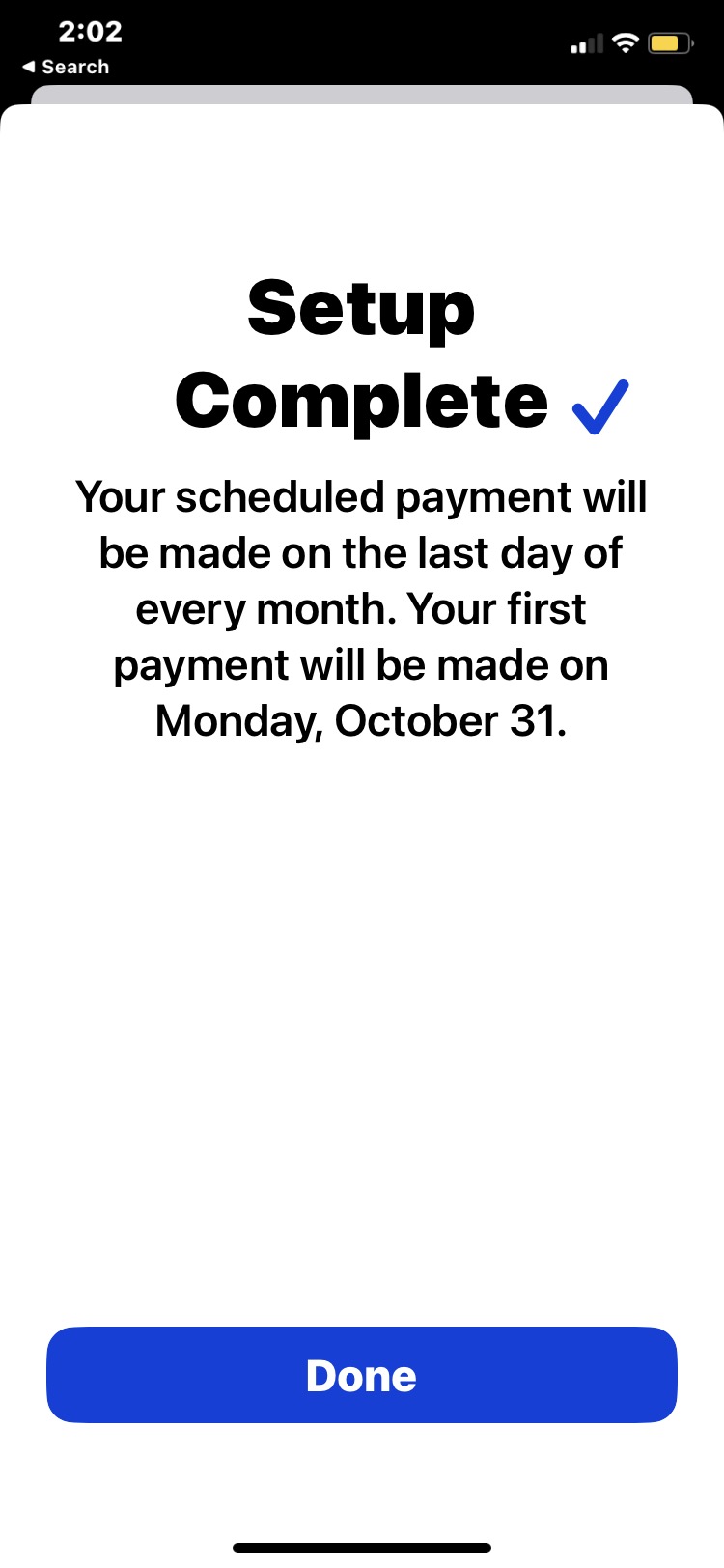
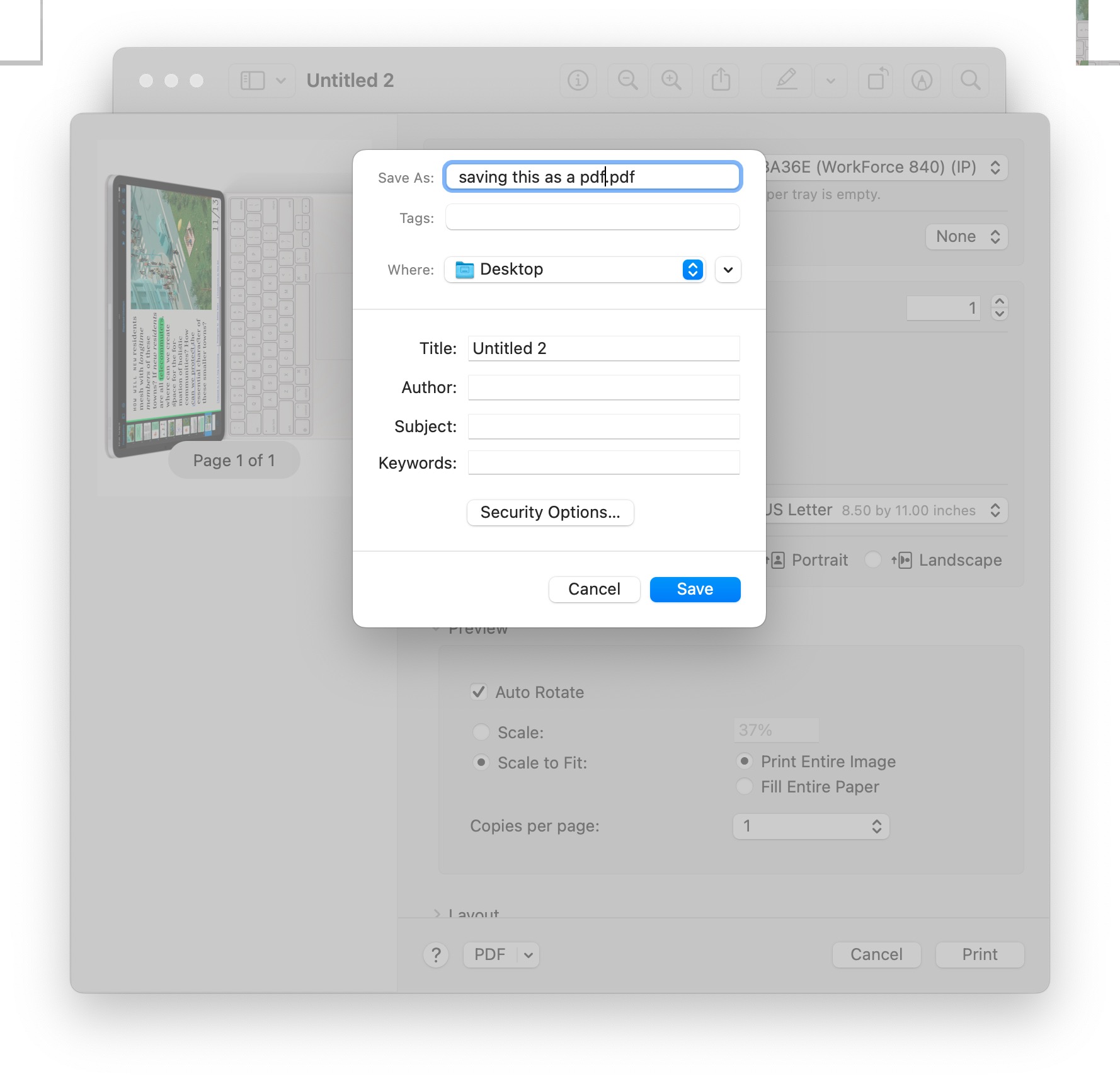
Creating a “Save as PDF” Keyboard Shortcut in MacOS Ventura
-
How to Rename Mac Computer Name in MacOS Ventura
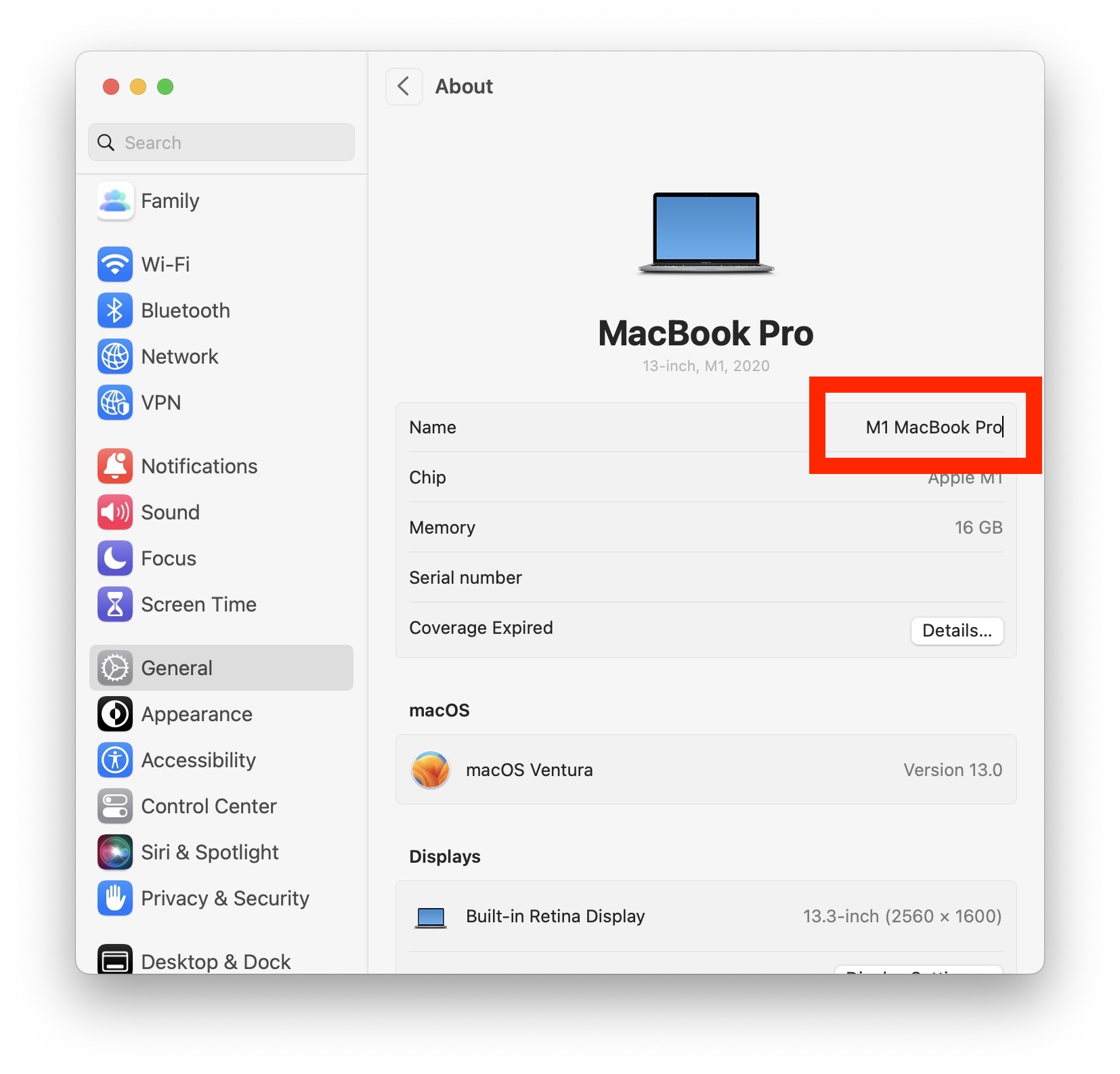
Go to OSX Daily to read How to Rename Mac Computer Name in MacOS Ventura Renaming your Mac computer name offers a way to customize your Mac, differentiate it between other machines when using AirDrop, and make it easy to identify on a network. With modern versions of macOS Ventura 13 and newer, how you…
-
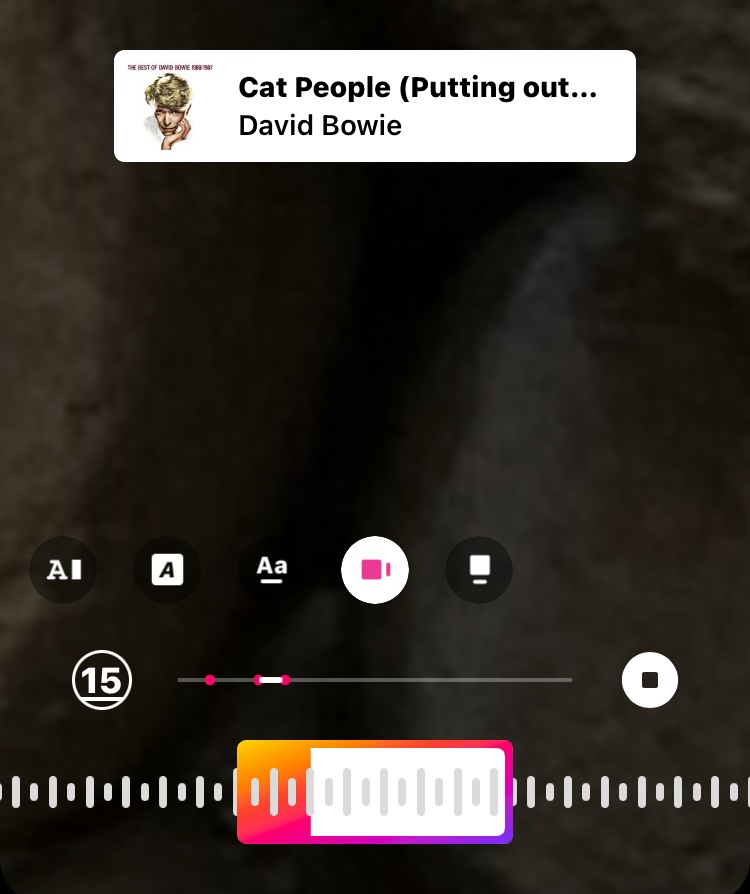
How to Add Music to Your Instagram Story
-
How to Get Your Spotify Wrapped for 2022

-
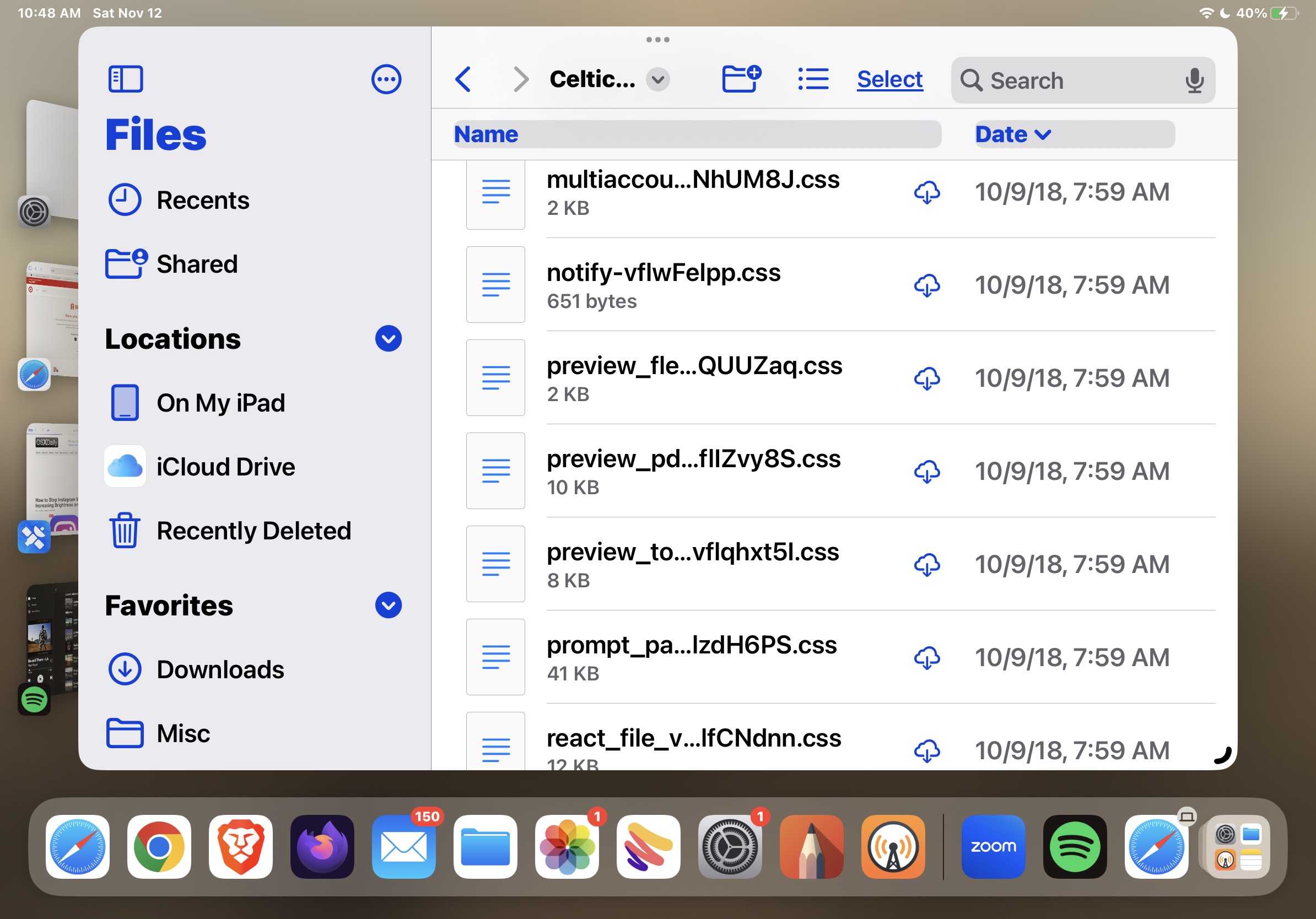
How to Show File Extensions on iPad & iPhone in Files App
-
Check for Power Outage with iPhone, Mac, or iPad, by Looking for Wi-Fi
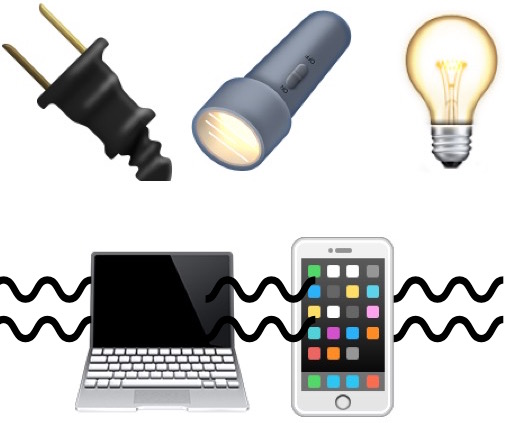
Go to OSX Daily to read Check for Power Outage with iPhone, Mac, or iPad, by Looking for Wi-Fi Electrical power outages are not particularly fun, but should you have the experience of encountering one, you may find this tip helpful which aims to determine if a power outage is impacting only your specific location…
-
Finding System Preferences & Using System Settings in MacOS Ventura
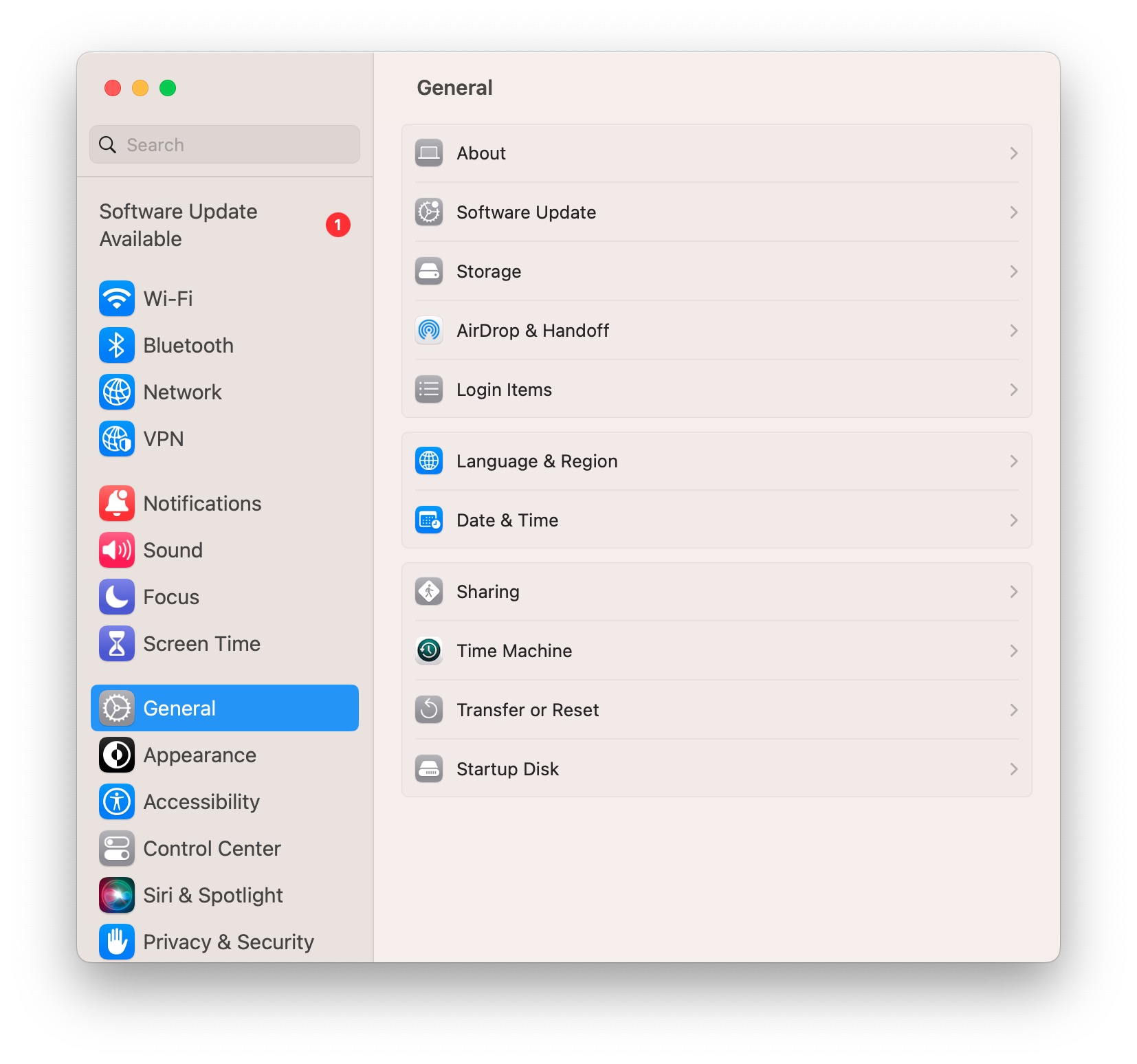
Go to OSX Daily to read Finding System Preferences & Using System Settings in MacOS Ventura System Preferences has been replaced by System Settings in MacOS Ventura, and it’s quite a change not only in name but in how the system control panels are navigated, and also where many preferences, settings, and toggles are located.…
-
How to Enable Stage Manager on iPad
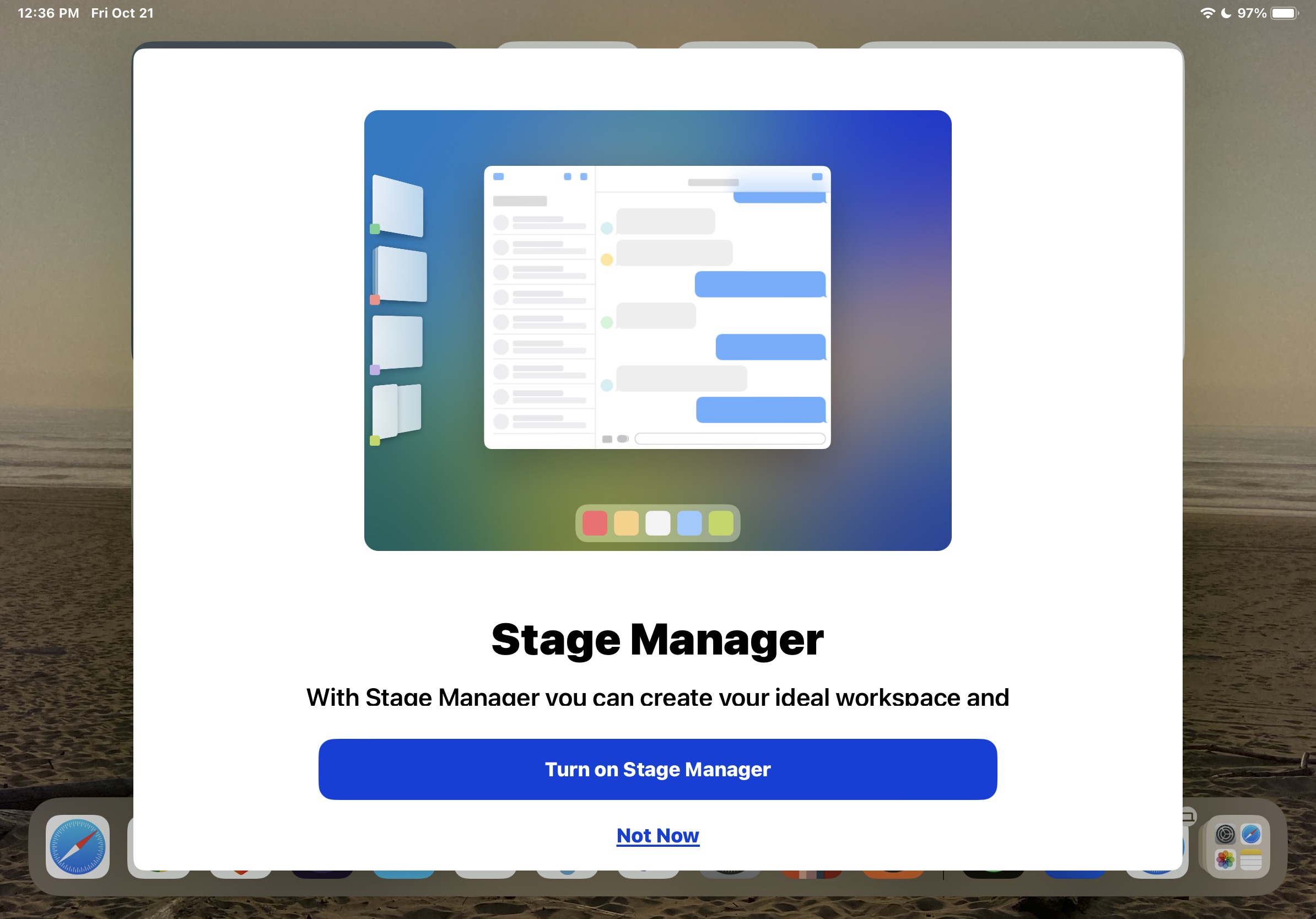
Go to OSX Daily to read How to Enable Stage Manager on iPad Stage Manager is the intriguing multitasking interface that allows for multiple app windows to be open at the same time on iPad. It’s an optional multitasking experience that some iPad users may really like and appreciate, but to make that determination you…
-
Take Full Webpage Screenshots on Mac via Command Line with webkit2png
Go to OSX Daily to read Take Full Webpage Screenshots on Mac via Command Line with webkit2png Ever needed to take a full webpage scrolling screenshot on the Mac through the command line? While there are various approaches to taking full webpage screenshots on a Mac easily with Firefox or another browser, and many ways…
-
How to Setup Auto Pay for Apple Card