
-
How to Restart & Force Restart the iPad Air 5

Go to OSX Daily to read How to Restart & Force Restart the iPad Air 5 Occasionally you may need to shut down, restart, or force restart a device, and iPad Air 5 is no exception. Whether it’s force restarting because of a frozen app, troubleshooting an issue, restarting for any number of reasons, or…
-
How to Change iPad Magic Keyboard Backlight Brightness from Control Center
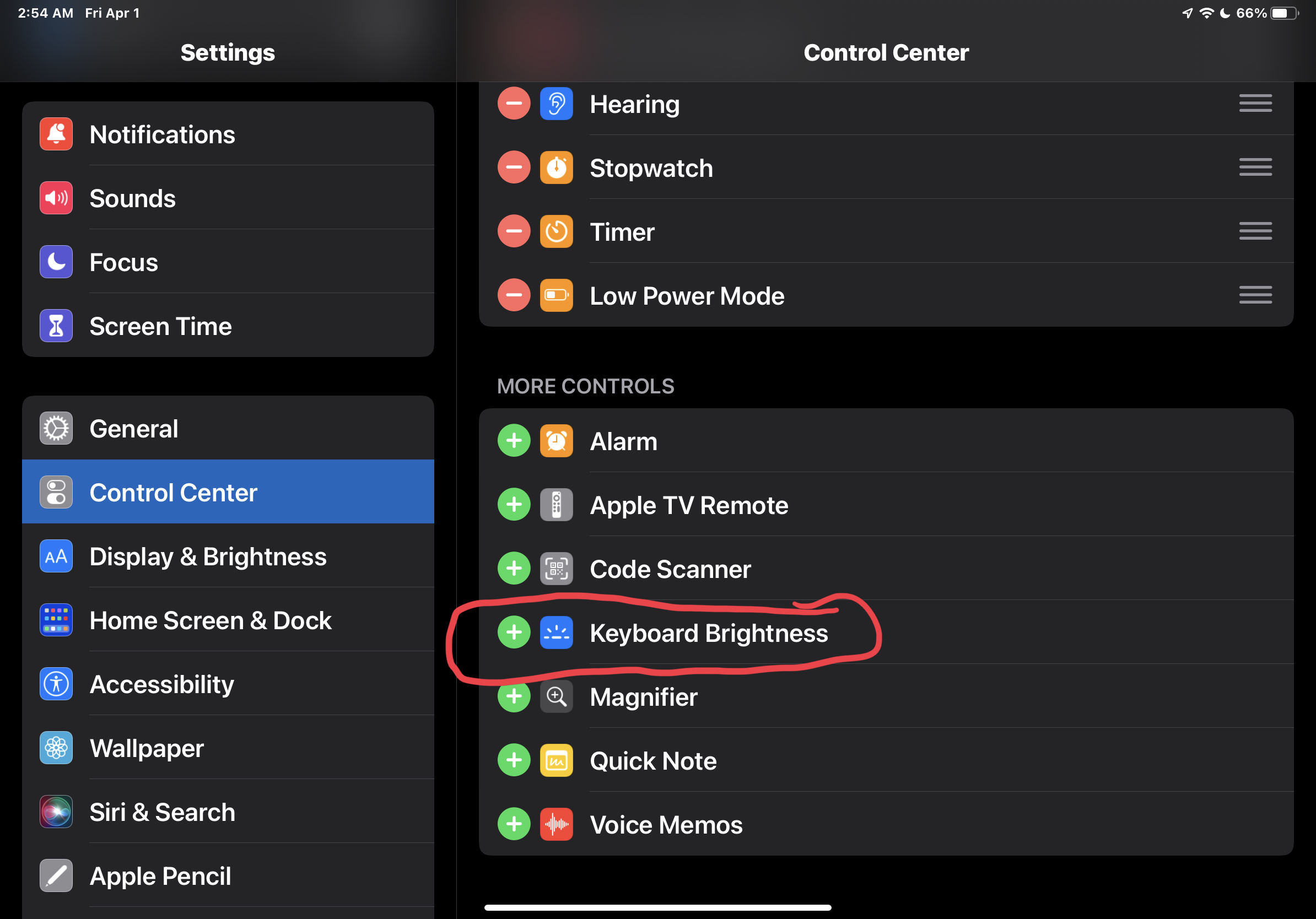
Go to OSX Daily to read How to Change iPad Magic Keyboard Backlight Brightness from Control Center The iPad Magic Keyboard includes backlit keys, which make for easier visibility in lower light situations, and add a nice visual flare to the hardware keyboard as well. With the latest versions of iPadOS, you can easily change…
-
Scan Text Into Notes on iPhone & iPad

-
How to Check SHA512 Checksum on Mac

Go to OSX Daily to read How to Check SHA512 Checksum on Mac SHA512 hashes are often used to determine data integrity, whether for matching a downloaded file to an original on a server, or for command output, or to make sure a file transfer was successful, or not tampered with. Checking a SHA512 hash…
-
How to Stop Discord Opening at Startup on Mac

-
How to Type Upside-Down Exclamation Point on Mac ¡!
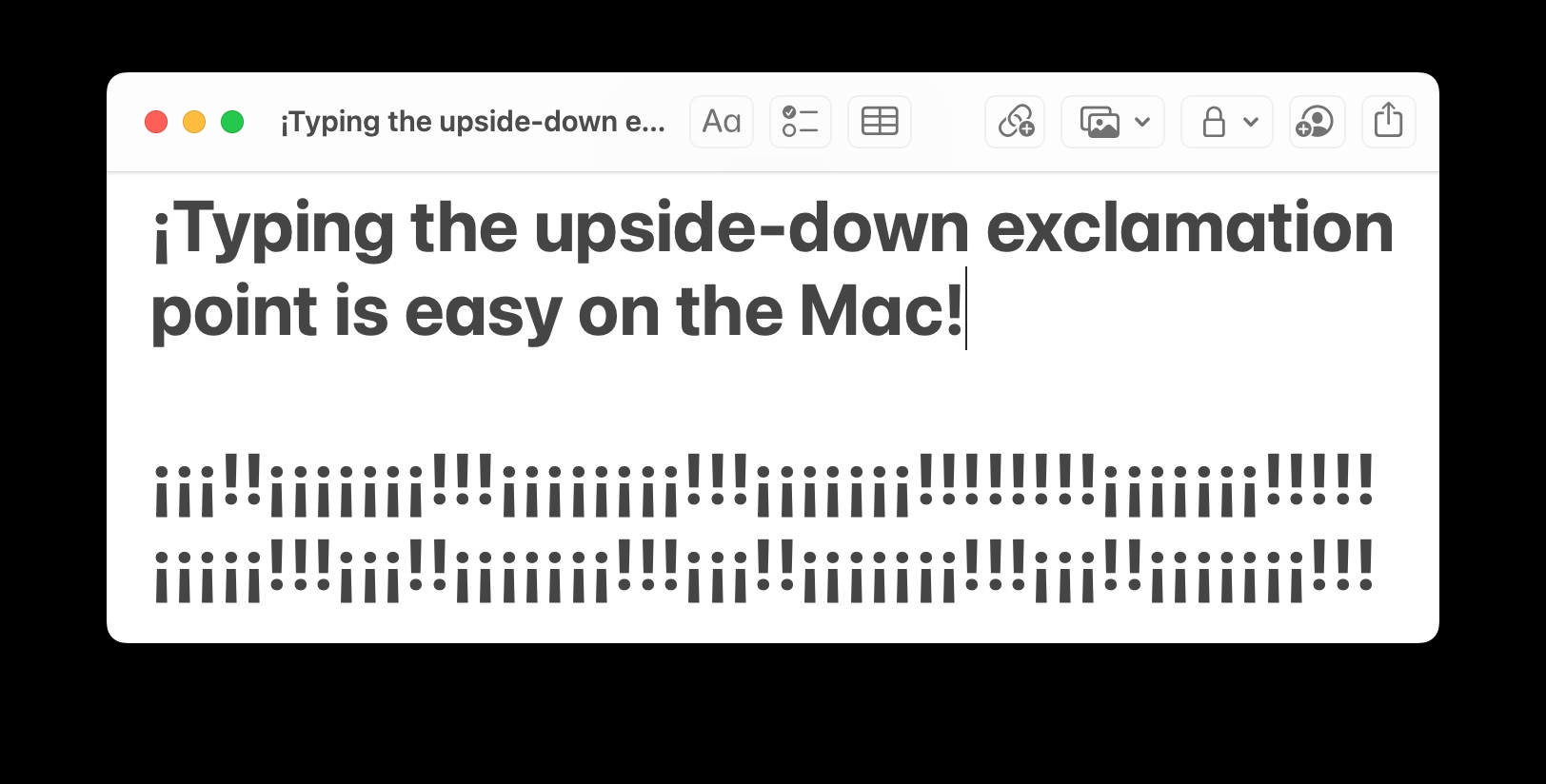
Go to OSX Daily to read How to Type Upside-Down Exclamation Point on Mac ¡! “¡I need to type an inverted exclamation point!” the Mac user said… Indeed, the upside-down exclamation point ¡ is frequently used in Spanish and some other languages and thus it makes sense why you’d need to type the character, but…
-
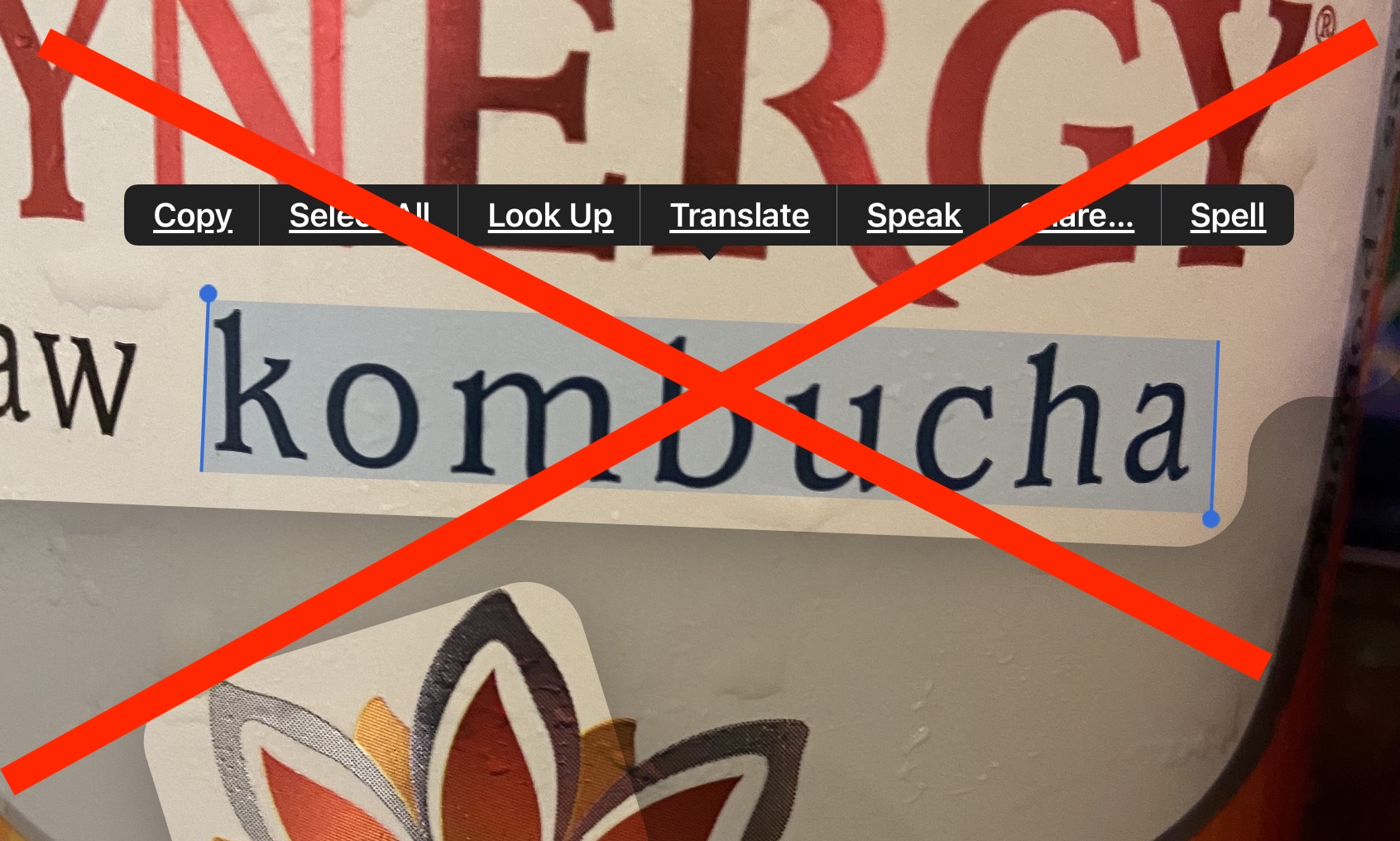
How to Disable Live Text on iPhone & iPad
-
How to Control-F Search on iPad Keyboard in Safari, Chrome, PDF, Notes, Files, etc
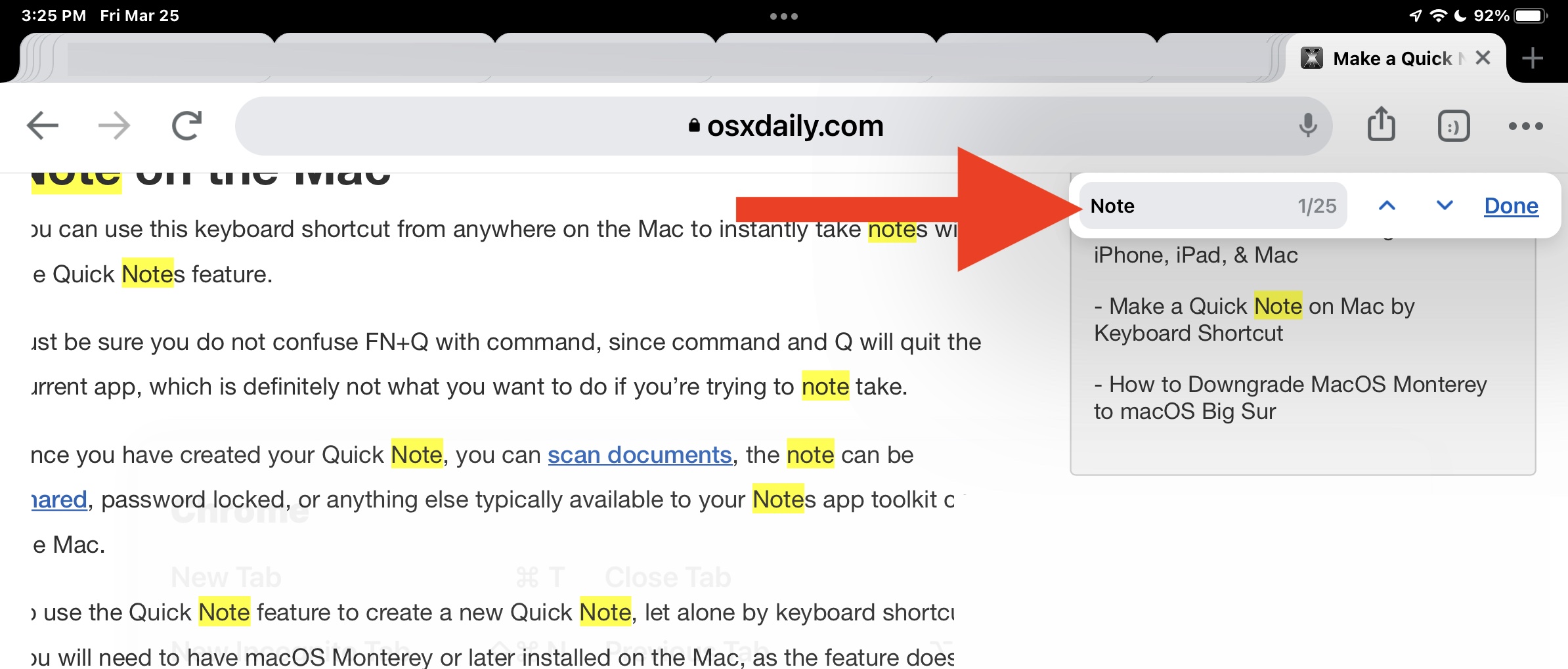
Go to OSX Daily to read How to Control-F Search on iPad Keyboard in Safari, Chrome, PDF, Notes, Files, etc All iPad models have the ability to search within apps for matched text. This includes searching within PDF files, notes, Safari, Chrome, and more. Since many iPad users come from a Windows background, they associate…
-
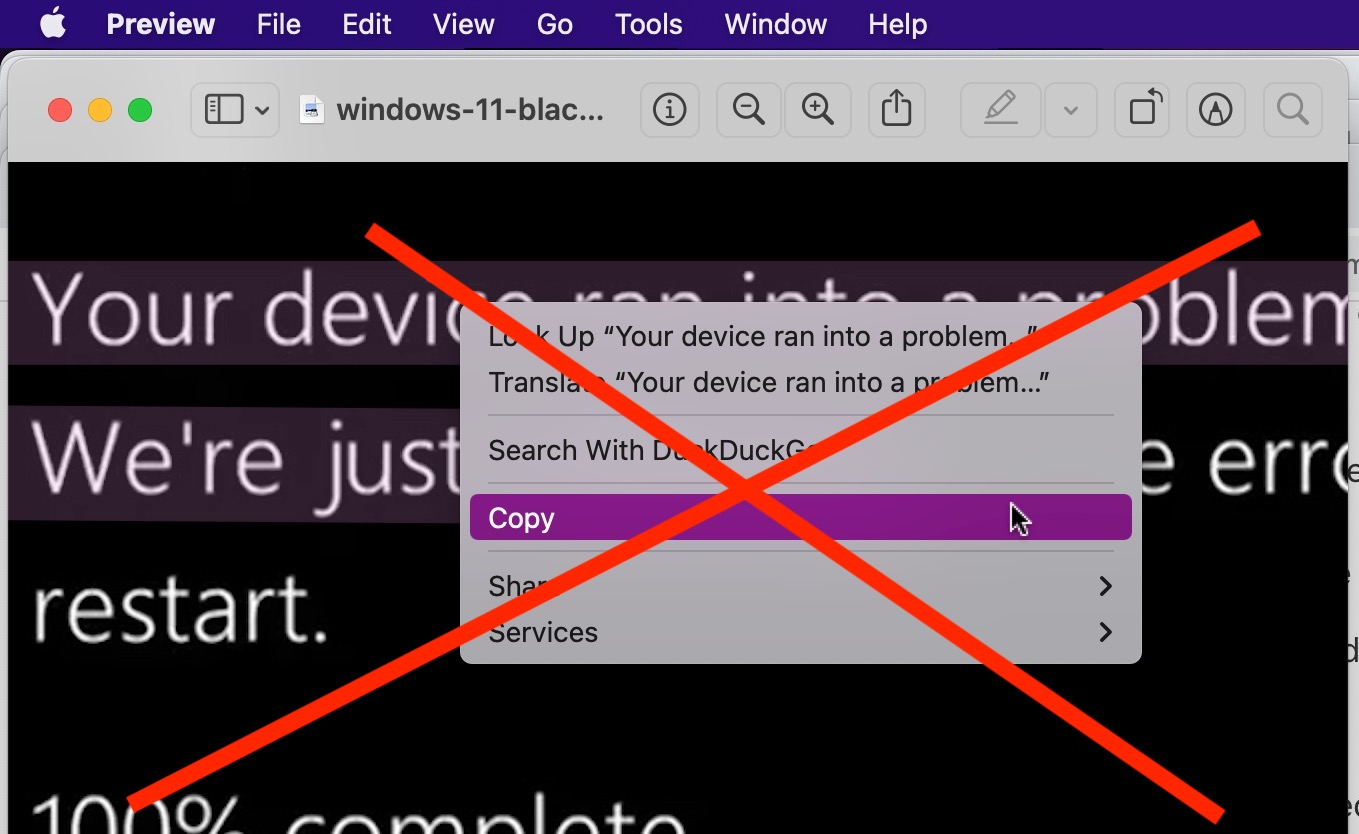
How to Disable Live Text on Mac
-
Easily Bulk Download & Install Mac Apps with macapps.link
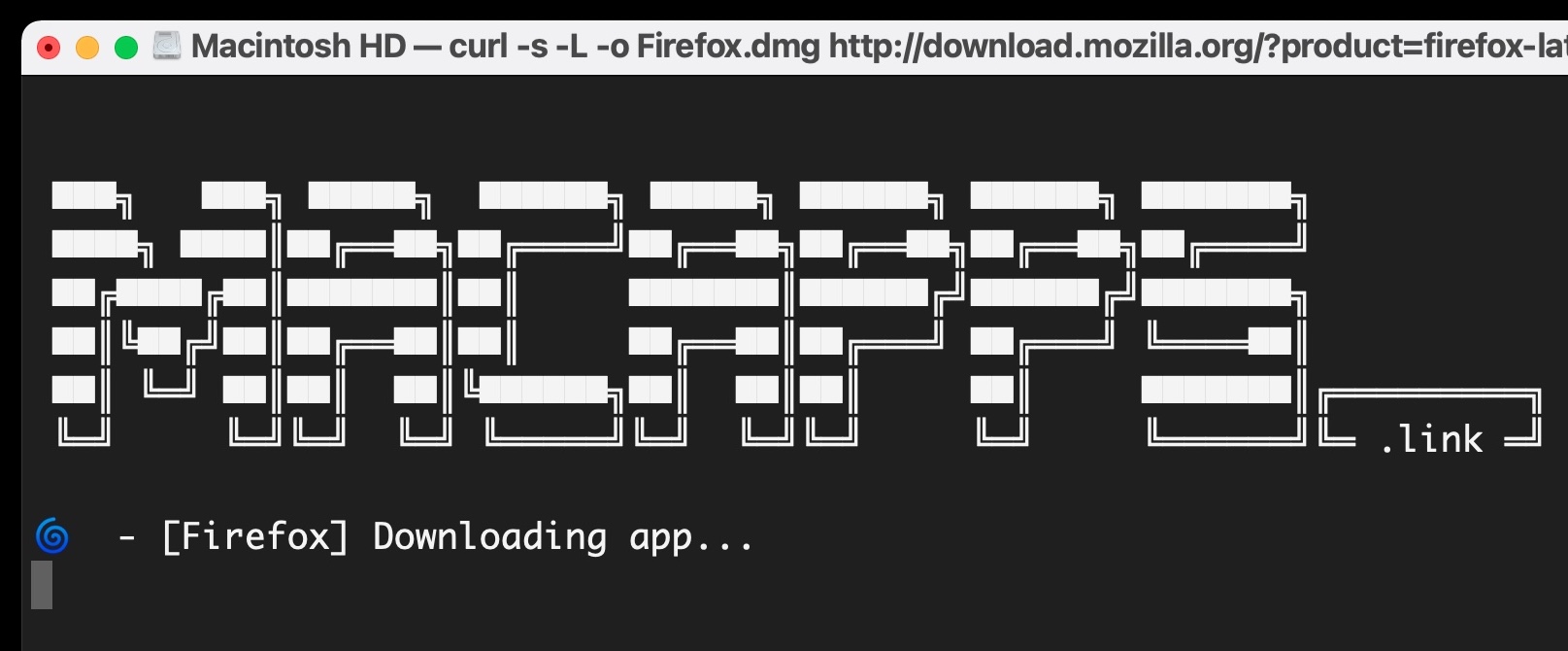
Go to OSX Daily to read Easily Bulk Download & Install Mac Apps with macapps.link Ready to automate Mac app downloads and installs? If you’re setting up a new Mac, you probably know how tedious it is to manually navigate to a bunch of different developer websites, and to individually download and install all the…