
Category: mac os

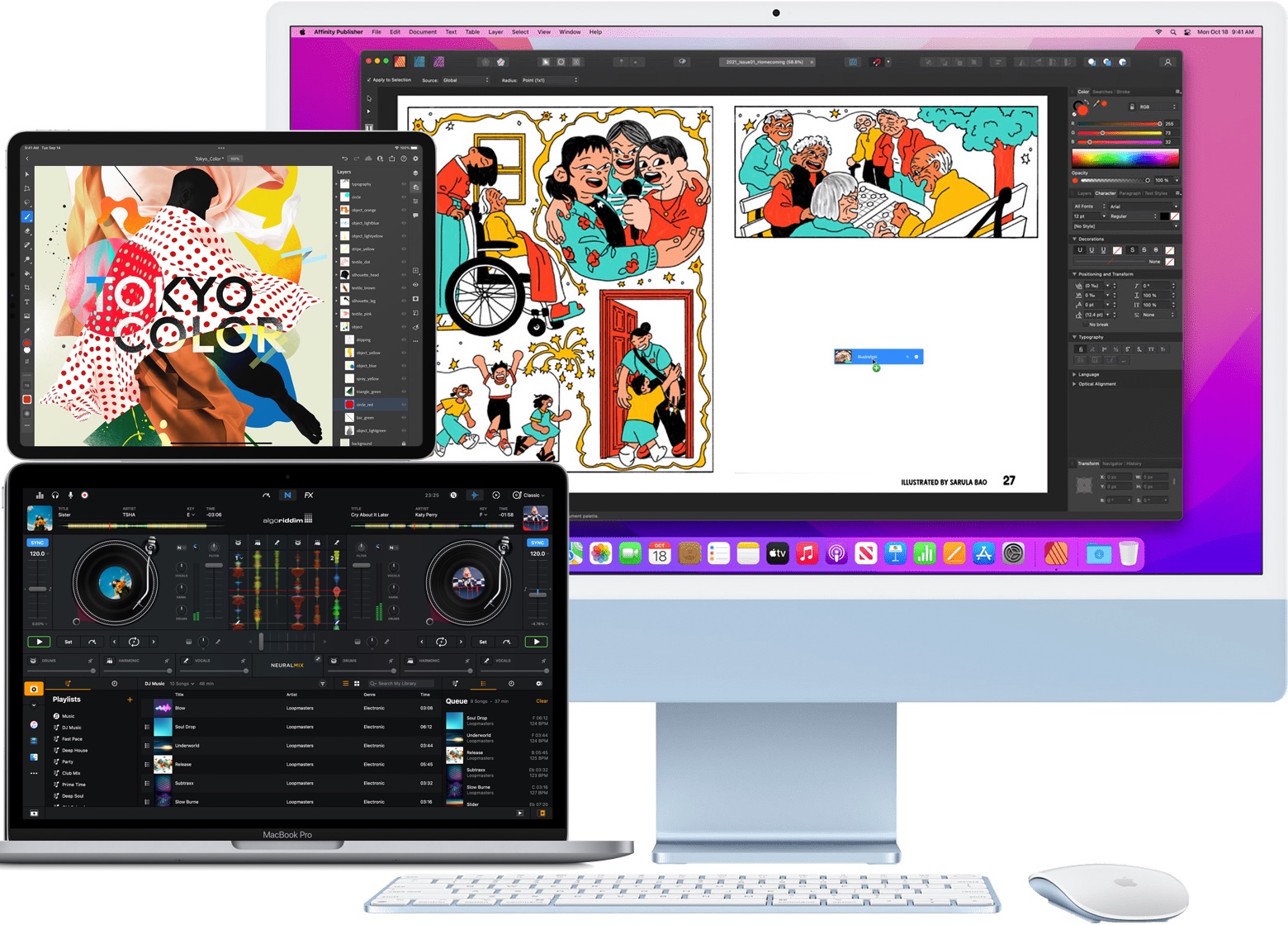
  • How to Use Universal Control on Mac & iPad
    How to Use Universal Control on Mac & iPad

    Go to OSX Daily to read How to Use Universal Control on Mac & iPad Universal Control allows a single mouse and keyboard on a Mac to control additional Macs and iPads, simply by dragging the mouse cursor over to those screens or devices. It’s a fantastic feature for Mac users who have several Macs…

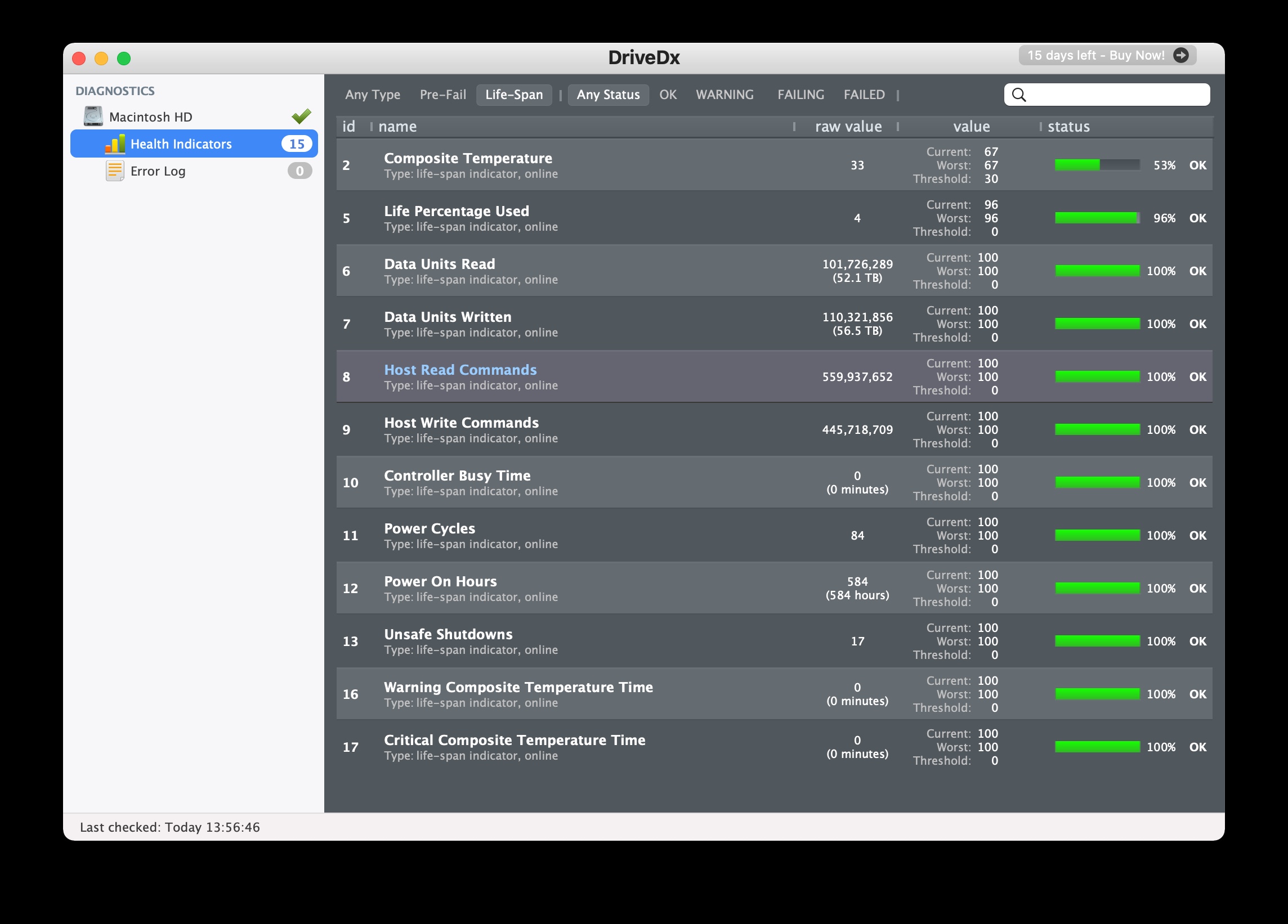
  • Check the Health of Mac SSD with DriveDX
    Check the Health of Mac SSD with DriveDX

    Go to OSX Daily to read Check the Health of Mac SSD with DriveDX Wondering how you can check the health status of an SSD drive in your Mac? Thanks to a third party app called DriveDX, determining the health of a Mac SSD and other disk drives is easier than ever. Knowing the health…

  • How to Keep the Menu Bar on Mac in Full Screen Mode

    How to Keep the Menu Bar on Mac in Full Screen Mode

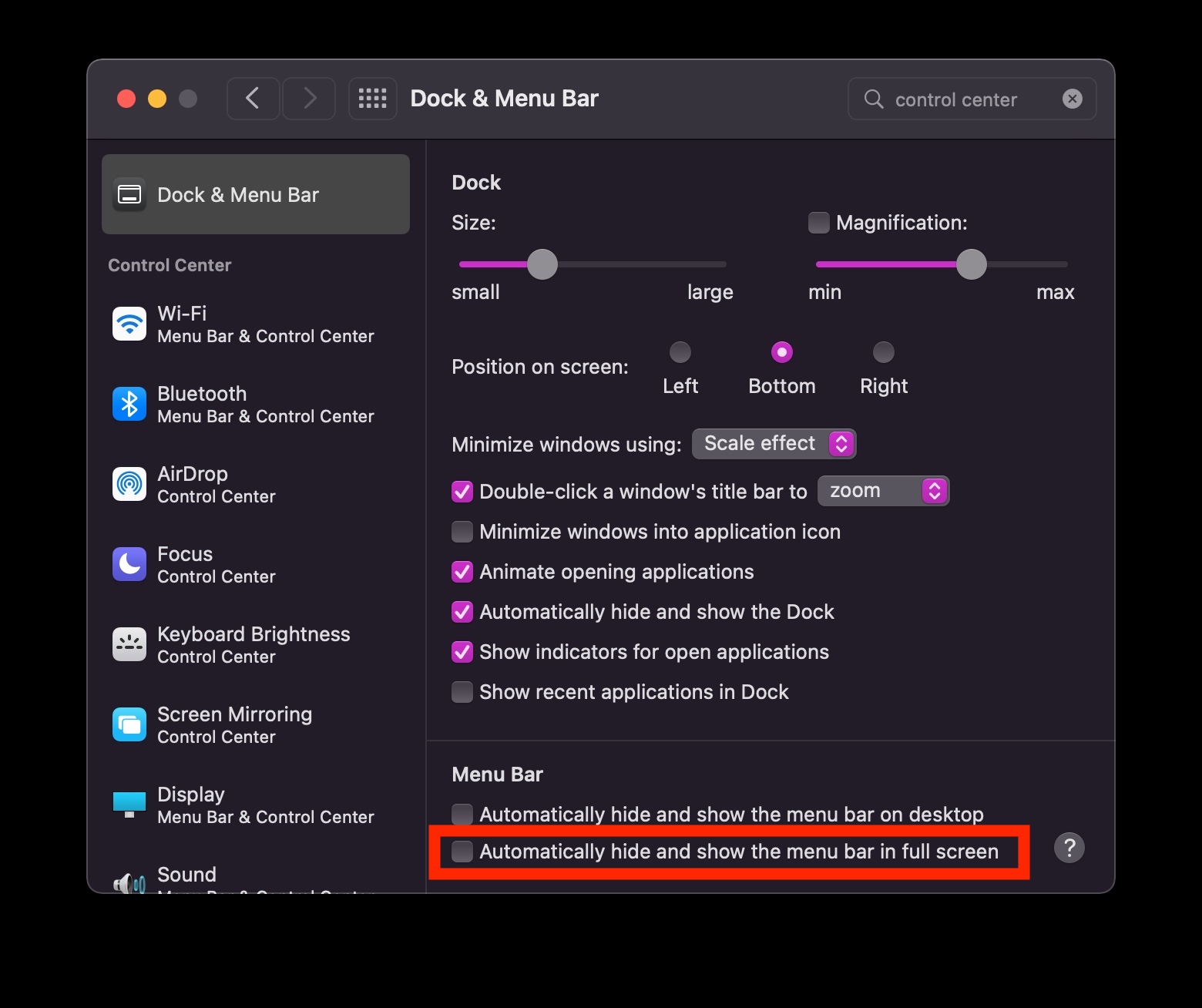
    Go to OSX Daily to read How to Keep the Menu Bar on Mac in Full Screen Mode Full screen mode on the Mac defaults to hiding the menu bar, and while you can swing your cursor to the top of the screen to reveal the menu bar, some Mac users may prefer to have…

  • How to Remove the Shortcuts Menu Bar Icon on Mac

    How to Remove the Shortcuts Menu Bar Icon on Mac

    Go to OSX Daily to read How to Remove the Shortcuts Menu Bar Icon on Mac If you want to remove the entire Shortcuts menu bar icon, you’ve probably already tried dragging the item out and removing it the typical way, only to find it not disappear. It turns out if you want to remove…

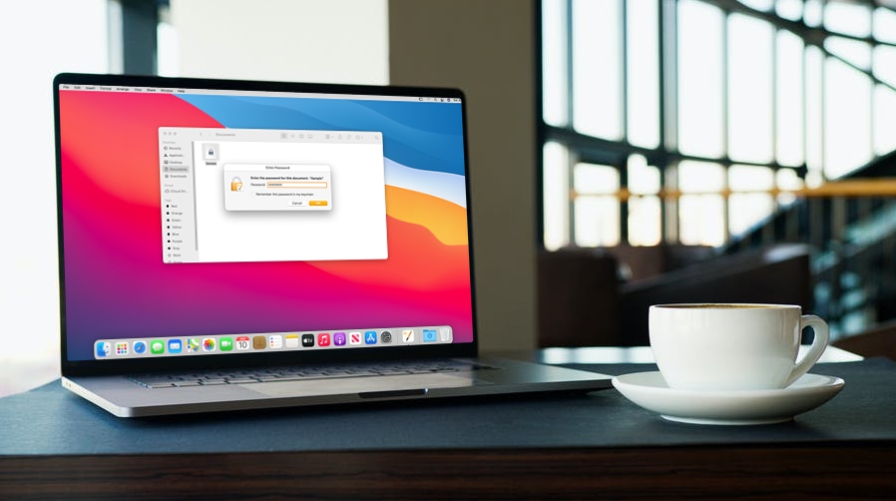
  • How to Password Protect Pages, Keynote & Numbers Documents on Mac
    How to Password Protect Pages, Keynote & Numbers Documents on Mac

    Go to OSX Daily to read How to Password Protect Pages, Keynote & Numbers Documents on Mac Do you want to make sure your important documents created in Pages, Keynote, or Numbers are safe and secure? If so, you may want to encrypt them with a secure password, which will protect the document from unauthorized…

  • Mute Microphone Automatically When Joining a Zoom Meeting

    Mute Microphone Automatically When Joining a Zoom Meeting

    Go to OSX Daily to read Mute Microphone Automatically When Joining a Zoom Meeting If you spend a lot of time in and out of Zoom meetings, you may have experienced an awkward situation where someone’s microphone is defaulting to being unmuted when they join a Zoom meeting, and something personal or unprofessional gets broadcast…

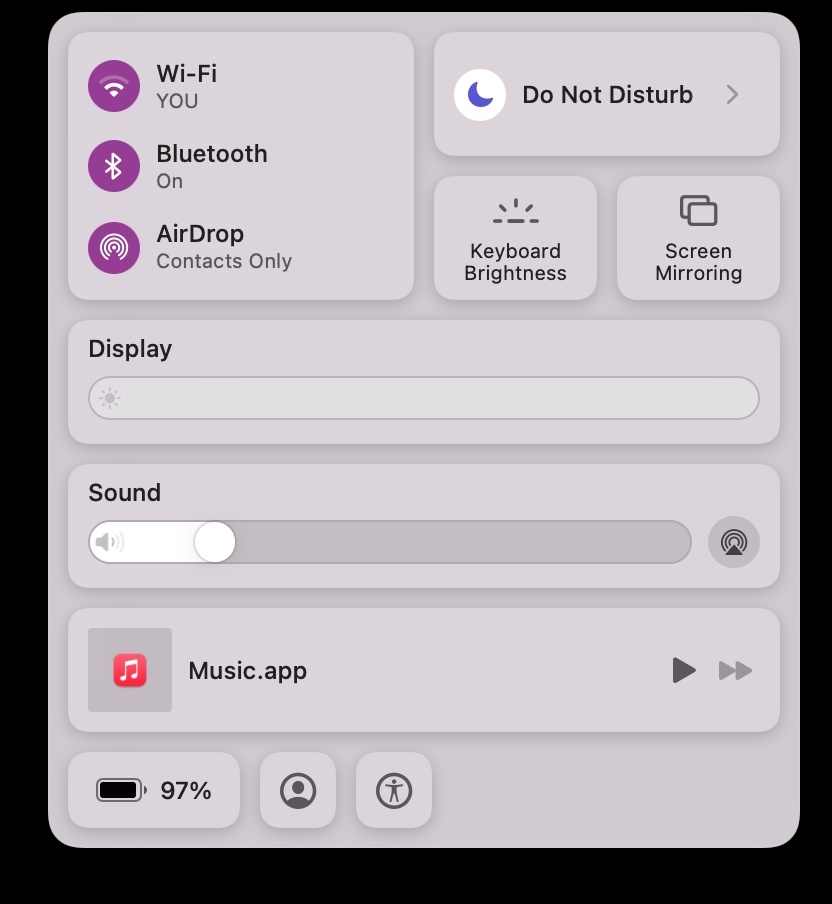
  • Quickly Open Control Center on Mac or iPad with a Keyboard Shortcut
    Quickly Open Control Center on Mac or iPad with a Keyboard Shortcut

    Go to OSX Daily to read Quickly Open Control Center on Mac or iPad with a Keyboard Shortcut Mac users can quickly open Control Center in macOS with the help of a keyboard shortcut. And to make matters even better, the same keyboard shortcut works to open Control Center on any iPad using a keyboard…

  • 8 Tips for New MacBook Pro 14″ & 16″ Owners
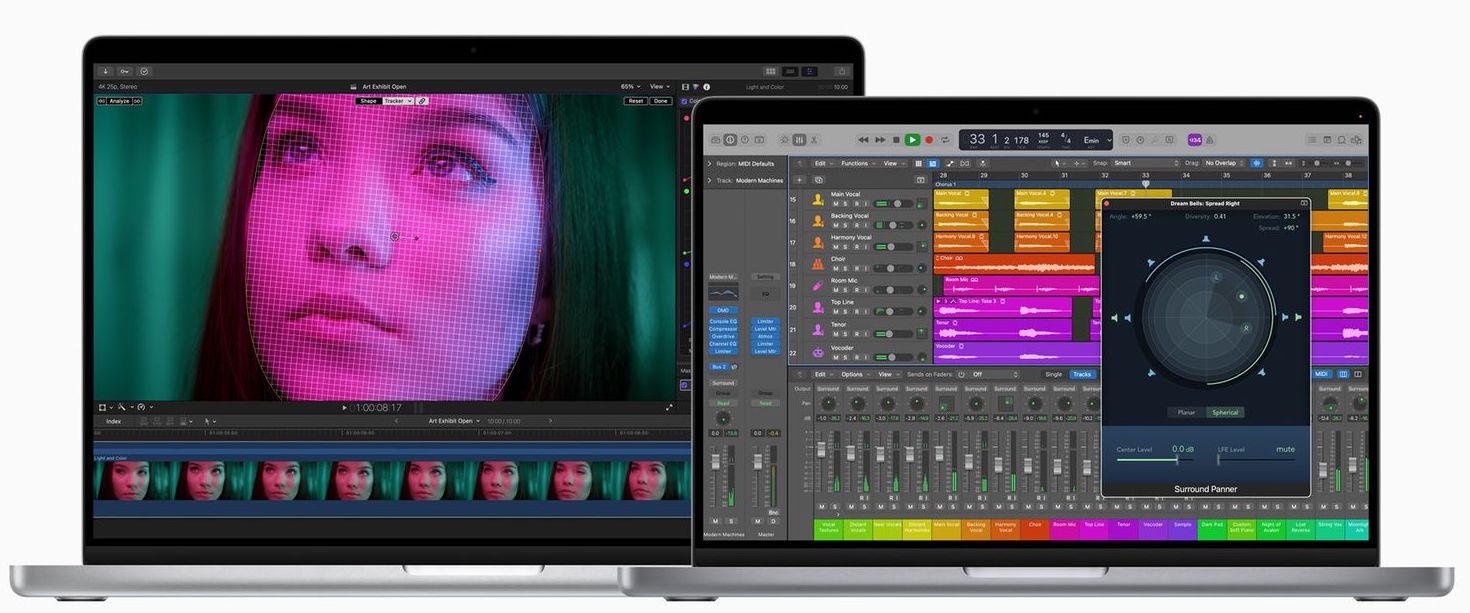
    8 Tips for New MacBook Pro 14″ & 16″ Owners

    Go to OSX Daily to read 8 Tips for New MacBook Pro 14″ & 16″ Owners Get a fancy new MacBook Pro 14″ or 16″ model with the powerful M1 Pro or M1 Max chip? These are feature packed laptops with plenty of oomph, and there are also some unique aspects to the hardware. Let’s…

  • Run Shortcuts from the Command Line on Mac

    Run Shortcuts from the Command Line on Mac

    Go to OSX Daily to read Run Shortcuts from the Command Line on Mac The Mac includes a command line interface to run and interact with Shortcuts app. This could be potentially useful to some macOS users who rely on the Shortcuts app for scripting and automation, and who spend a lot of time in…

  • How to Use WhatsApp on Mac / PC Without a Phone
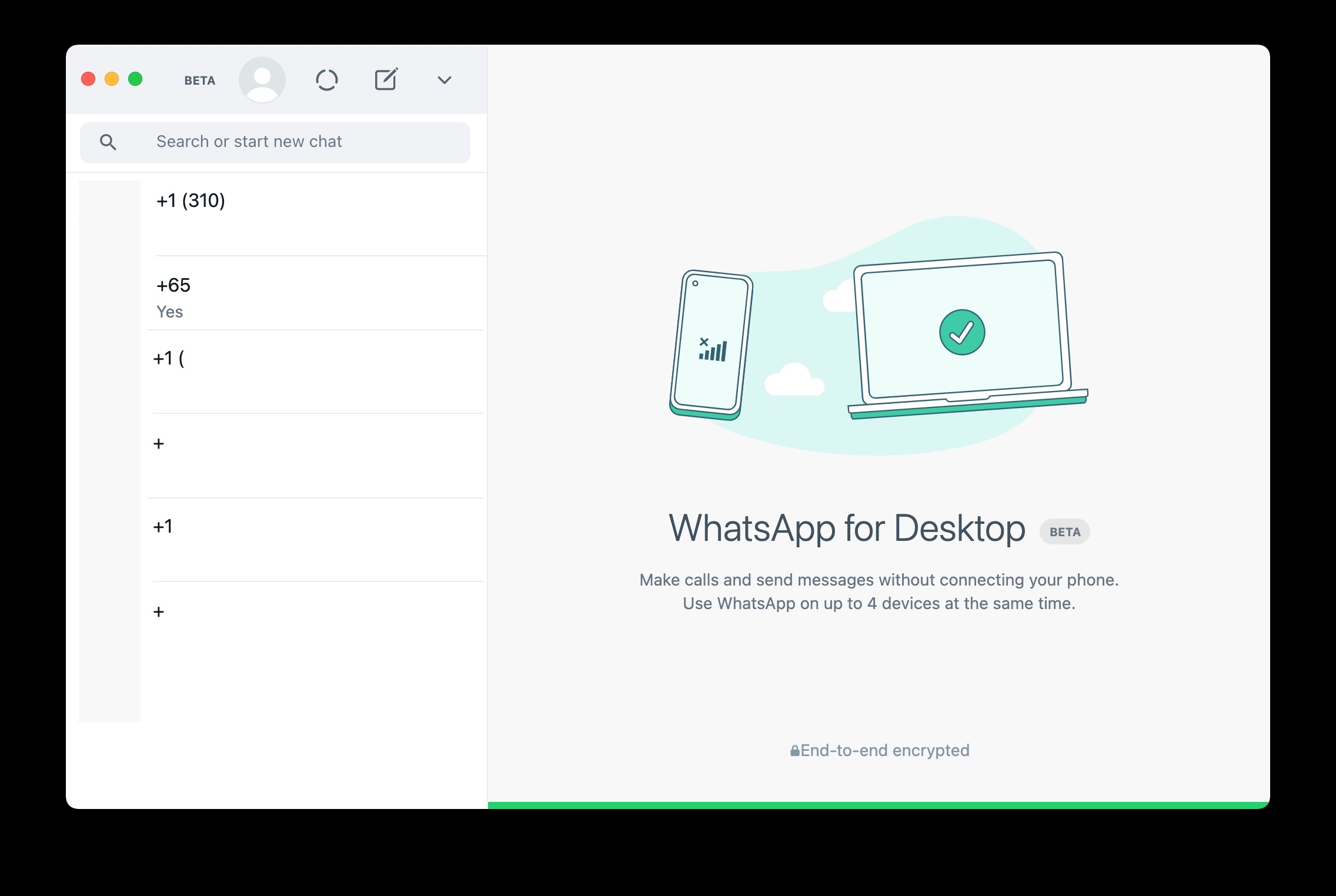
    How to Use WhatsApp on Mac / PC Without a Phone
    Go to OSX Daily to read How to Use WhatsApp on Mac / PC Without a Phone The latest versions of WhatsApp for Mac and Windows allow you to use WhatsApp on the computer without having a phone that is connected to the internet. For example, you can continue to use WhatsApp on a Mac…