Category: mac os

  • Universal Control Compatible Mac & iPad List
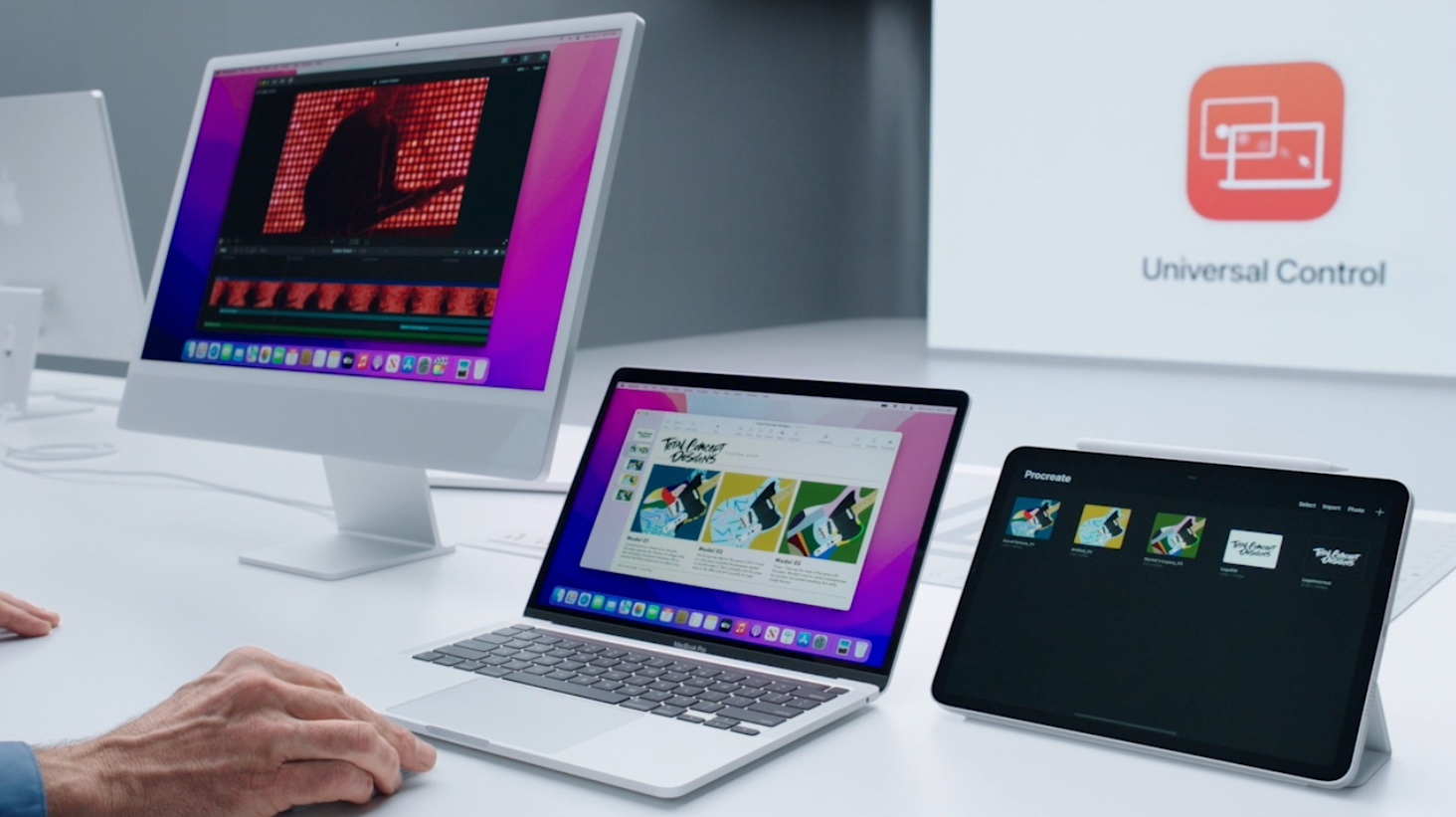
    Universal Control Compatible Mac & iPad List

    Go to OSX Daily to read Universal Control Compatible Mac & iPad List Wondering what Mac and iPad models are supported to use Universal Control? If you’re interested in knowing which iPad models support Universal Control, and which Macs can use Universal Control, you’re in the right place. Below we’ll go through the list of…

  • How to Open macOS VirtualBox VM in Full Screen
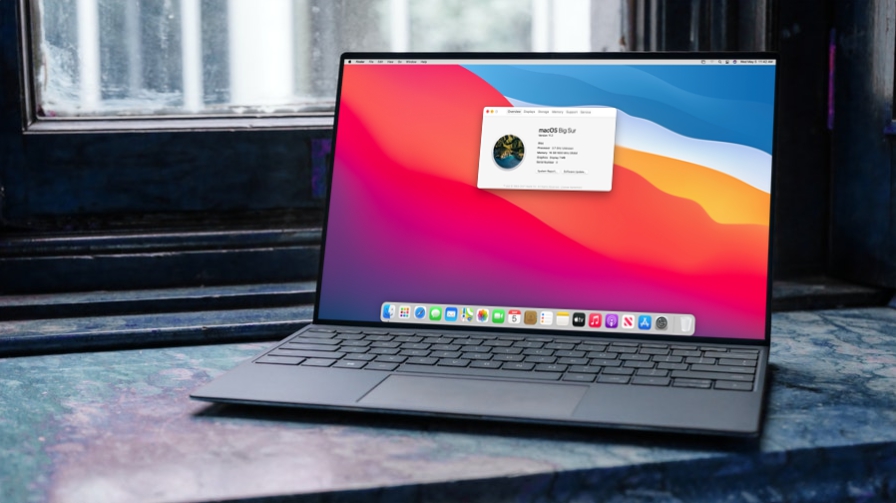
    How to Open macOS VirtualBox VM in Full Screen

    Go to OSX Daily to read How to Open macOS VirtualBox VM in Full Screen Installed macOS using VirtualBox on your Windows PC only to find out that it’s not running in full screen? Well, this is something that a lot of new VirtualBox users run into, but it’s not really an issue. This can…

  • How to Connect USB Devices to macOS VirtualBox VM
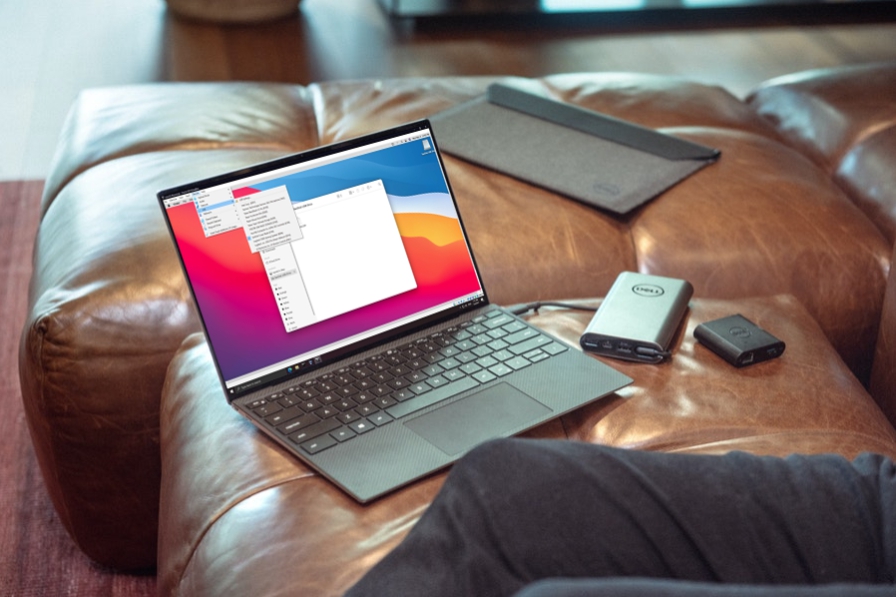
    How to Connect USB Devices to macOS VirtualBox VM

    Go to OSX Daily to read How to Connect USB Devices to macOS VirtualBox VM Did you manage to set up a macOS virtual machine on your Windows PC only to realize that your USB devices aren’t showing up in it? While running macOS in a guest environment with a tool like VirtualBox is one…

  • Mac Boots to Circle with Line Through It 🚫 & How to Fix It
    Mac Boots to Circle with Line Through It 🚫 & How to Fix It

    Go to OSX Daily to read Mac Boots to Circle with Line Through It 🚫 & How to Fix It Rarely, you may encounter a Mac that boots to a screen that shows a circle with a line through it, or a circle with a slash through it. If you encounter a Mac booting into…

  • Download a Full MacOS Ventura Beta Installer
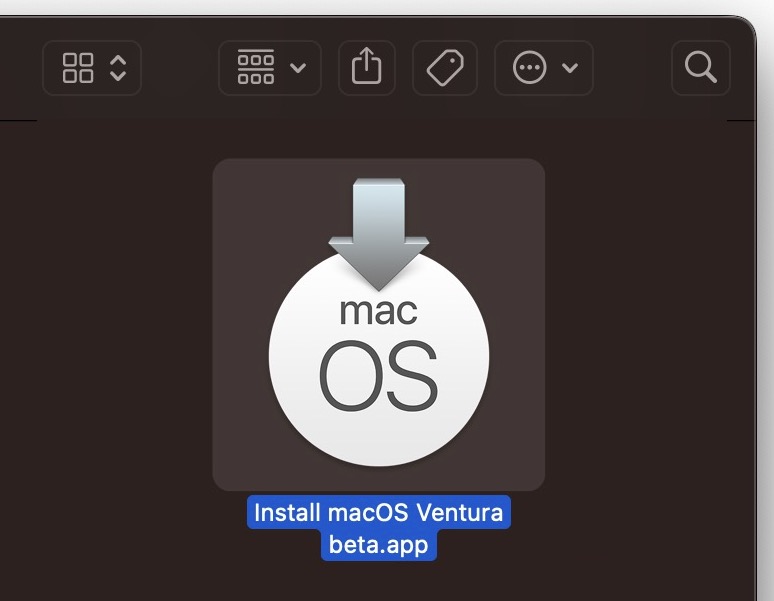
    Download a Full MacOS Ventura Beta Installer

    Go to OSX Daily to read Download a Full MacOS Ventura Beta Installer Many Mac users who wish to download and install macOS Ventura beta have discovered the Ventura beta update installs automatically over the current system software version, like a standard software update, rather than downloading a typical “Install macOS Ventura beta.app” application installer.…

  • How to Install MacOS Ventura Beta Right Now
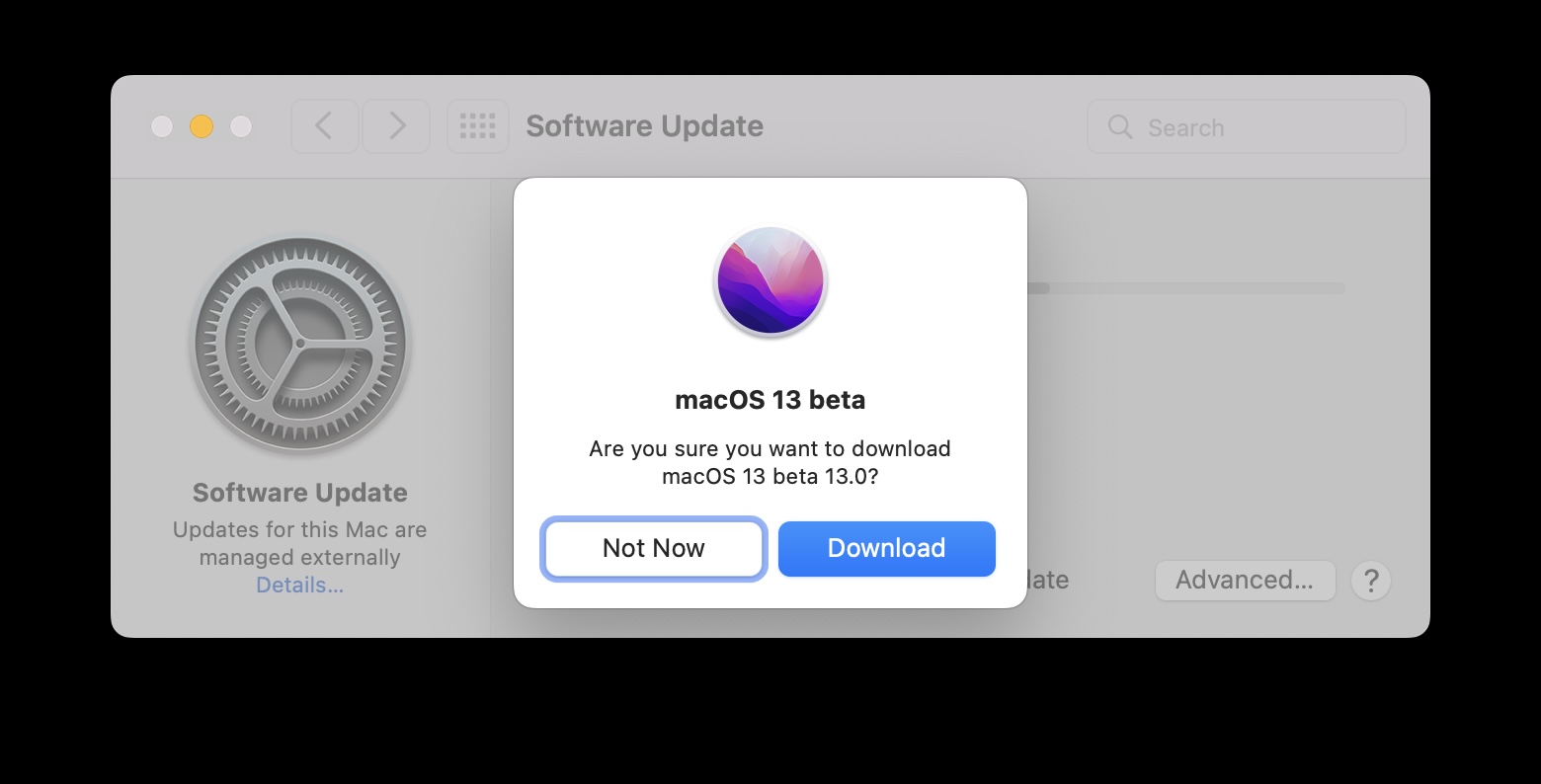
    How to Install MacOS Ventura Beta Right Now

    Go to OSX Daily to read How to Install MacOS Ventura Beta Right Now MacOS Ventura beta is available to install and run for Mac users who are interested in trying out the developer version of the upcoming Mac operating system. Installing the Ventura beta is pretty easy, though it’s currently only available to registered…

  • “Touch ID to Log In” Stuck on Mac Touch Bar? Here’s the Fix
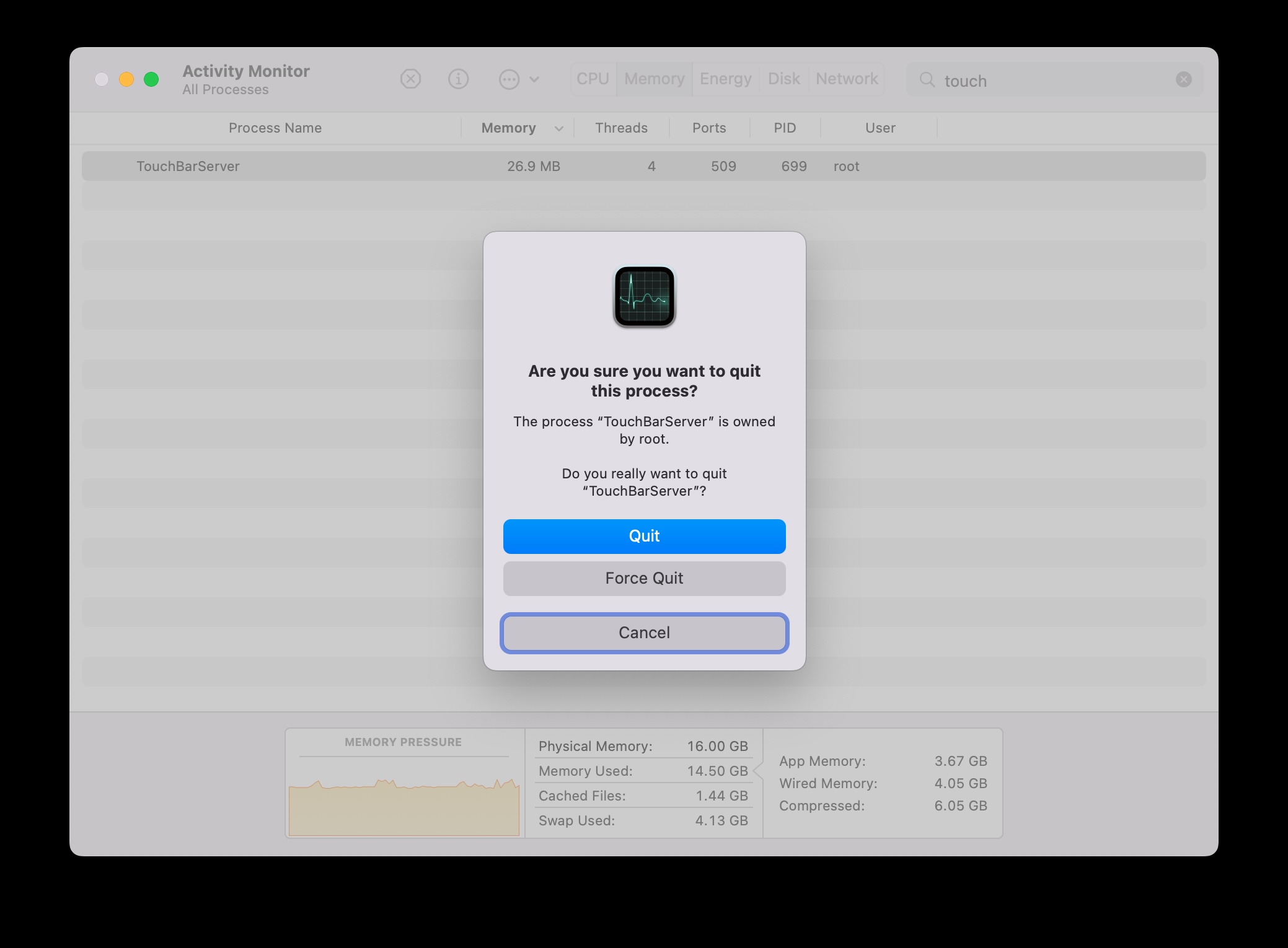
    “Touch ID to Log In” Stuck on Mac Touch Bar? Here’s the Fix

    Go to OSX Daily to read “Touch ID to Log In” Stuck on Mac Touch Bar? Here’s the Fix Owners of a MacBook Pro with Touch Bar may occasionally run into an issue where the Touch Bar gets stuck on a “Touch ID to Log In” screen, often with a Safari icon, displaying even if…

  • How to Clear Icon Cache on Mac

    How to Clear Icon Cache on Mac

    Go to OSX Daily to read How to Clear Icon Cache on Mac Occasionally, Mac users may notice that icons in the Finder of MacOS or the Dock of MacOS either display as generic icons, or the icons do not align with what they should (for example, seeing a generic document icon instead of a…