
-
How to Use 134 New Aerial Wallpapers in MacOS Sonoma
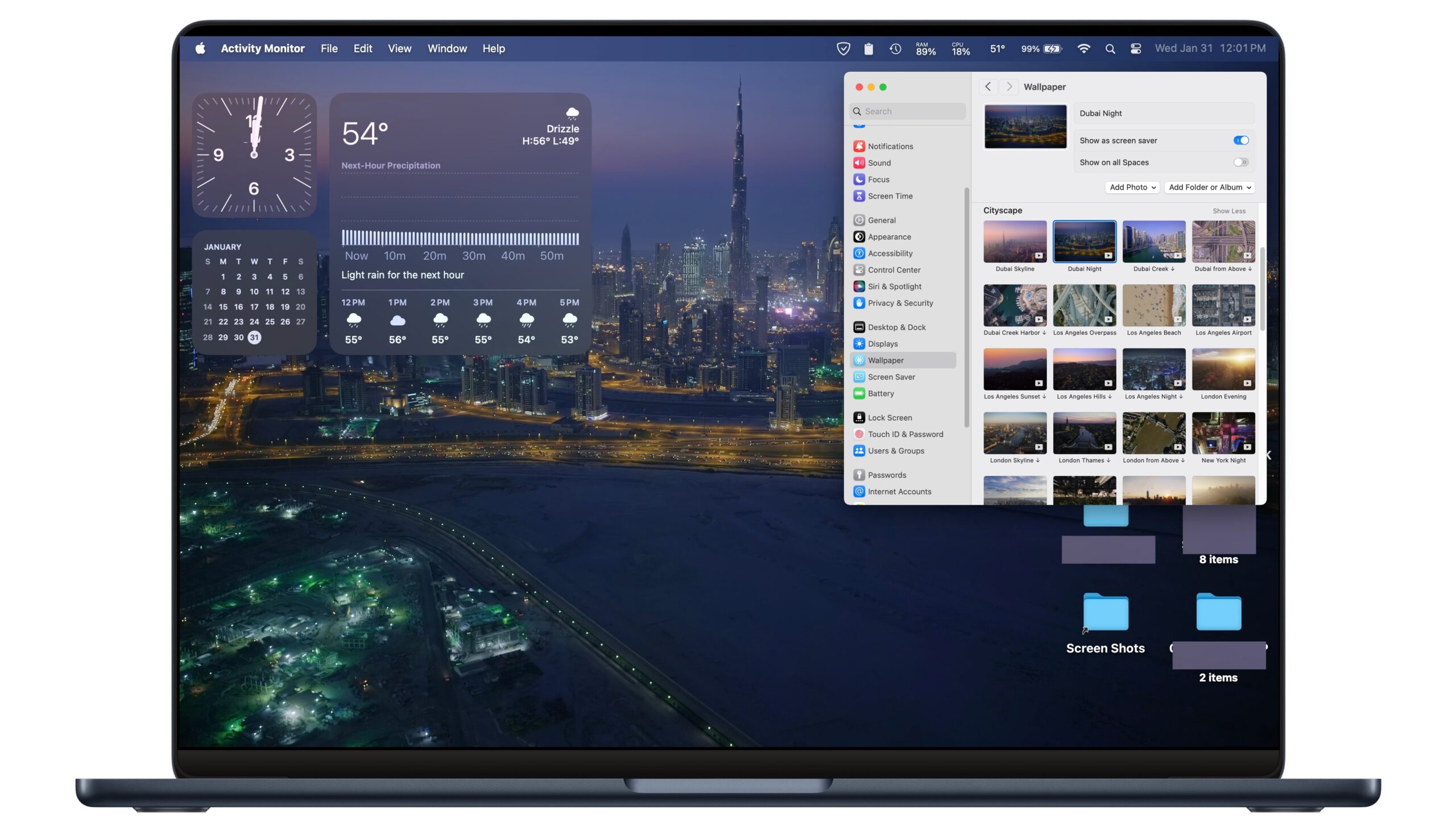
Go to OSX Daily to read How to Use 134 New Aerial Wallpapers in MacOS Sonoma macOS Sonoma arrived with 134 new stunning wallpapers available that you can use to spruce up your Mac desktop background. The giant collection of new wallpapers are themed, with wallpaper options for landscapes, cityscapes, underwater, and Earth from space.…
-
How to Stop Mac Windows Changing Color & Tinting

Go to OSX Daily to read How to Stop Mac Windows Changing Color & Tinting As you use the Mac, opening windows and dragging them around, you may have noticed that the color of the windows can shift tone and change hue, sometimes fairly dramatically so, and depending on what your MacOS wallpaper is set…
-
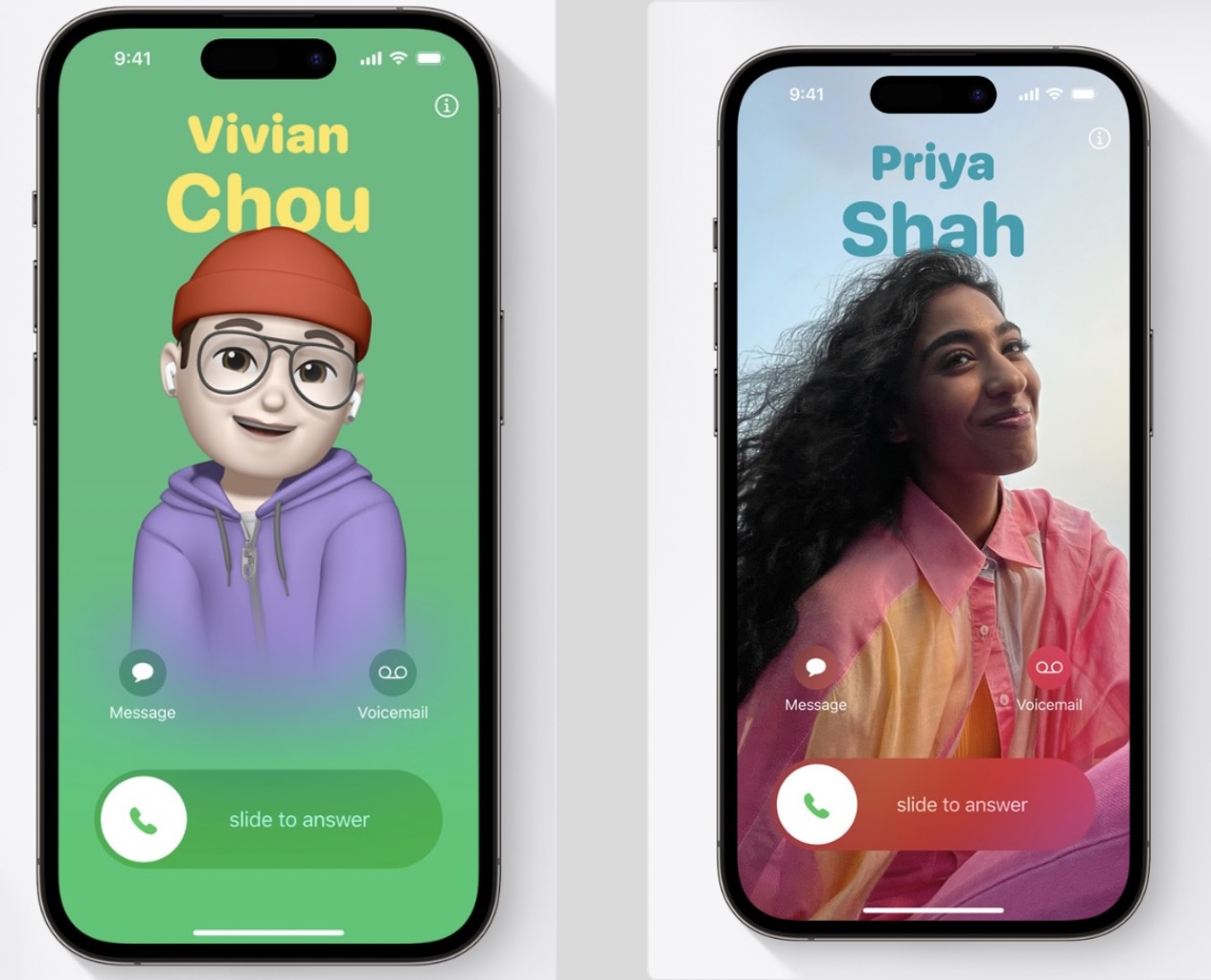
How to Make a Contact Poster on iPhone
-
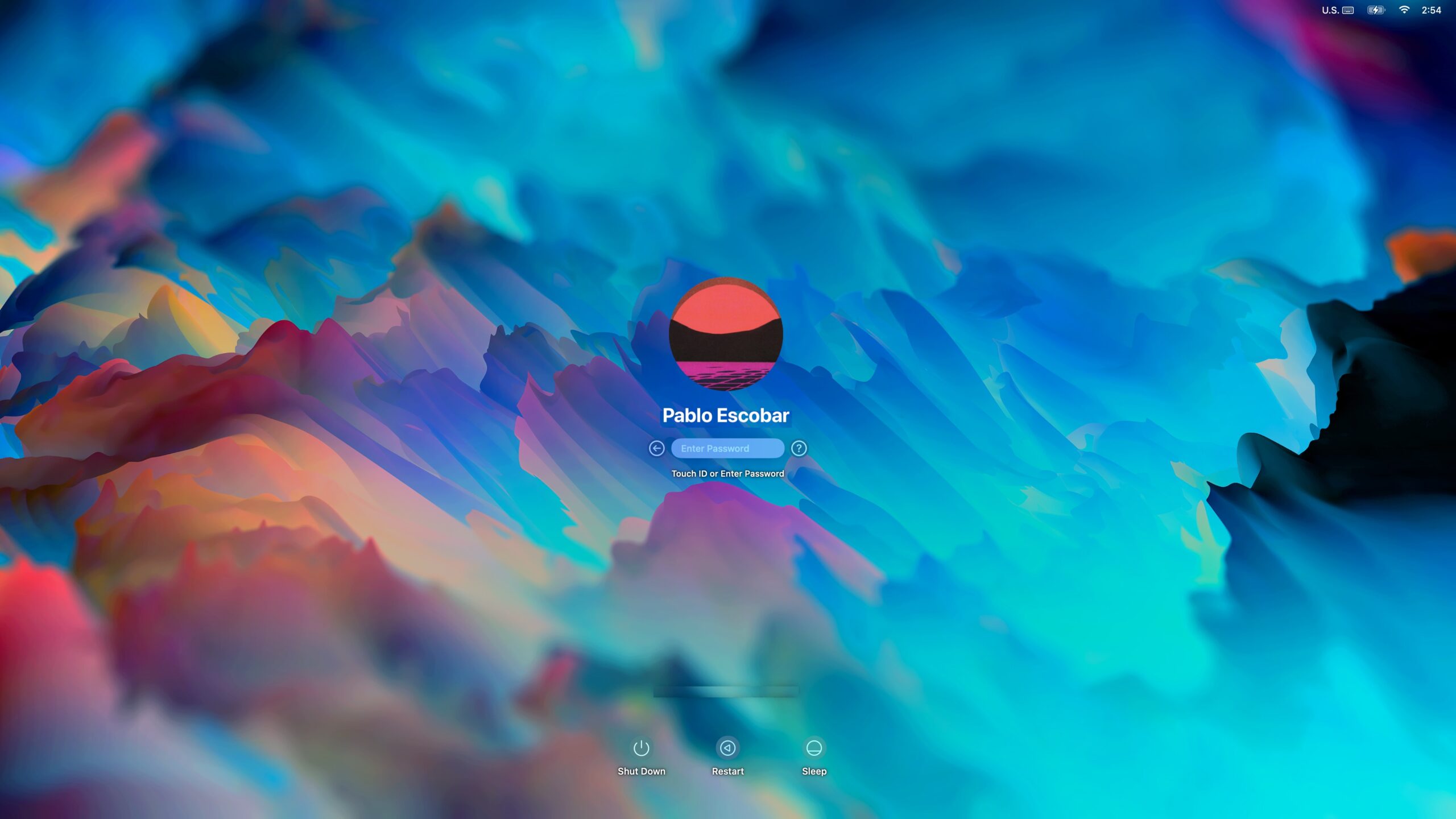
How to Change the Lock Screen Wallpaper on MacOS Ventura
-
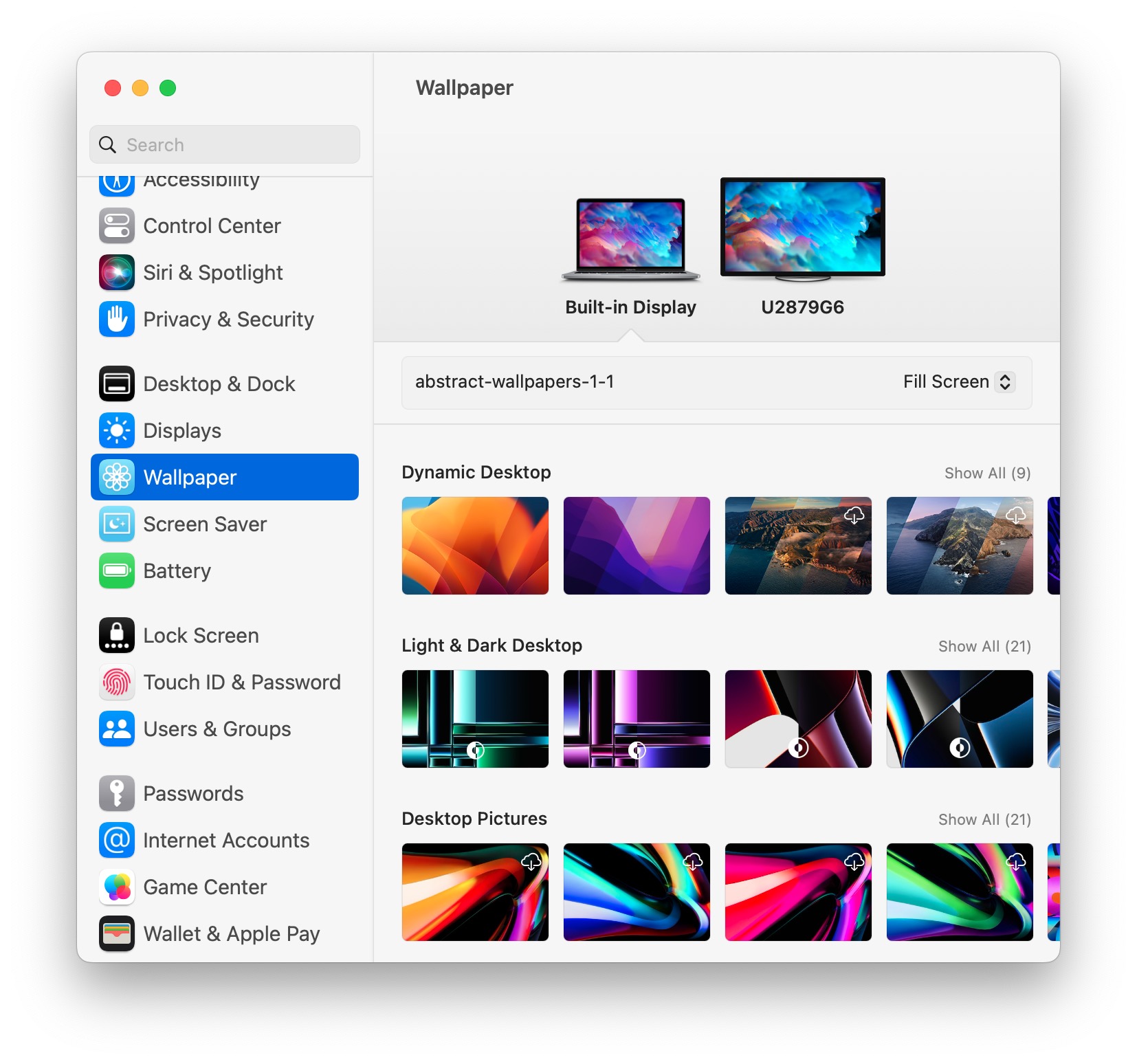
How to Change Wallpaper on MacOS Ventura
-
How to Shuffle Between Wallpapers on iPhone Lock Screen
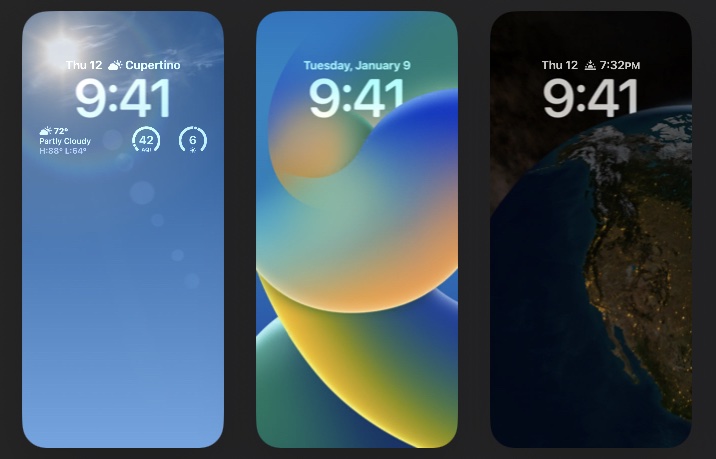
Go to OSX Daily to read How to Shuffle Between Wallpapers on iPhone Lock Screen One of the more fun ways to customize an iPhone is to set the lock screen wallpaper to shuffle between a collection of photos. Maybe you’d like to rotate through a variety of your favorite wallpapers on your lock screen,…
-
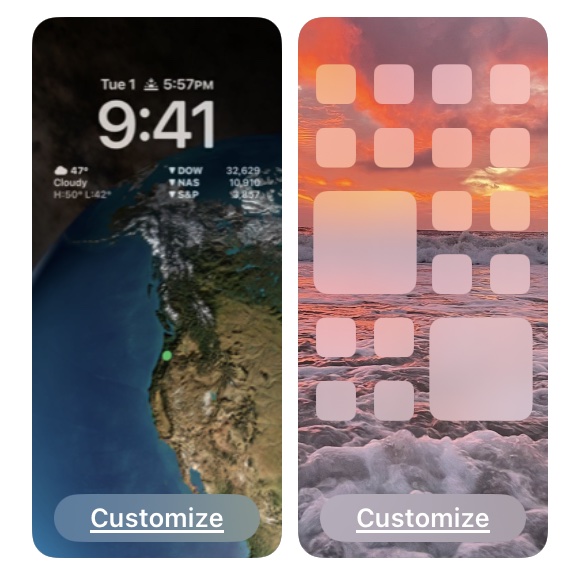
How to Set Different Wallpaper for Home Screen & Lock Screen on iOS 16
-
How to Change Safari Reader View Font & Background on iPhone & iPad
-
How to Change Siri Voice on Mac
-
How to Use Zoom Backgrounds on Mac & Windows PC