
-
How to Recover Recently Deleted Passwords on Mac
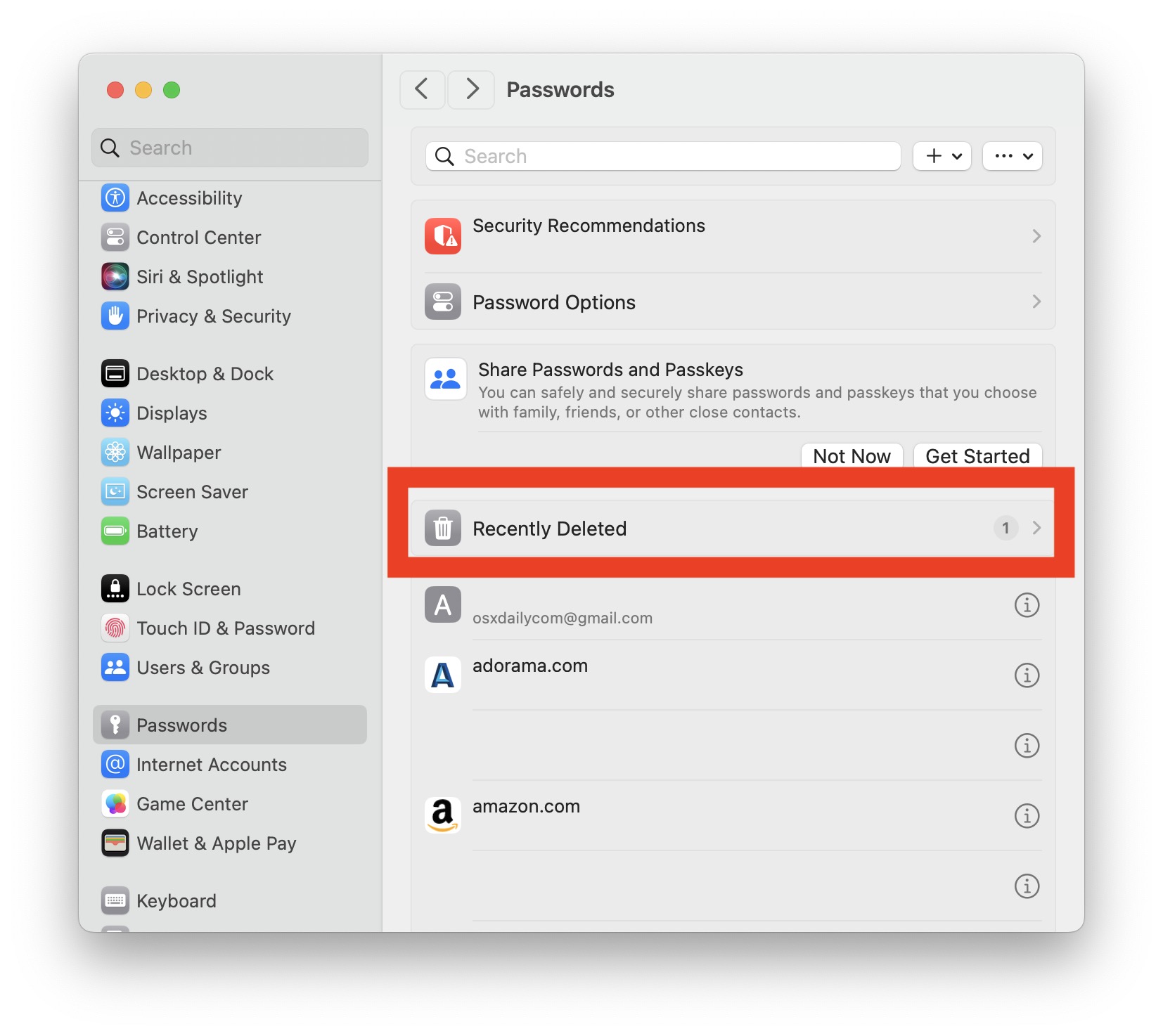
Go to OSX Daily to read How to Recover Recently Deleted Passwords on Mac Forgetting or losing a password is a hassle, but assuming you save your logins and passwords with iCloud Keychain, that happens less and less. But you can still delete a password or login, whether intentionally or accidentally, and then end up…
-
How to Import Passwords to iCloud Keychain Using a Mac
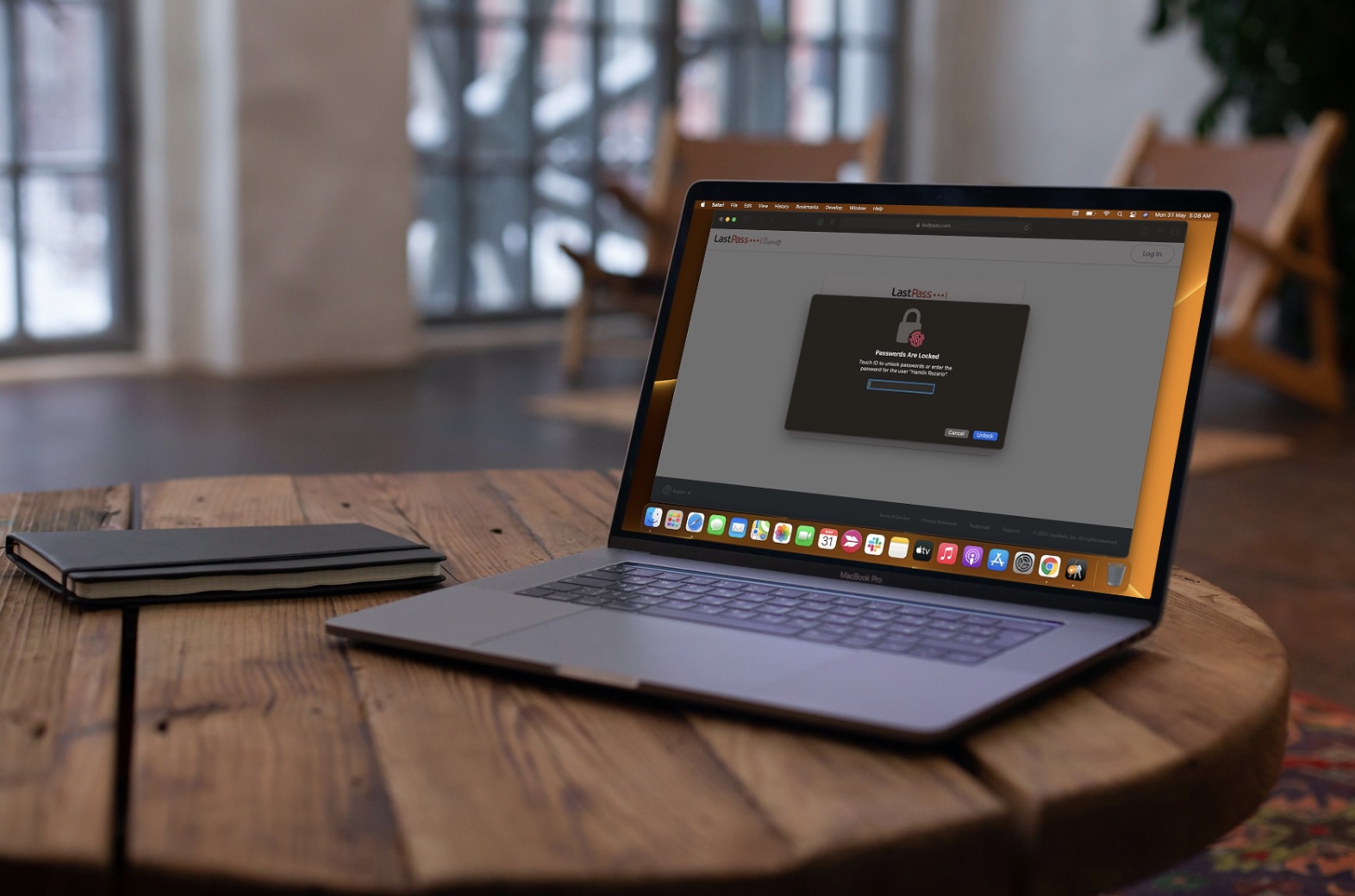
Go to OSX Daily to read How to Import Passwords to iCloud Keychain Using a Mac Are you planning to use iCloud Keychain for managing all your passwords? If you’ve been relying on a third-party password manager until now, you may want to move all your existing passwords to make the migration to iCloud Keychain…
-
How to Add Notes to iCloud Keychain on Mac
-
How to Use iCloud Passwords on Windows PC
-
How to View Saved Passwords in Safari on Mac
-
How to Check for Reused & Compromised Passwords in Safari for Mac
Go to OSX Daily to read How to Check for Reused & Compromised Passwords in Safari for Mac Do you use a password that’s easy to guess for your online accounts? Or perhaps, you reuse the same password for multiple accounts? Maybe you’re wondering if your password has been compromised in a known data breach?…
-
How to Edit Saved Passwords on Mac with Keychain Access
-
How to Add Credit Cards to Safari AutoFill on Mac
-
How to Change the Default Keychain on Mac
Go to OSX Daily to read How to Change the Default Keychain on Mac Did you know that you can create multiple keychains on your Mac, in addition to the default keychain associated with your login? Moreover, you can set other keychains you created as the default keychain on your macOS computer, which then become…
-
How to Change Keychain Password on Mac
Go to OSX Daily to read How to Change Keychain Password on Mac Do you want to change the password used to access your Keychain data on a Mac? There are two ways to change the Keychain password, depending on whether it’s a default Keychain, and therefore whether you have multiple Keychains or not. If…